Infrastructure Layer
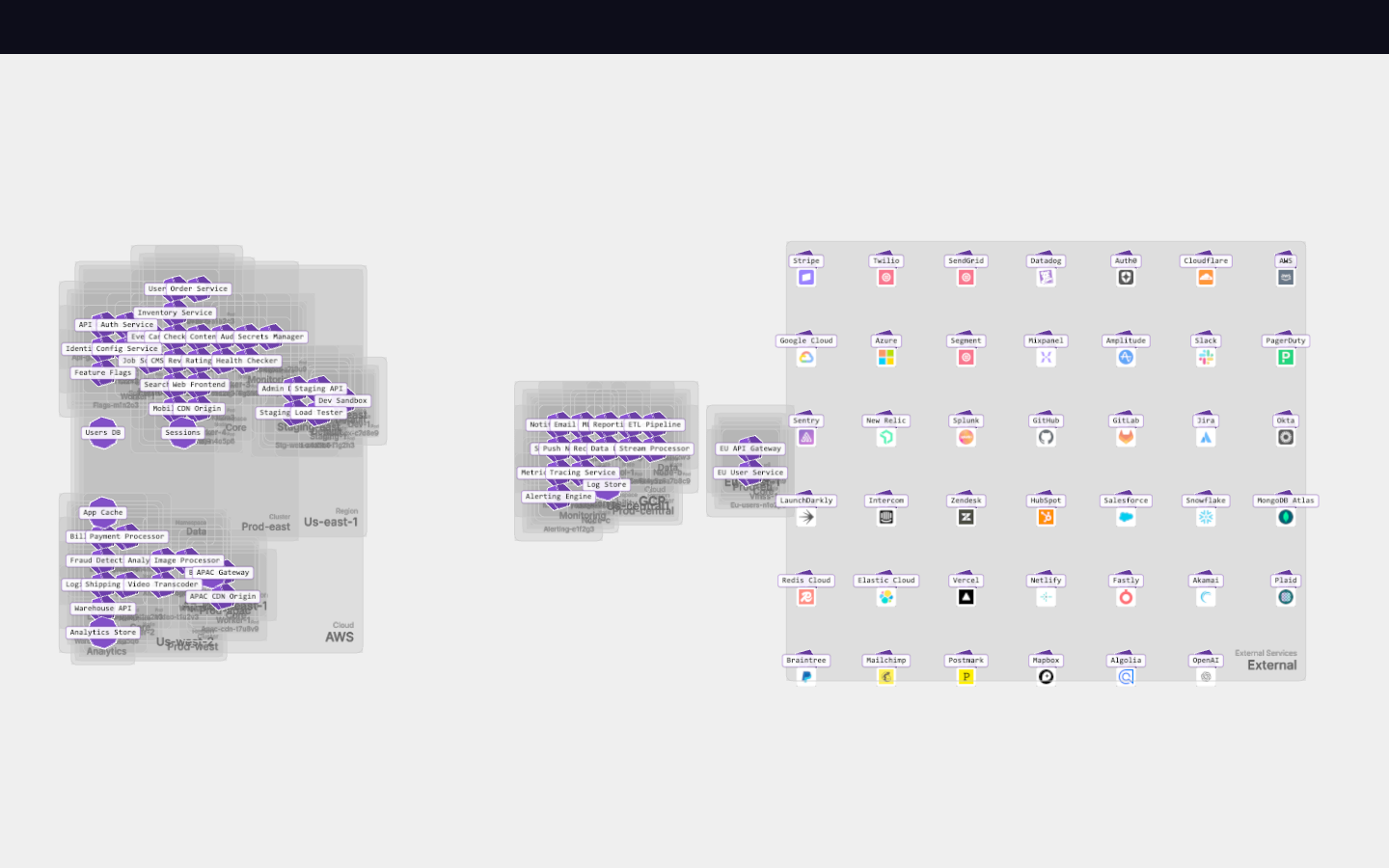
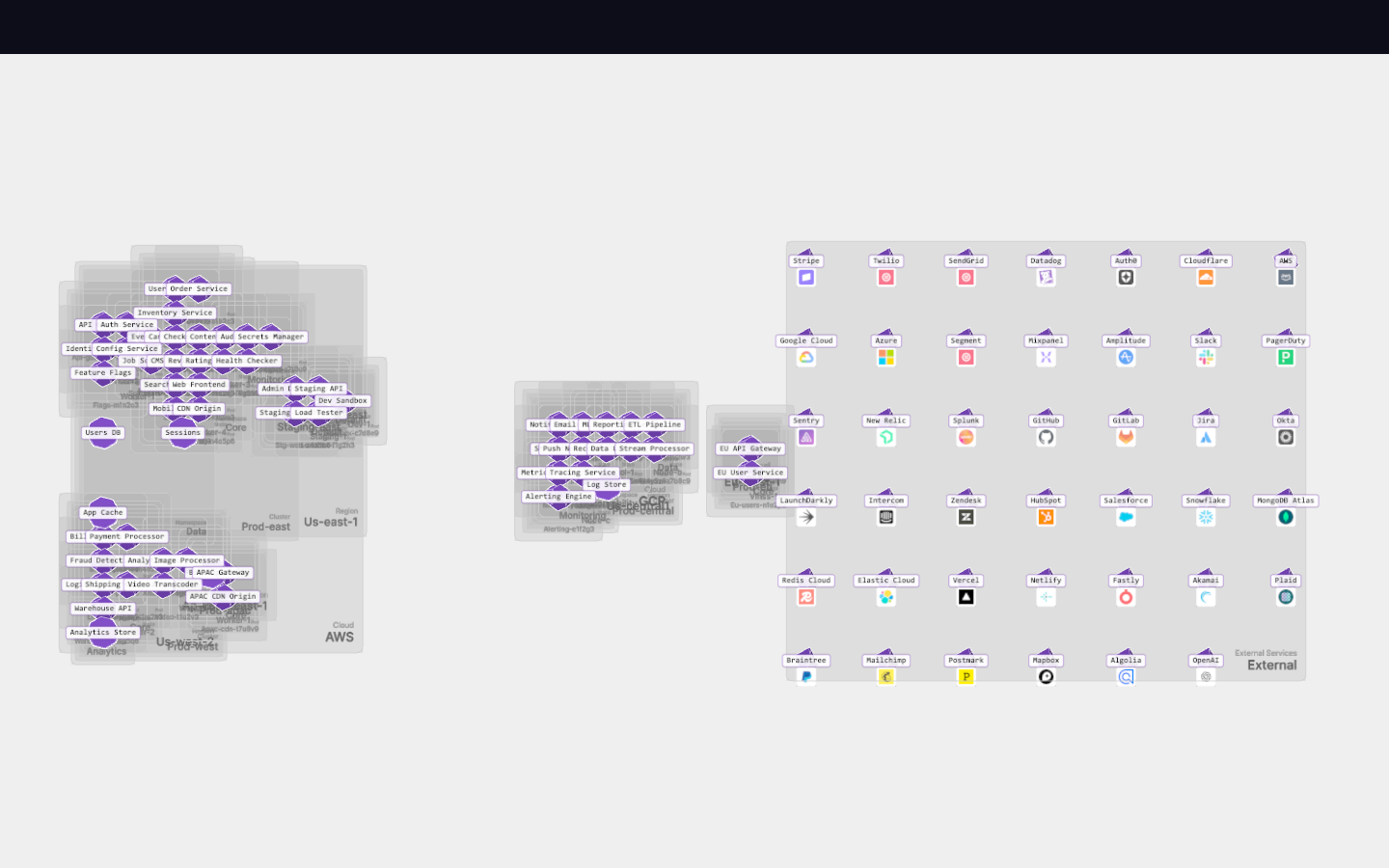
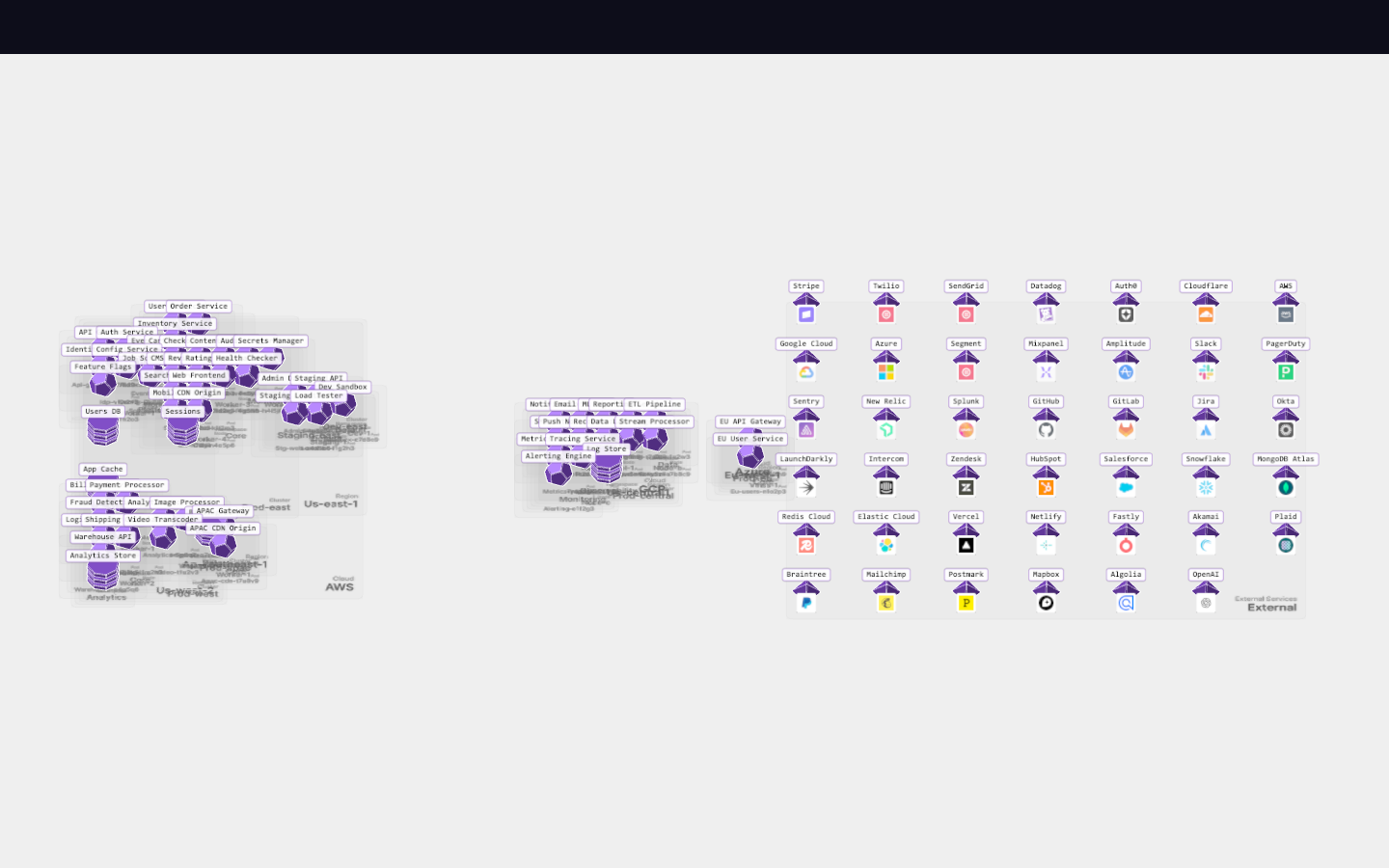
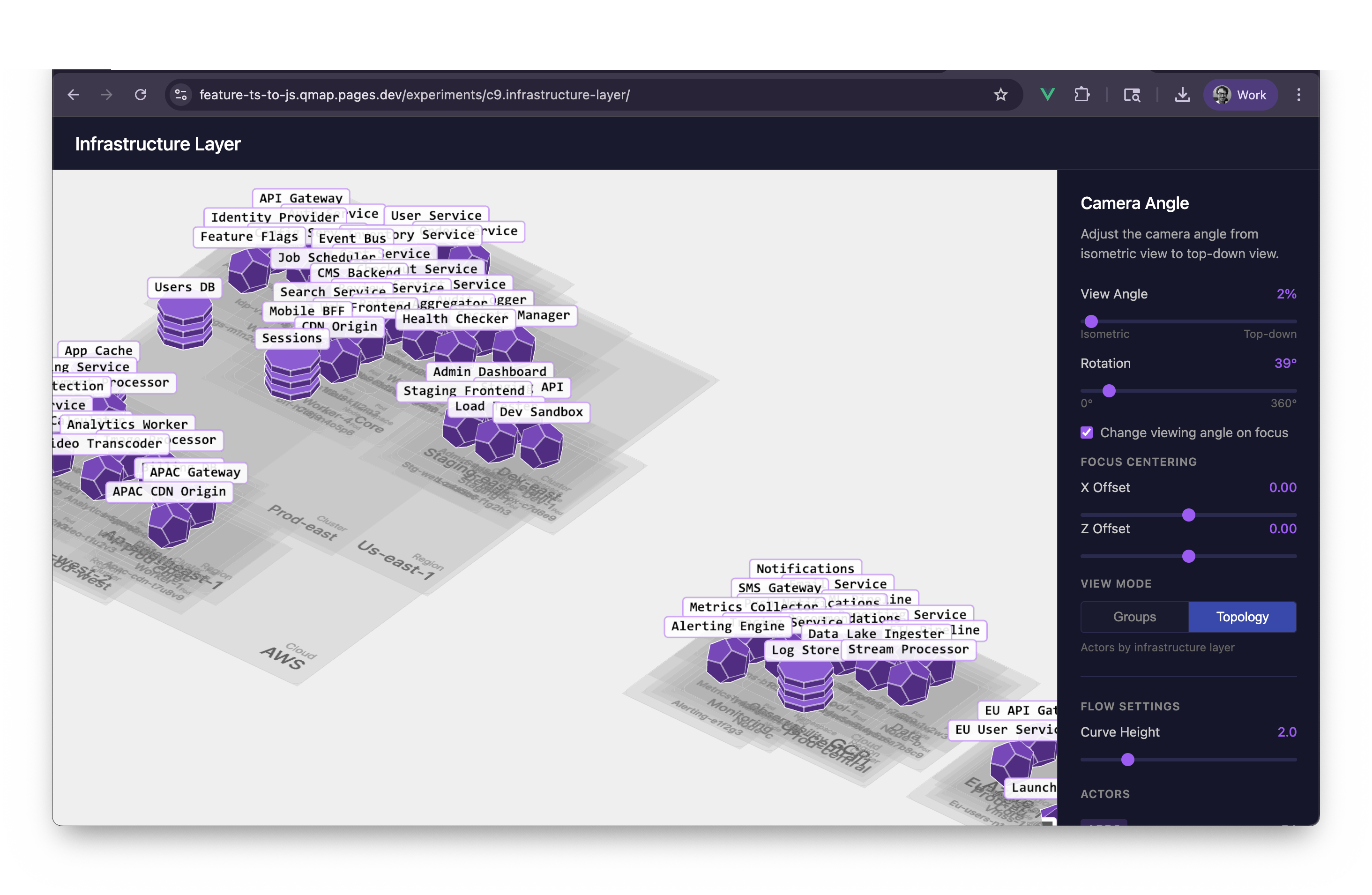
Network topology view with nested infrastructure layers
New in this cycle: Nested infrastructure — Cloud → Region → Cluster → Namespace → Node → Pod
Why
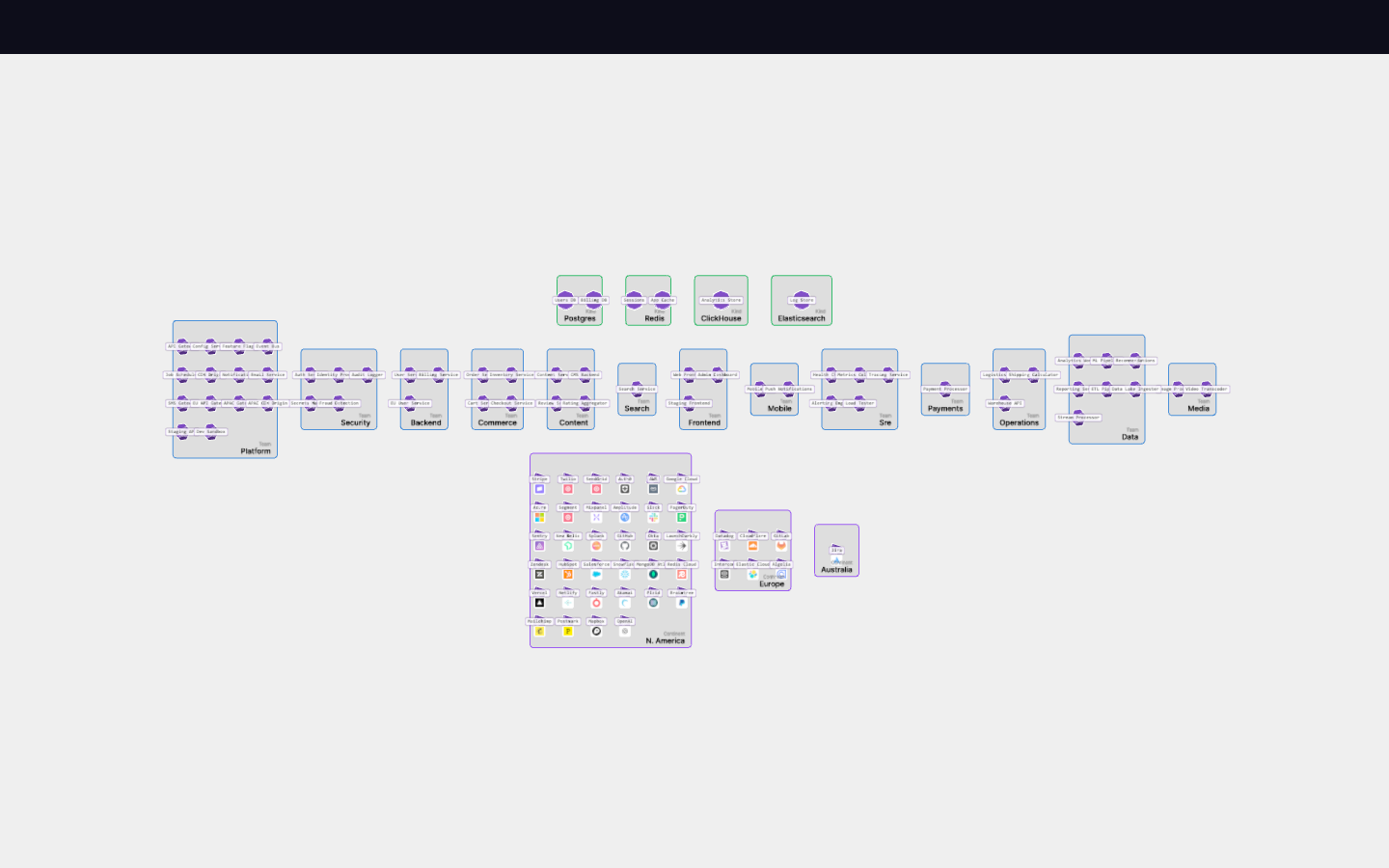
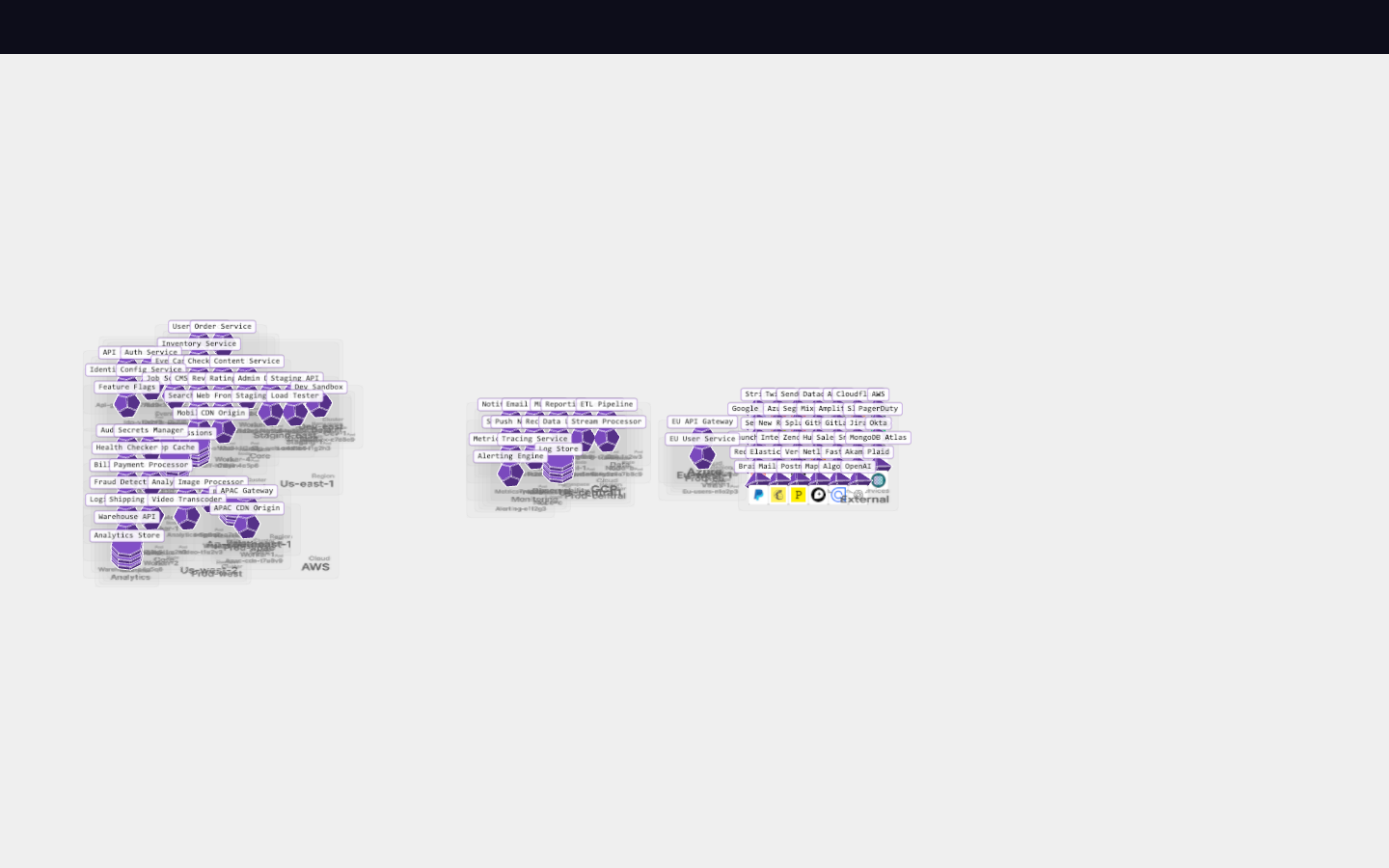
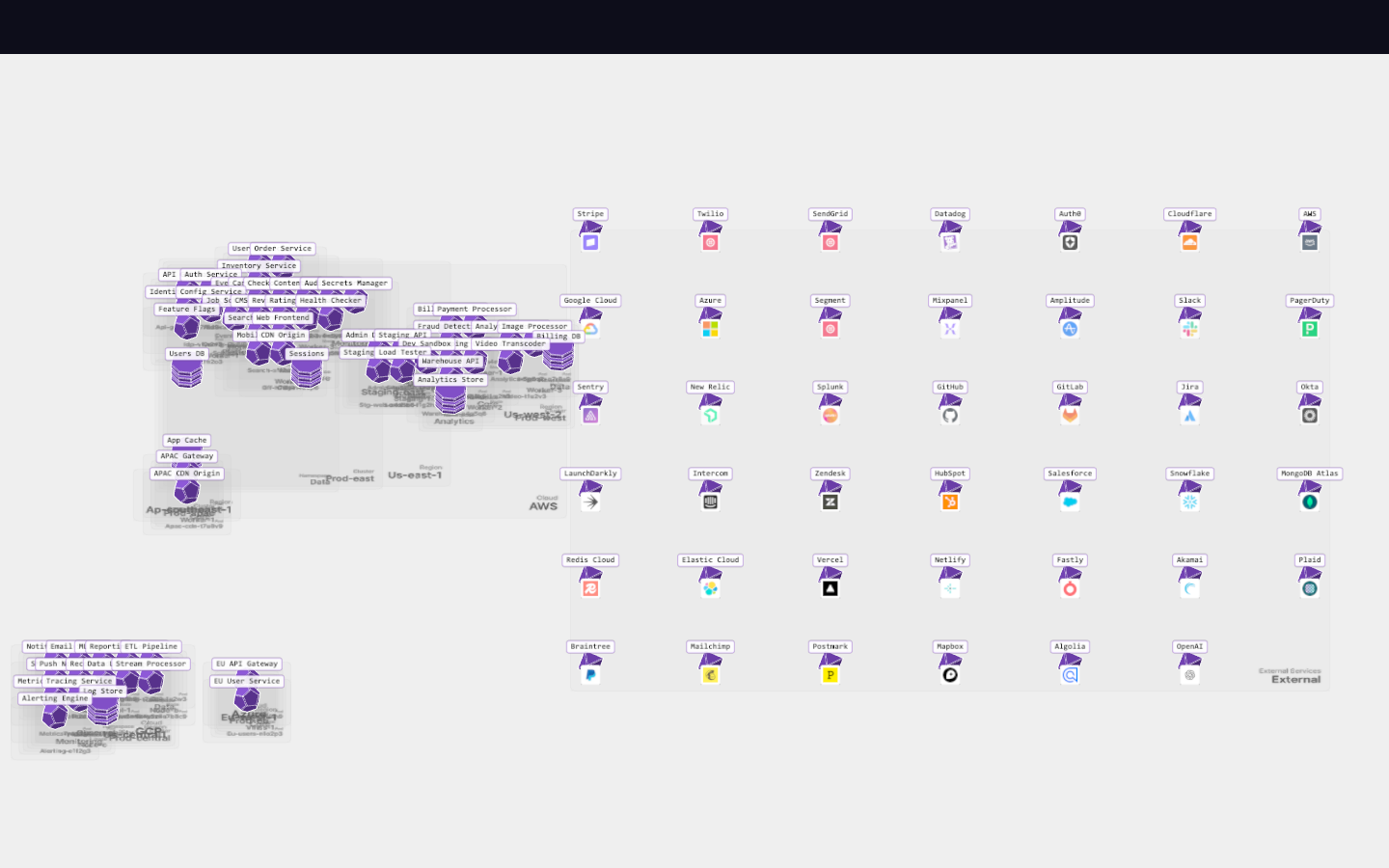
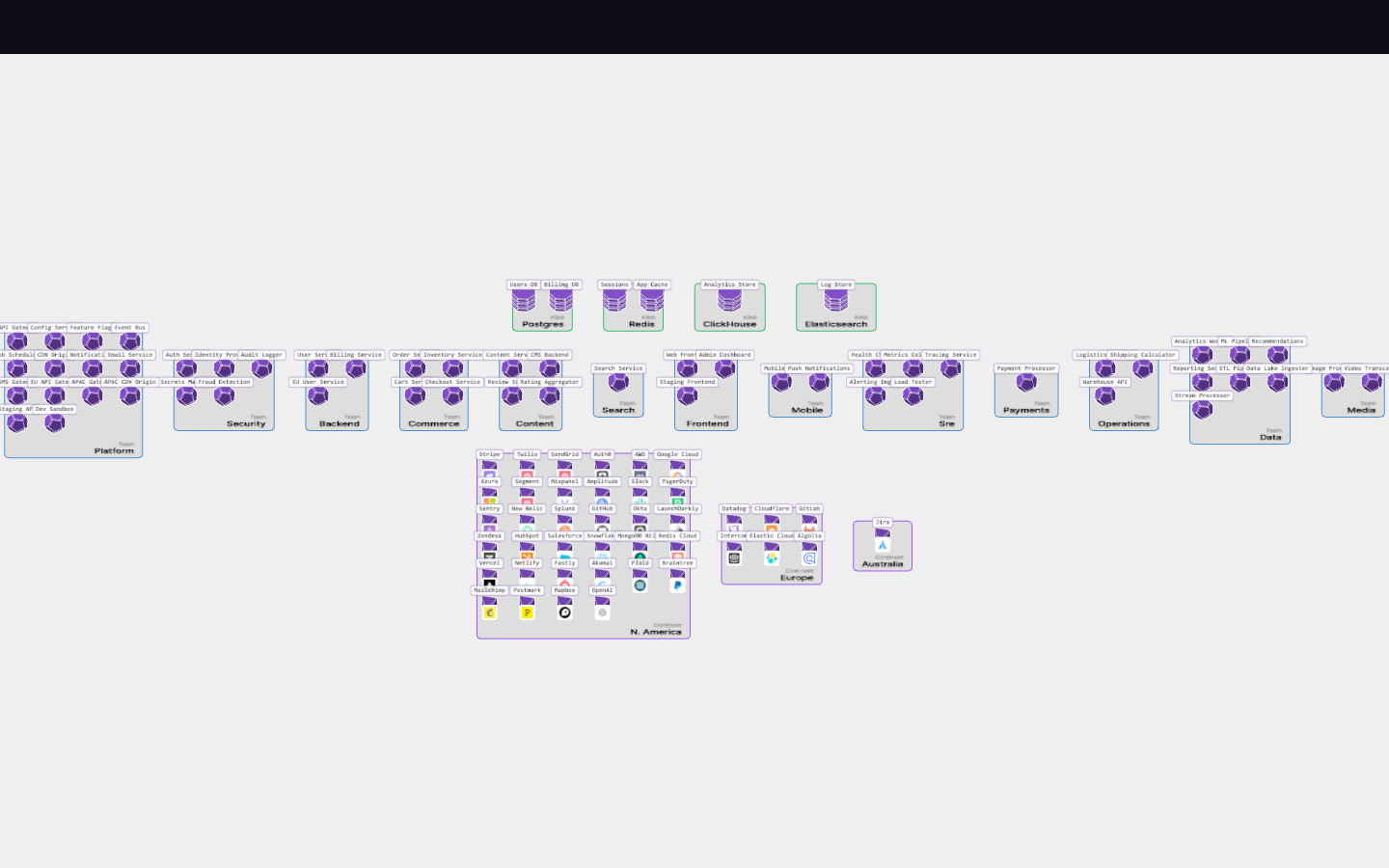
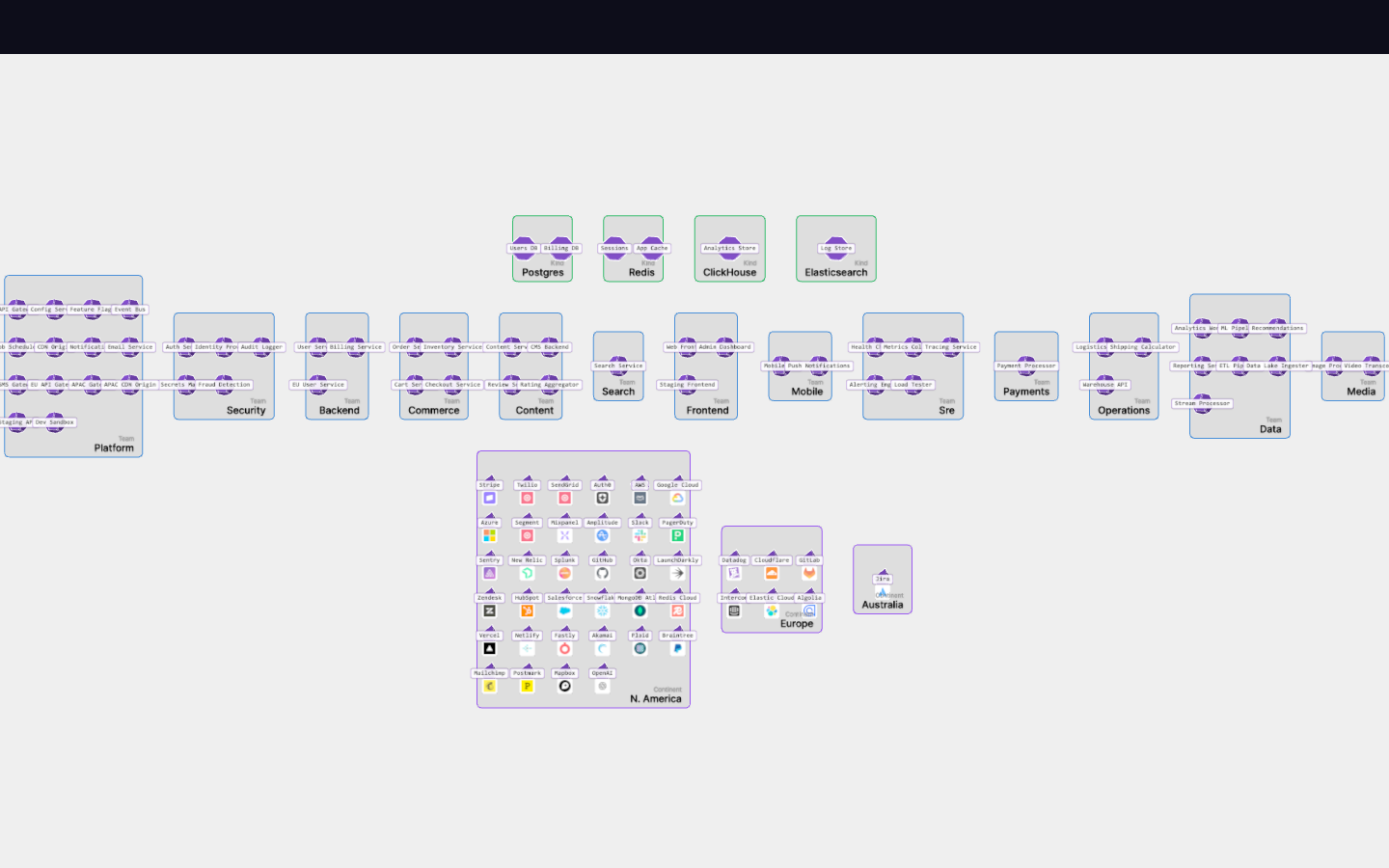
The current Group View organizes actors by arbitrary tags (team, continent, kind). But a critical question in network visualization is "where does this actually run?" This cycle adds an Infrastructure Layer view that shows actors nested within their physical/logical network topology: Cloud → Region → Cluster → Namespace → Node → Pod.
Objective
Build infrastructure layer view with nested rugs visualizing the topology hierarchy (6 levels deep), including an external zone for actors without topology.
Scope
dev/experiments/c9.infrastructure-layer/— infrastructure layer implementation
Key Changes
- Two view modes: Group View (existing tag-based) and Infrastructure Layer View (new topology-based)
- Nested rugs visualize the topology hierarchy (6 levels deep)
- External zone for actors without topology (vendors, external services)
- View toggle with animated morph transitions between views
- Topology data stored as nested
topologyobject in actor tags
Outcome
Cycle became too complex with dual layout systems. Succeeded by c10 which focused specifically on pluggable layout strategies.
Visual record
9 captures — heroes, page slices, and full-page renders. Click to view.