archivedcreated 2026-03-23· last activity 2026-08-15
New in this cycle: Screenshot staging — visibility toggles and grid spacing for clean plates
Goal
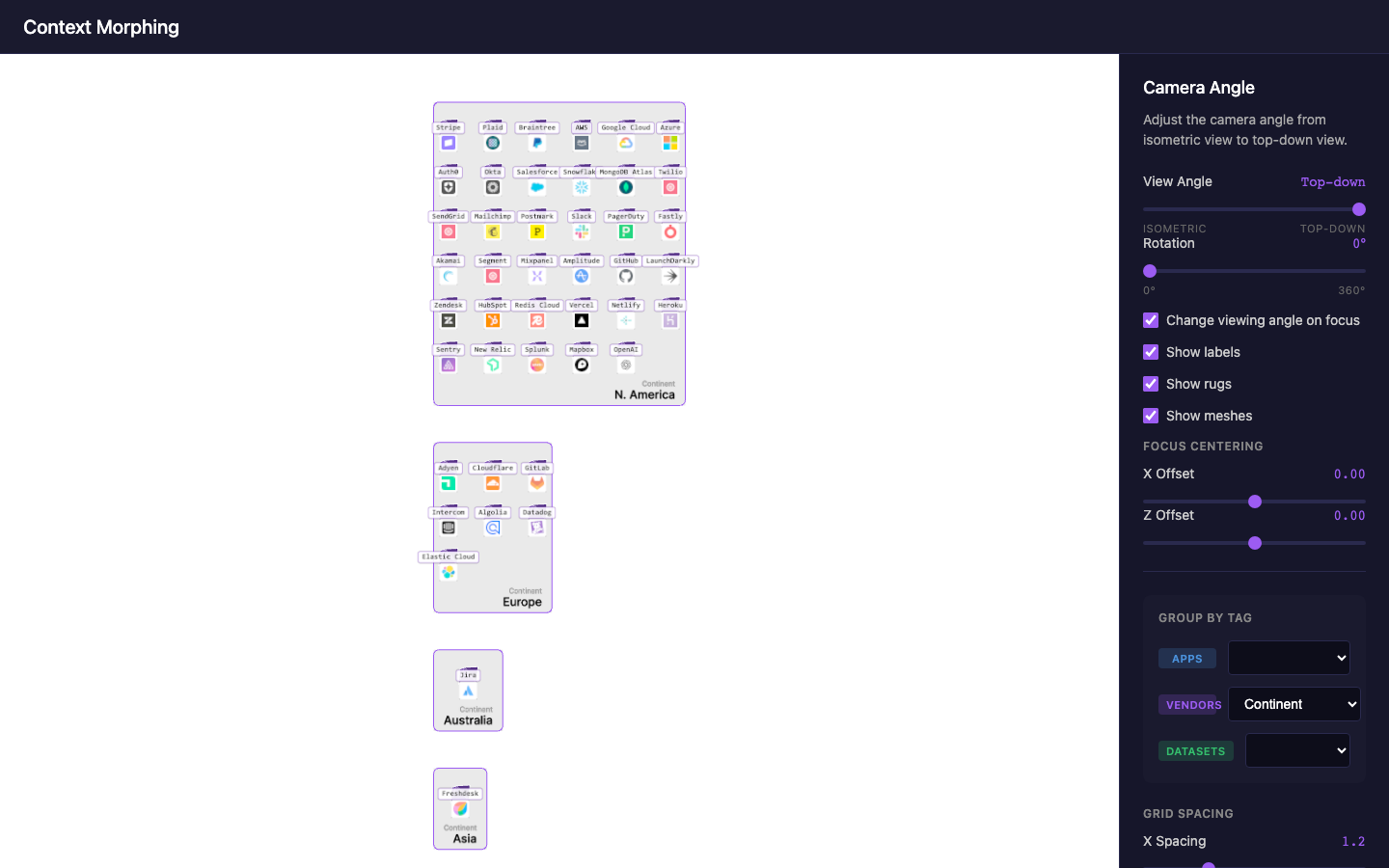
Create screengrabs for visual design process. This cycle builds on c7's entity meshes and grouping, providing different actor configurations for capturing visual variations.
Focus
Screengrab-ready scenes with various actor counts and arrangements
Swappable test data - easily switch between datasets via shared/data/ files
Visual design exploration - different densities, groupings, connection patterns
Data Configuration
Test data files are located in shared/data/:
File
Description
testData.default.js
Full dataset from c7 (8 apps, 43 vendors, 6 datasets)
// Use one of these:
export * from './data/testData.default.js';
// export * from './data/testData.minimal.js';
// export * from './data/testData.focused.js';
Screengrab Workflow
Select dataset for the shot
Adjust grouping context via controls
Position camera (angle slider + rotation)
Capture screenshot
Notes
Builds directly on c7's context morphing work
Camera controls and grouping UI remain unchanged
Focus is on curating data variations, not code changes
Visual record
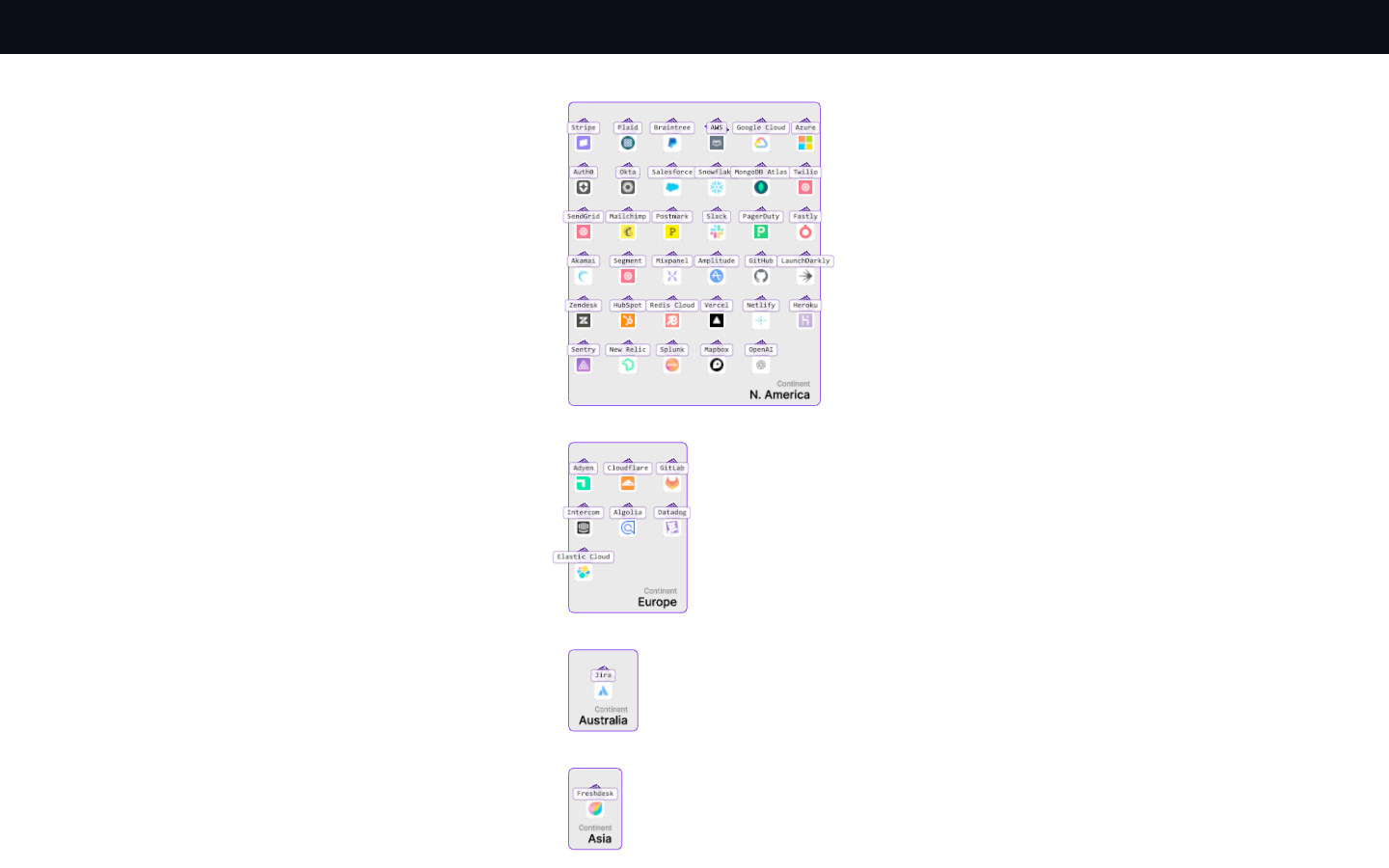
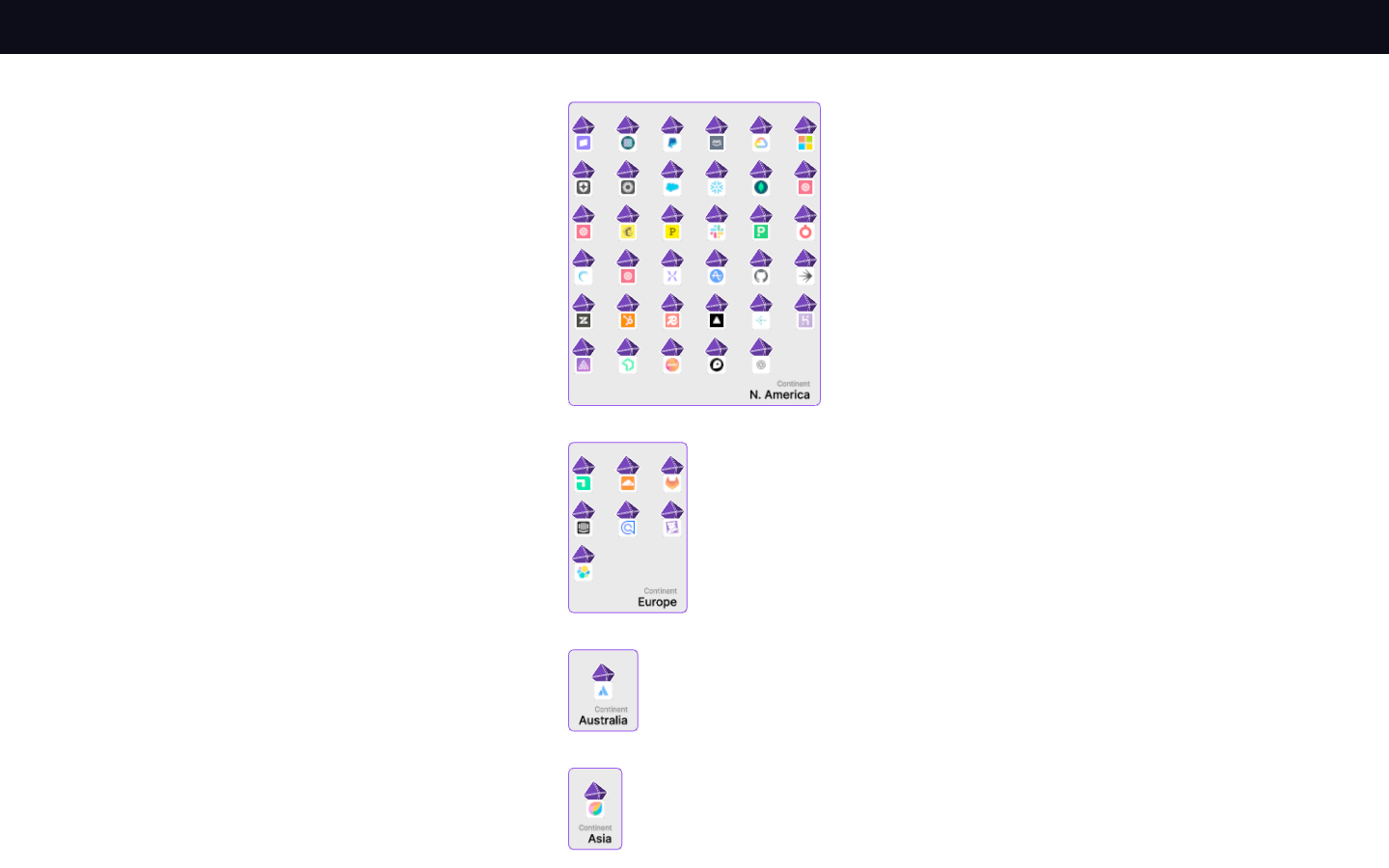
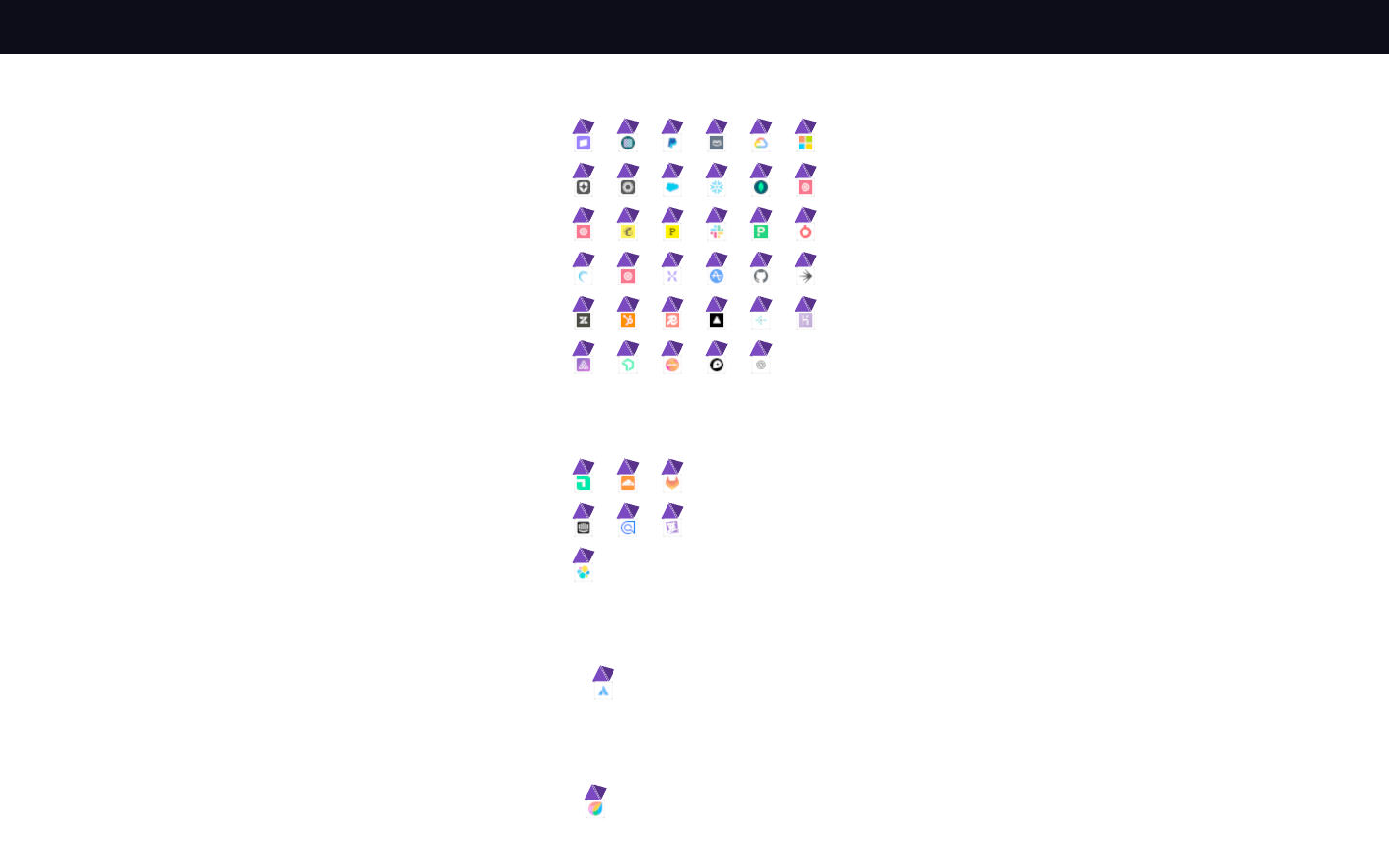
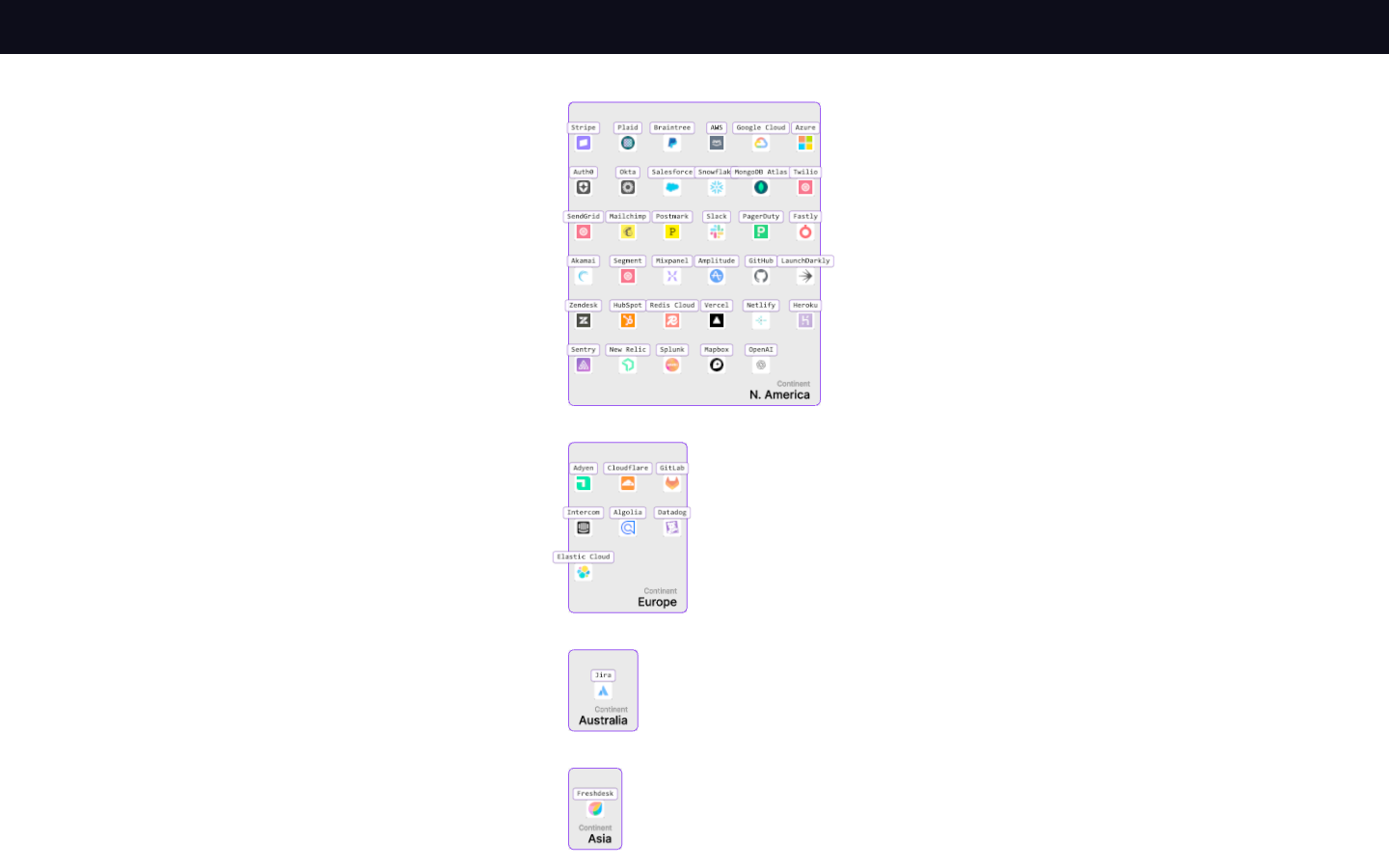
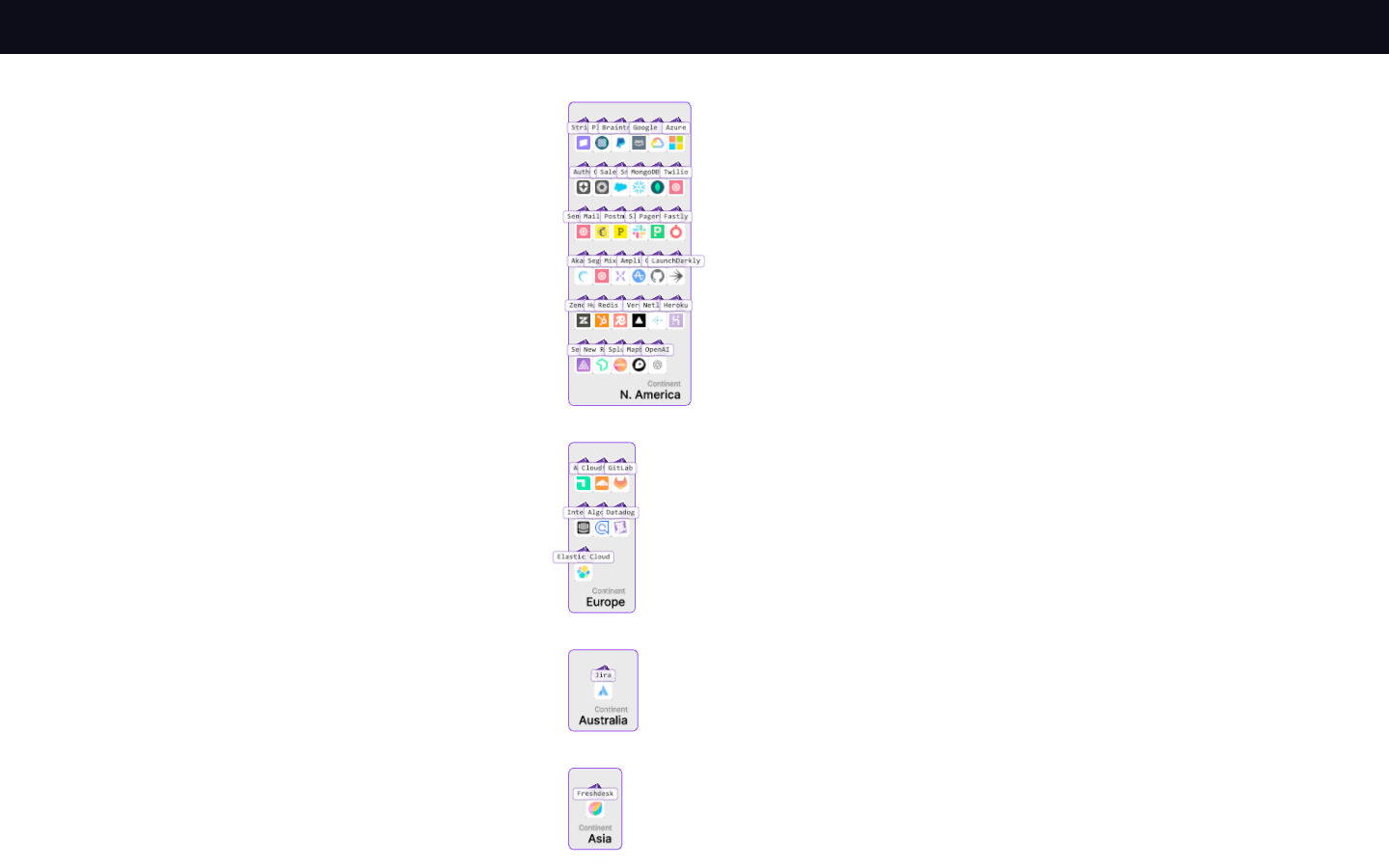
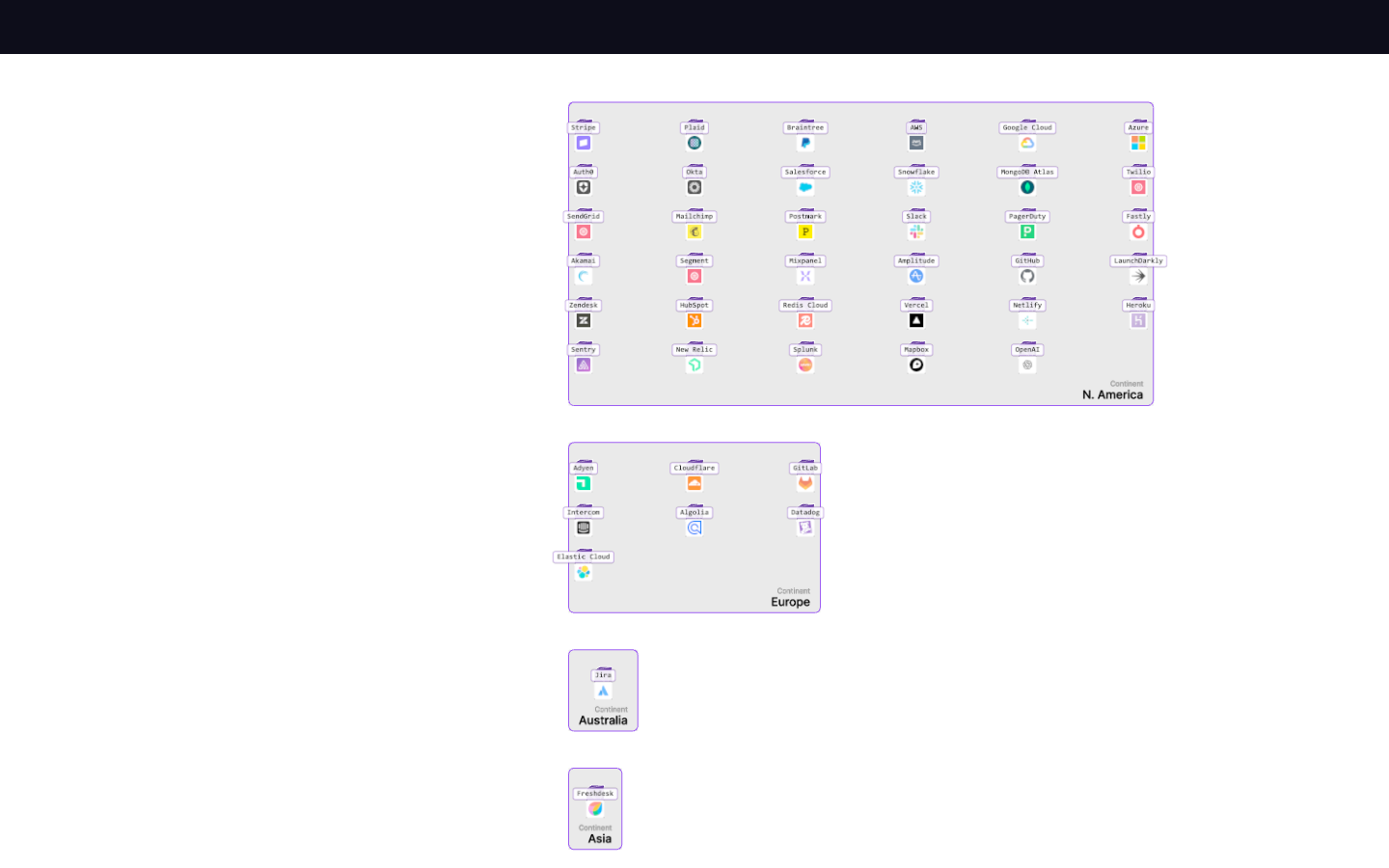
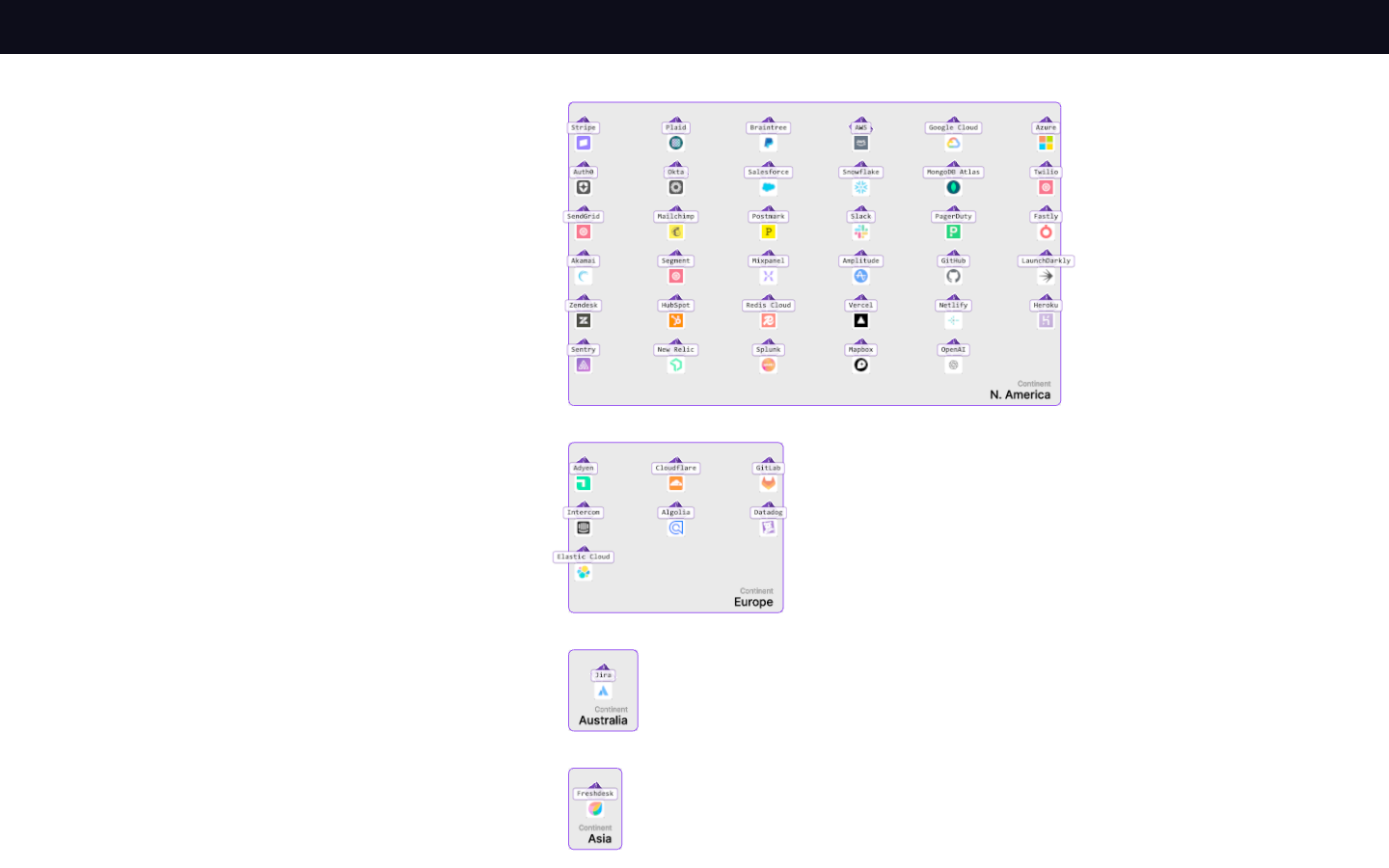
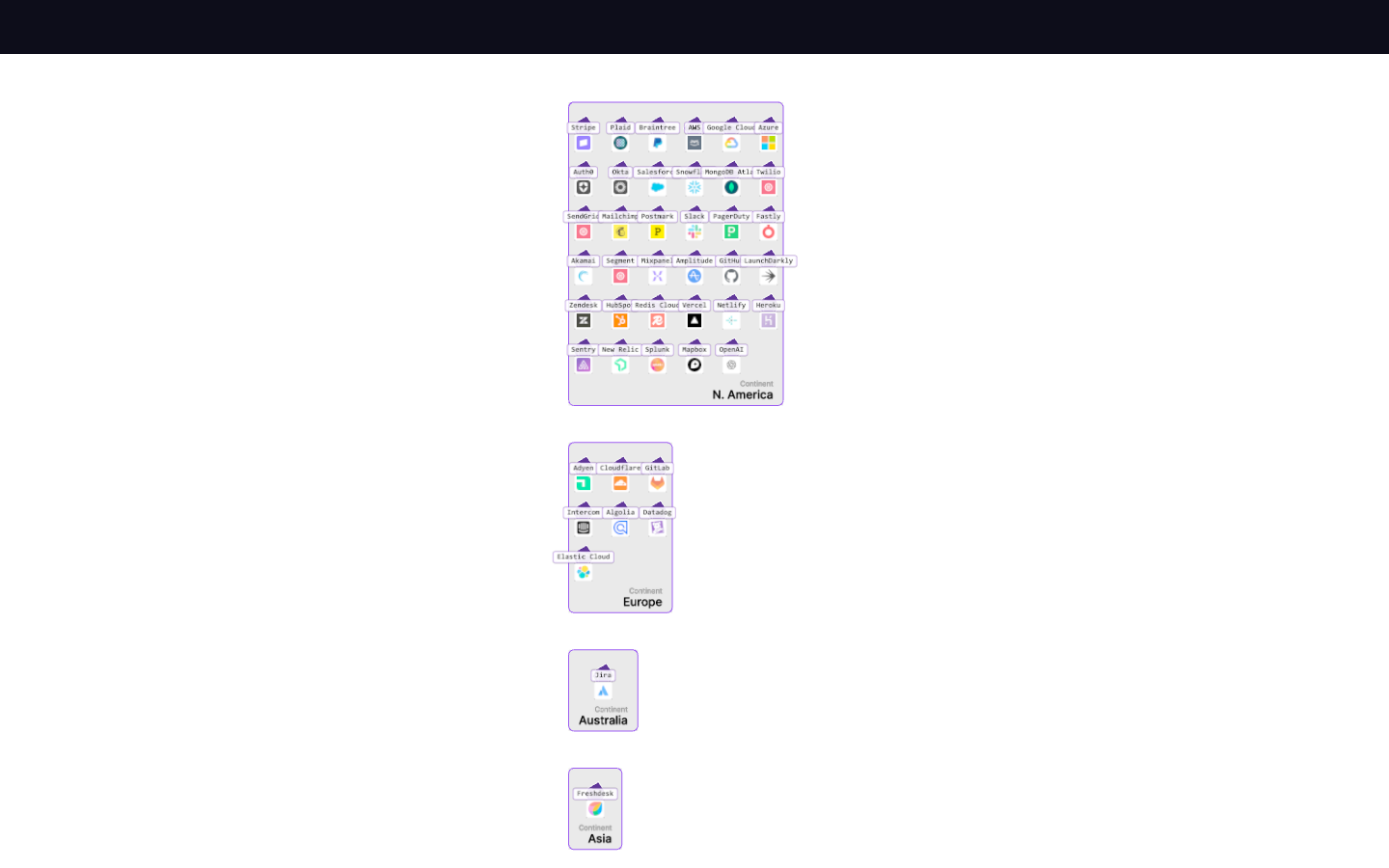
9 captures — heroes, page slices, and full-page renders. Click to view.
Everything on — the 42-vendor dataset Labels hidden — geometry only Labels and rugs hidden — floating actors Meshes hidden — territory without occupants Grid spacing 0.5 — packed Grid spacing 3.0 — airy Wide X, tight Z — banded layout Top-down plate at default spacing