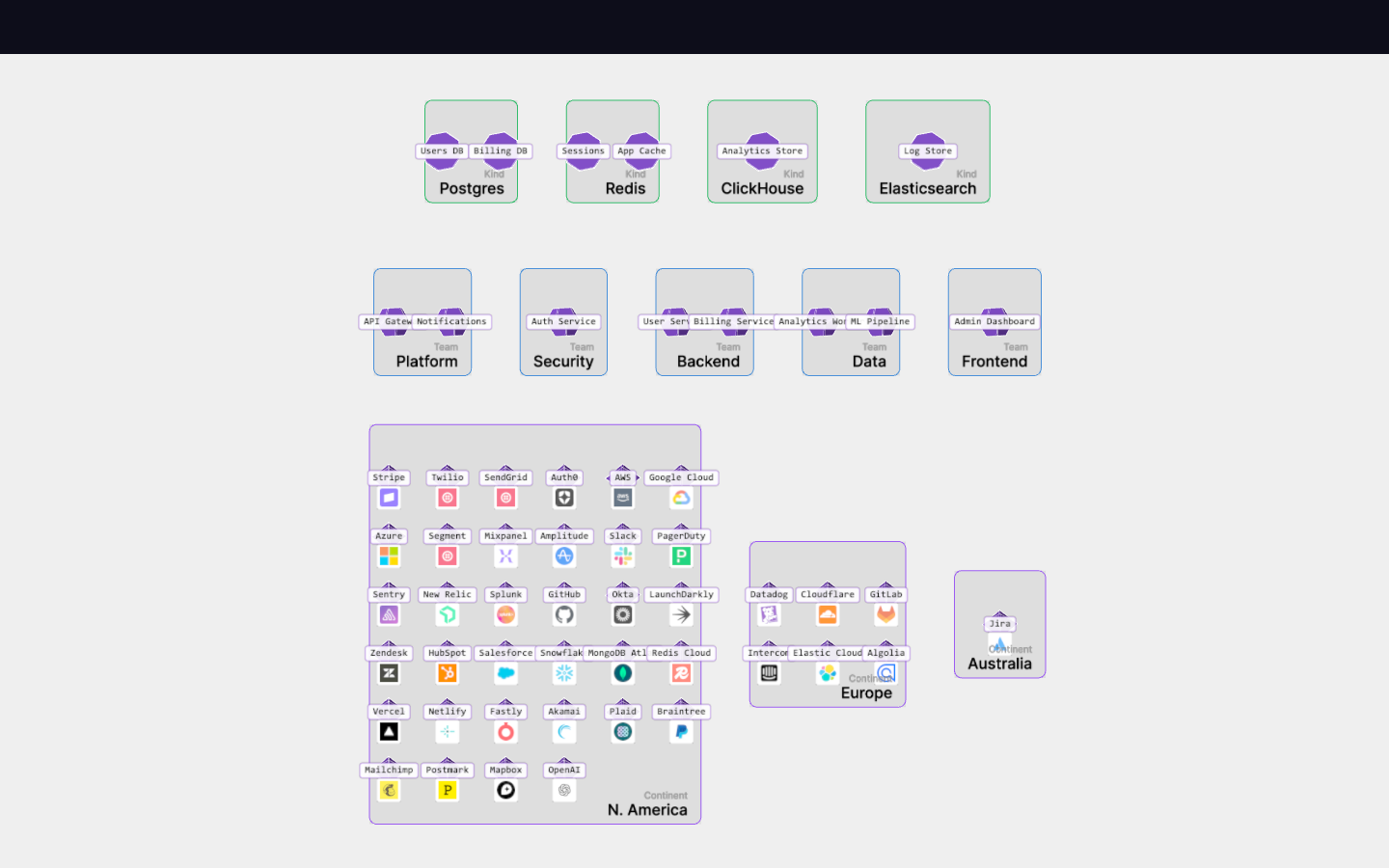
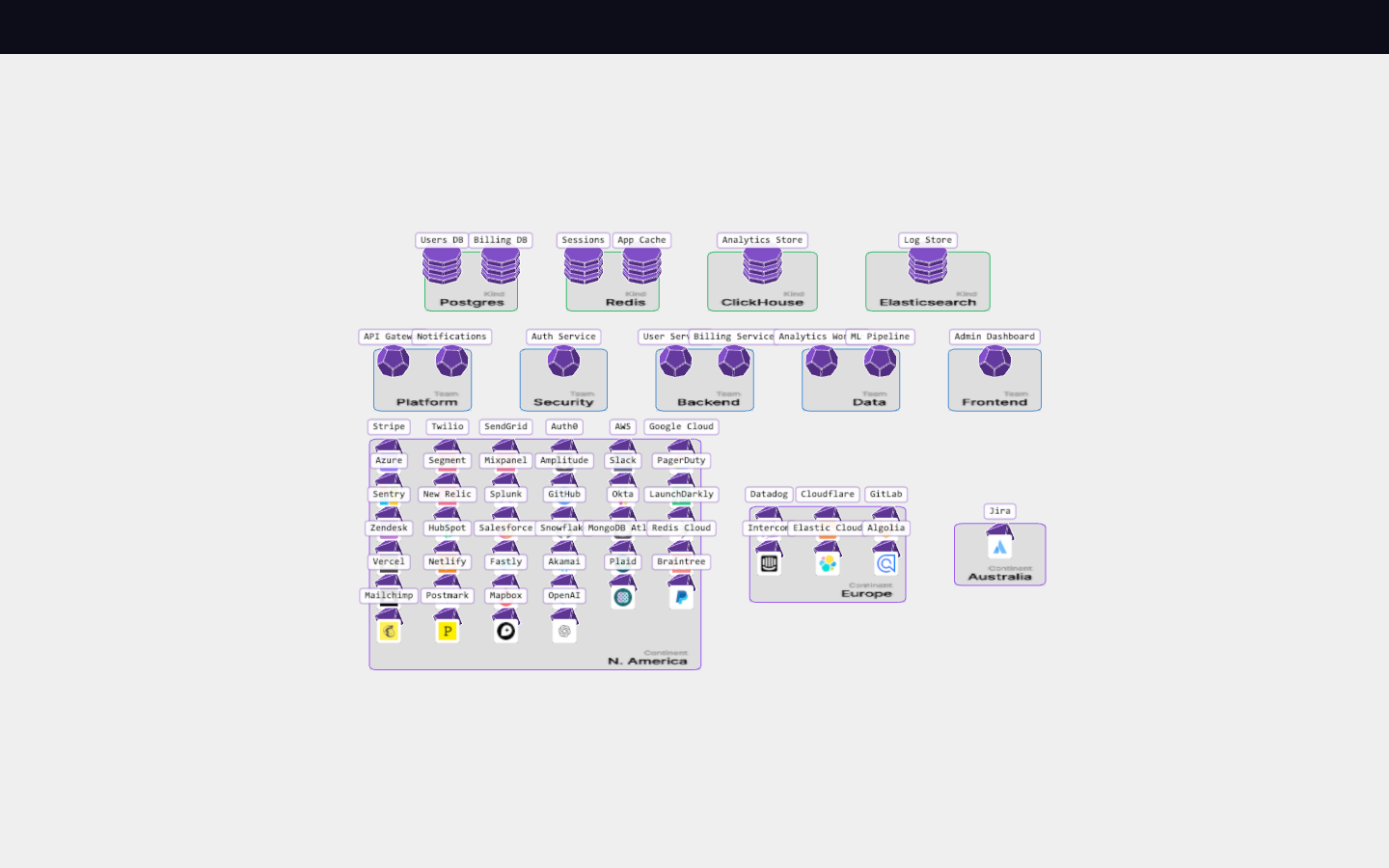
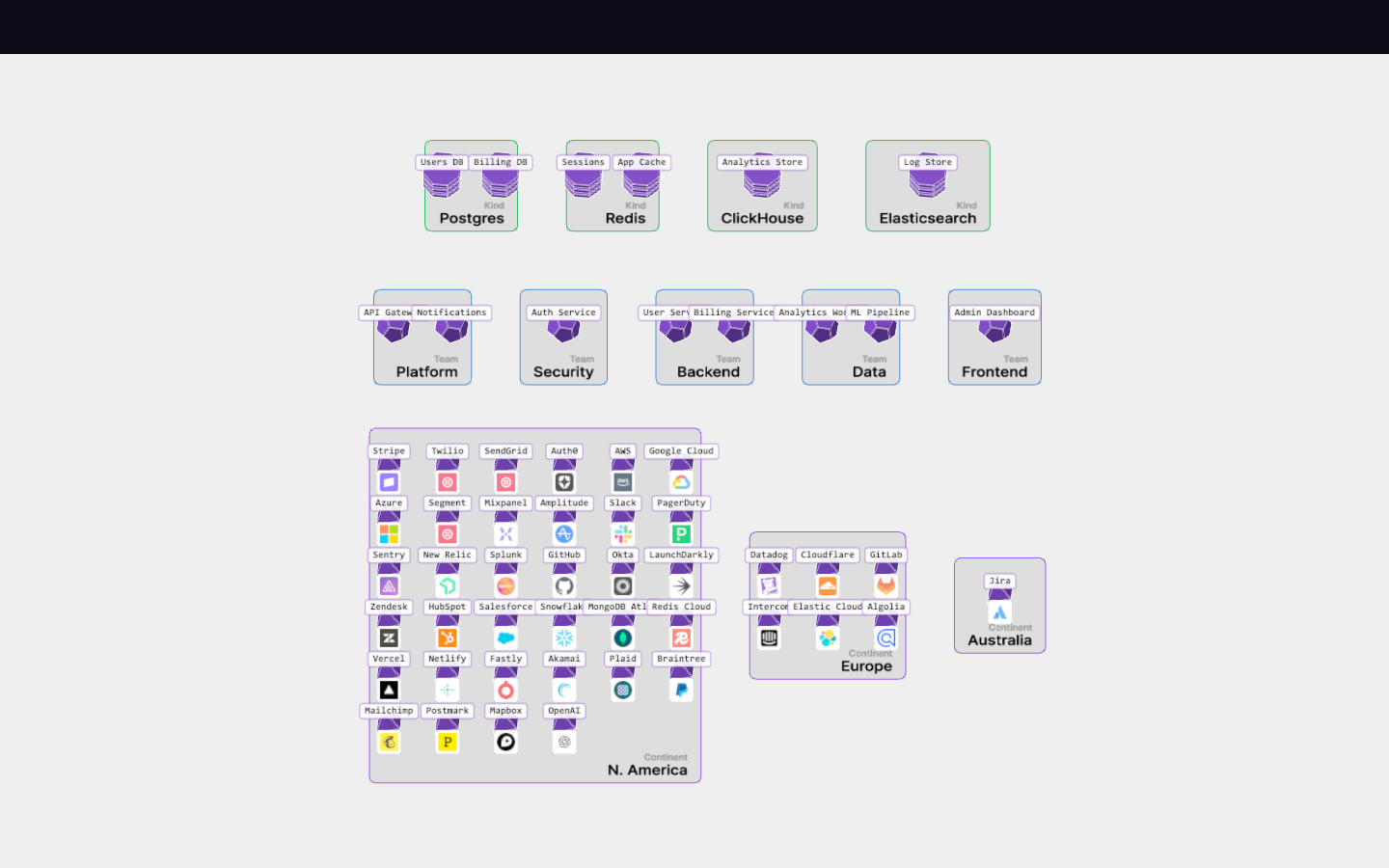
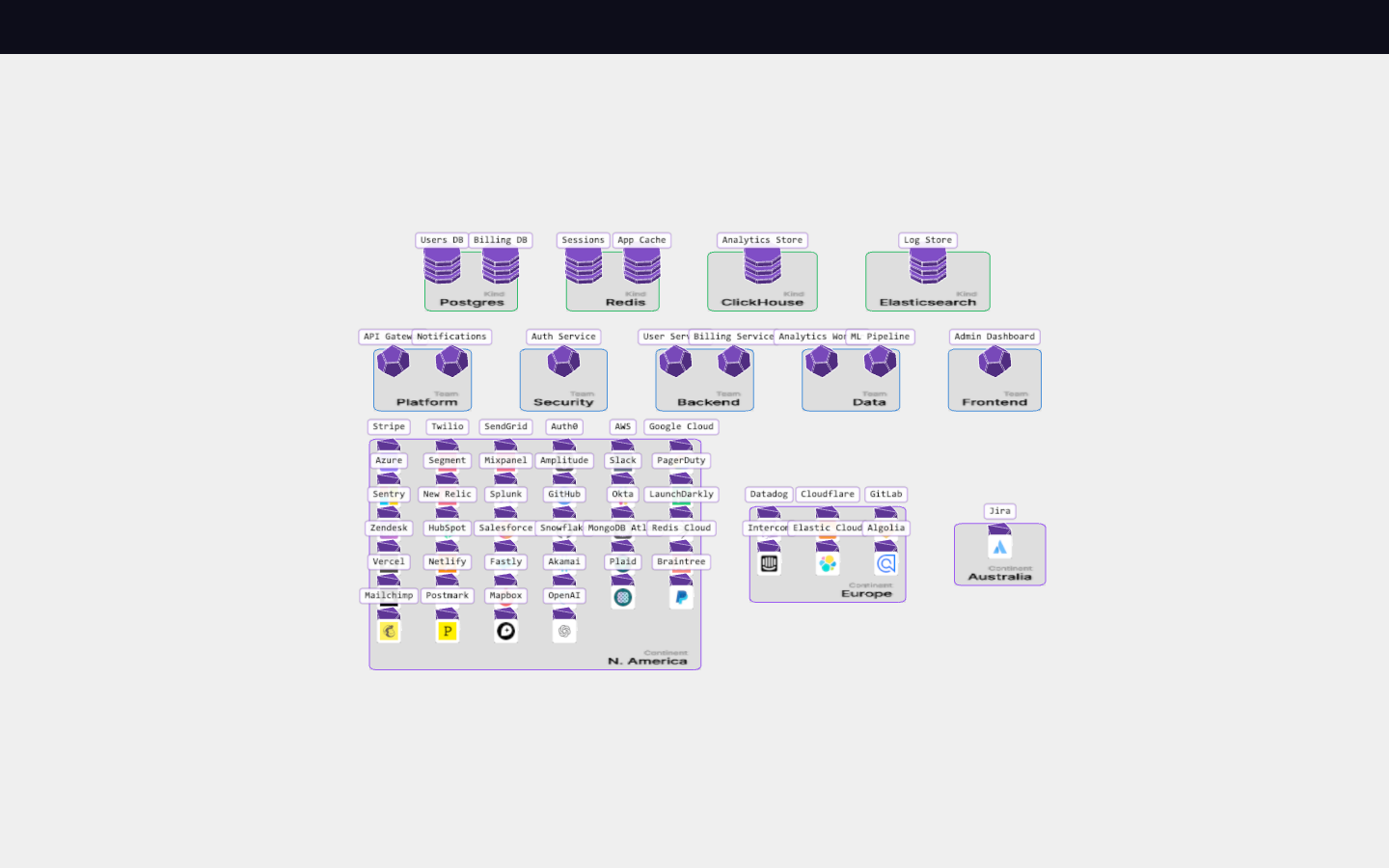
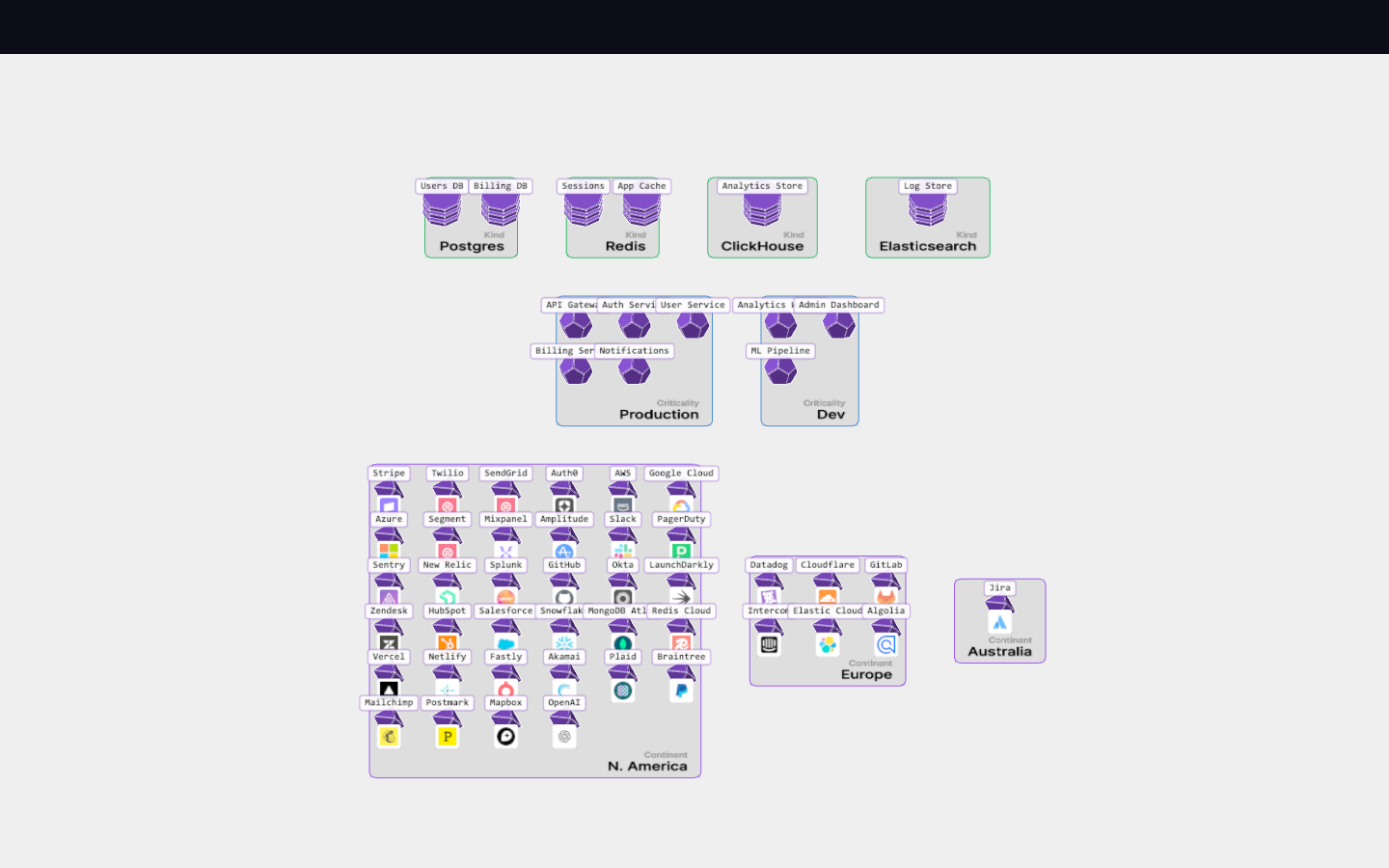
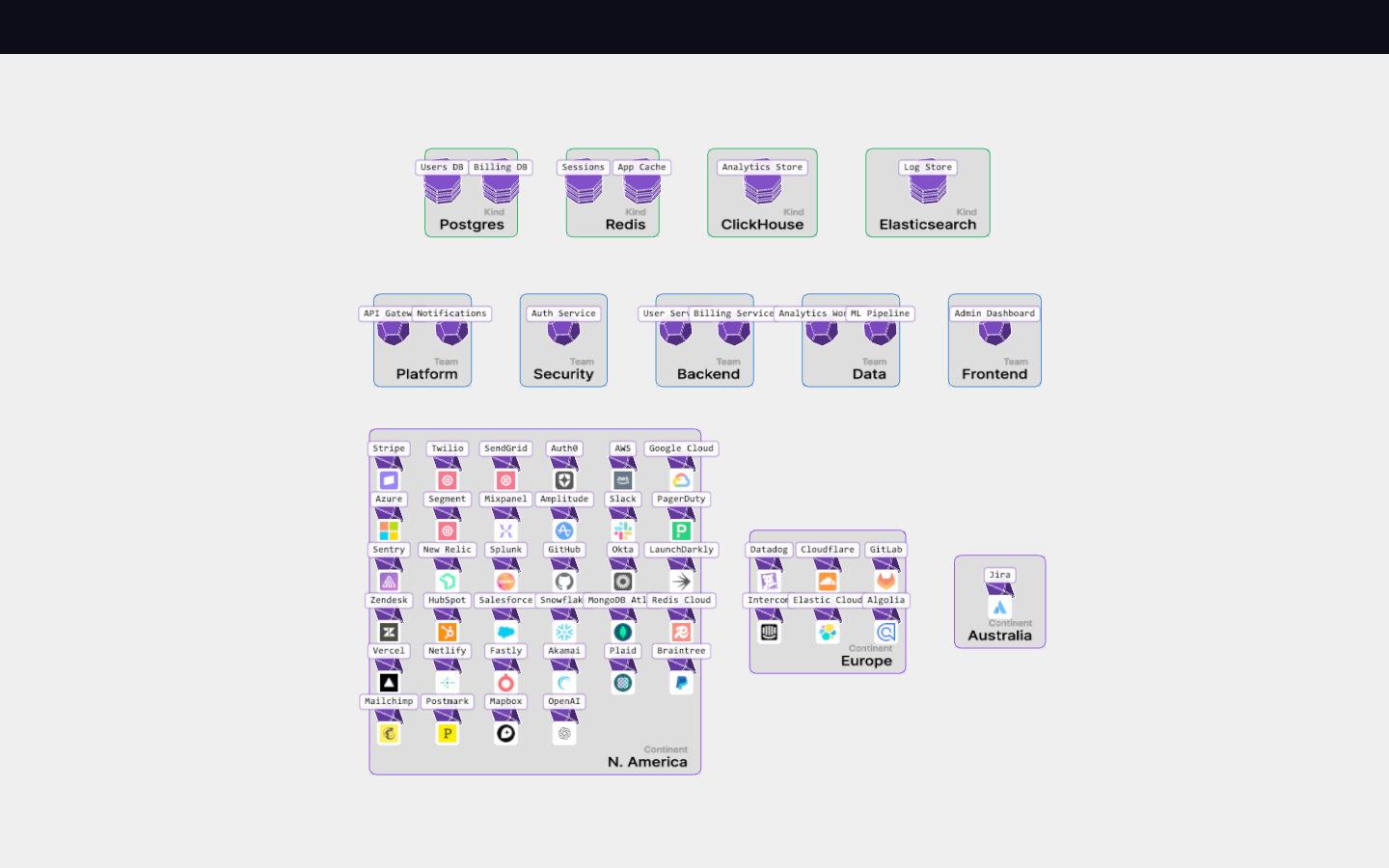
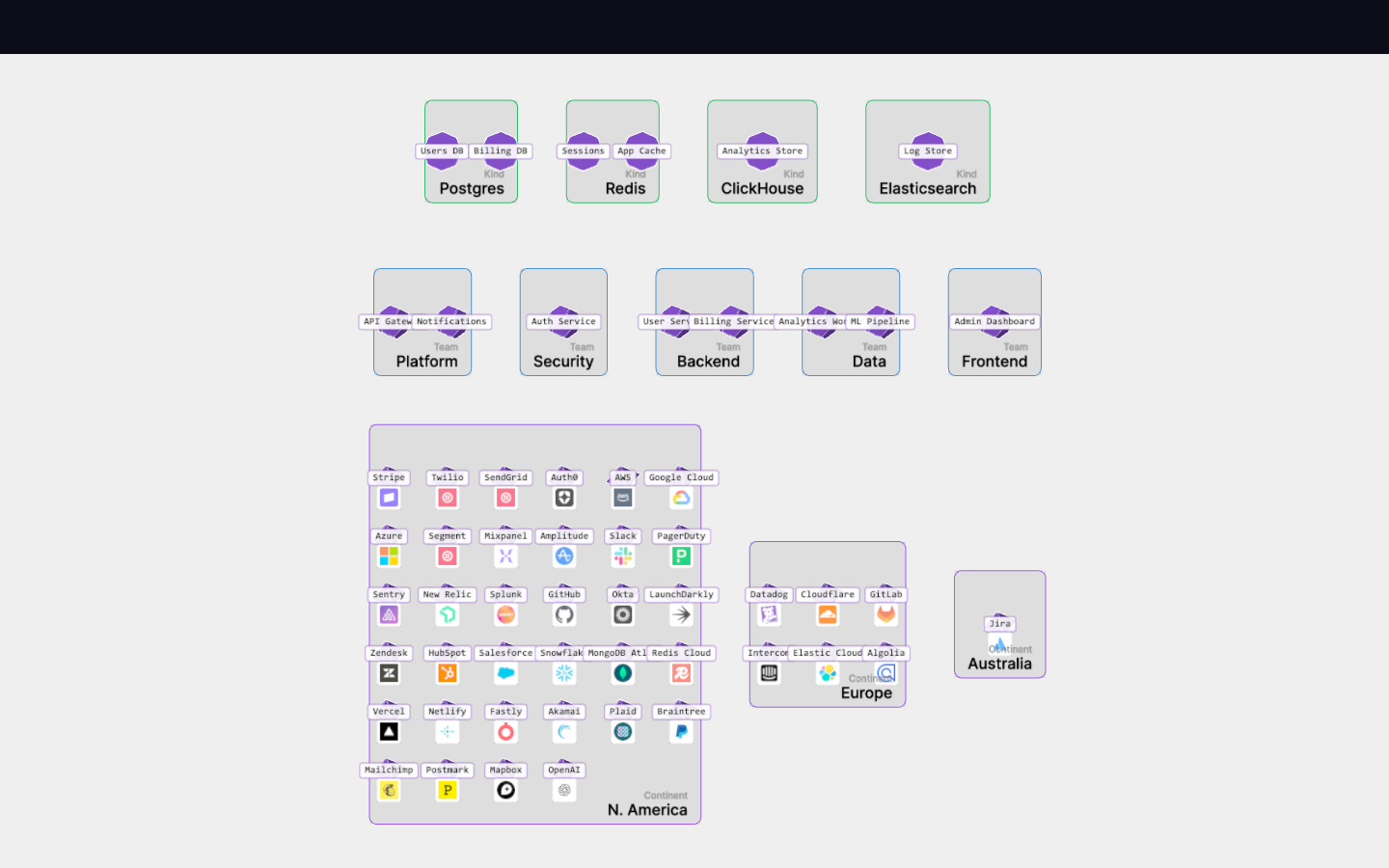
camera-focus
New in this cycle: Flat-overview → 3D-detail camera morph as the focus signal
Goal
Camera control experiments:
- Zoom and pan to frame selected actor and its connections
- Camera angle slider - transition from isometric to top-down view
Outcome
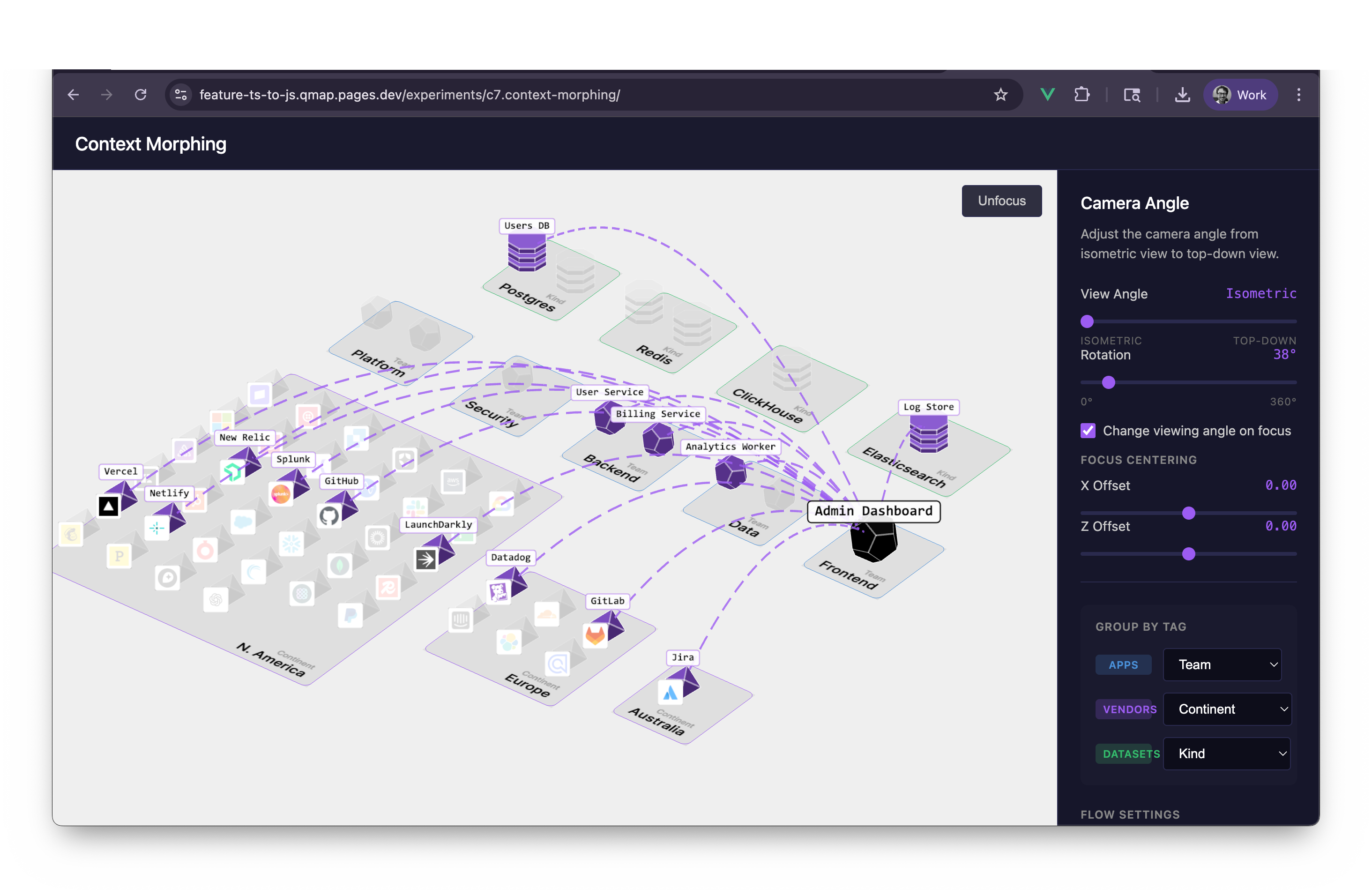
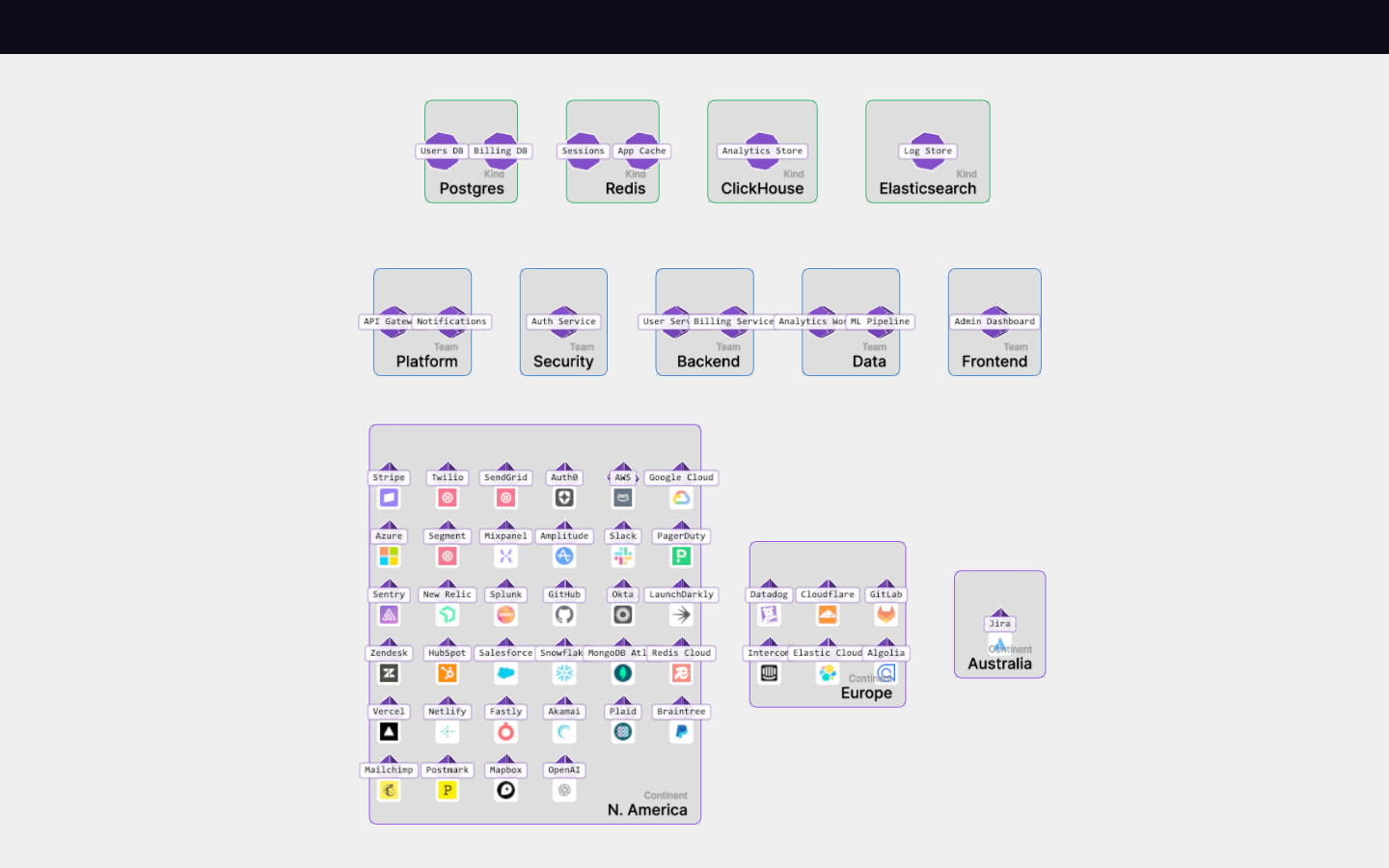
Camera framing system complete. Click actor → camera animates to frame actor and connections. Unfocus → camera returns to initial view. Integrates cleanly with grouping transitions (re-centers if selection active). Core CameraControls now properly supports arbitrary lookAt targets for future pan/navigation features.
Camera angle slider allows exploration of different viewing perspectives - useful for understanding spatial relationships from above vs the standard isometric view.
Rotation controls provide quick access to cardinal viewing directions without drag interaction - useful for consistent screenshots or comparing layouts from fixed angles.
Focus
- Automatic camera framing when clicking an actor
- Smooth animated transitions for camera position and zoom
- Reset to initial view on background click
- Camera angle slider (0% isometric → 100% top-down)
Approach
- When actor is clicked:
- Collect positions of clicked actor + all connected actors
- Calculate bounding box of those positions
- Compute frustum size needed to frame the bounding box
- Animate camera to center on and zoom to fit
- When background is clicked:
- Animate camera back to initial state (captured on scene init)
Key Files
New: shared/cameraAnimation.js
calculateFocusBounds(positions, padding)- Bounding box from actor positionsfrustumSizeForBounds(bounds, aspect, padding)- Required frustum to frame boundsanimateCameraFocus(camera, controls, config, options)- Animated camera transitioncaptureCameraState(camera, controls)- Snapshot camera state for reset
Modified: src/core/CameraControls.js
- Added
targetproperty (was hardcoded to origin) setTarget(target)/getTarget()methodsrotateY()now respects target for proper rotation around focus point
Modified: ExperimentsApp.vue
initialCameraStateref - Stores initial camera statefocusCameraOnPositions(positions)- Focus camera on actor positionsresetCameraToInitial()- Return camera to initial viewselectActor()- Now callsfocusCameraOnPositionsafter highlightingclearSelection()- Now callsresetCameraToInitialafter reset
Animation Config
{
  focusDuration: 500,    // ms for focus animation
  resetDuration: 500,    // ms for reset animation
  minFrustumSize: 4,     // Don't zoom in more than this
  focusPadding: 2.0,     // Extra padding around framed content
  actorPadding: 1.0,     // Padding around actor bounding box
}
Uses easeOutCubic for quick start, gentle landing.
Notes
- Reuses animation system from
morphAnimation.js(animateValue,lerp, easing functions) - Camera maintains isometric angle during pan by offsetting position relative to target
- Frustum size clamped to CameraControls min/max zoom constraints
Key Learnings
Isometric pan without rotation: Store camera-to-target offset once, then apply to new targets. Moving both camera position and lookAt target by the same delta preserves the viewing angle.
Orthographic framing math:
frustumSize= vertical extent (top to bottom)- Horizontal extent =
frustumSize × aspect - Frame bounds by taking
max(width/aspect, depth)to ensure both fit
State capture/restore pattern: The same animateCameraFocus() function handles both focus-in and reset—just pass different target configurations (captured initial state vs computed bounds).
CameraControls target property: Extending controls with a mutable target Vector3 enables proper rotation around arbitrary points (not just origin) and panning without losing isometric angle.
Camera Angle Slider
Implementation
Uses spherical coordinates to interpolate camera position:
- Isometric view (0%): phi = atan(√2) ≈ 54.7° from y-axis
- Top-down view (100%): phi ≈ 0° (nearly straight down)
The slider maintains:
- Current horizontal rotation (theta) - so you can rotate then adjust angle
- Current distance from target (radius)
- LookAt target position
// Interpolate phi based on slider (0-100)
const t = cameraAngle / 100;
const phi = isometricPhi * (1 - t) + topDownPhi * t;
Rotation Controls
UI Layout
[-] [Reset Rotation] [+]
Functions
- Reset Rotation - Sets theta to 0 (camera along +Z axis)
- Rotate Left (-) - Rotates 90° counter-clockwise
- Rotate Right (+) - Rotates 90° clockwise
Implementation
All rotation controls use spherical coordinates, preserving:
- Current phi (vertical angle from slider)
- Current radius (zoom distance)
function rotateBy(angle) {
  const spherical = new THREE.Spherical(
    currentSpherical.radius,
    currentSpherical.phi,
    currentSpherical.theta + angle  // +/- π/2 for 90°
  );
  // ... apply to camera
}
Design Notes
- Reset goes to theta=0 (not 45°) for predictable "front view" alignment
- 90° increments allow quick exploration of all four cardinal directions
- Controls work independently of the angle slider - can rotate at any tilt
Visual record
9 captures — heroes, page slices, and full-page renders. Click to view.