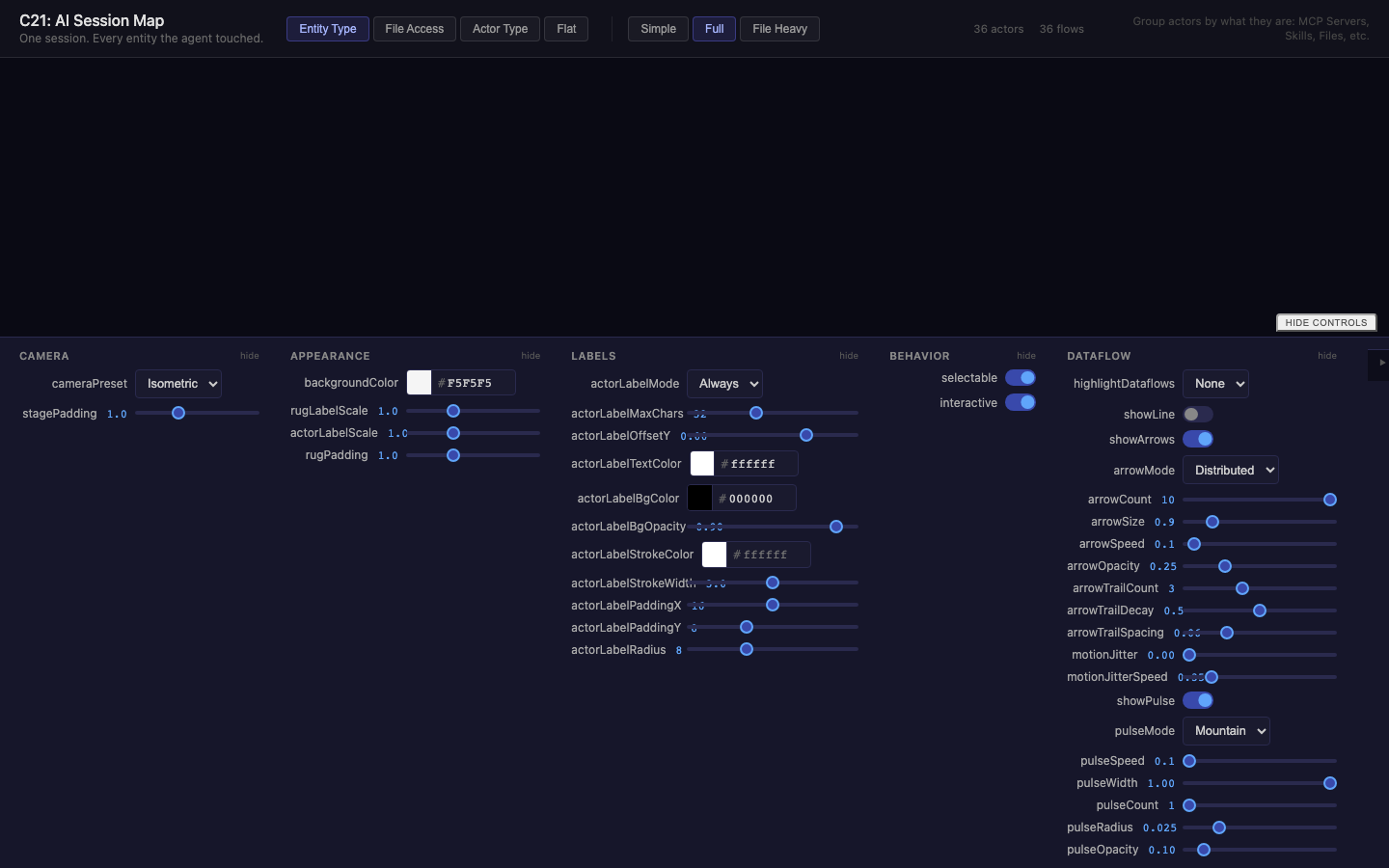
ai-session-map
Visualize a single AI agent session as a qmap entity-type topology
New in this cycle: One agent session as an entity-type topology (QMapAgentSession)
Why
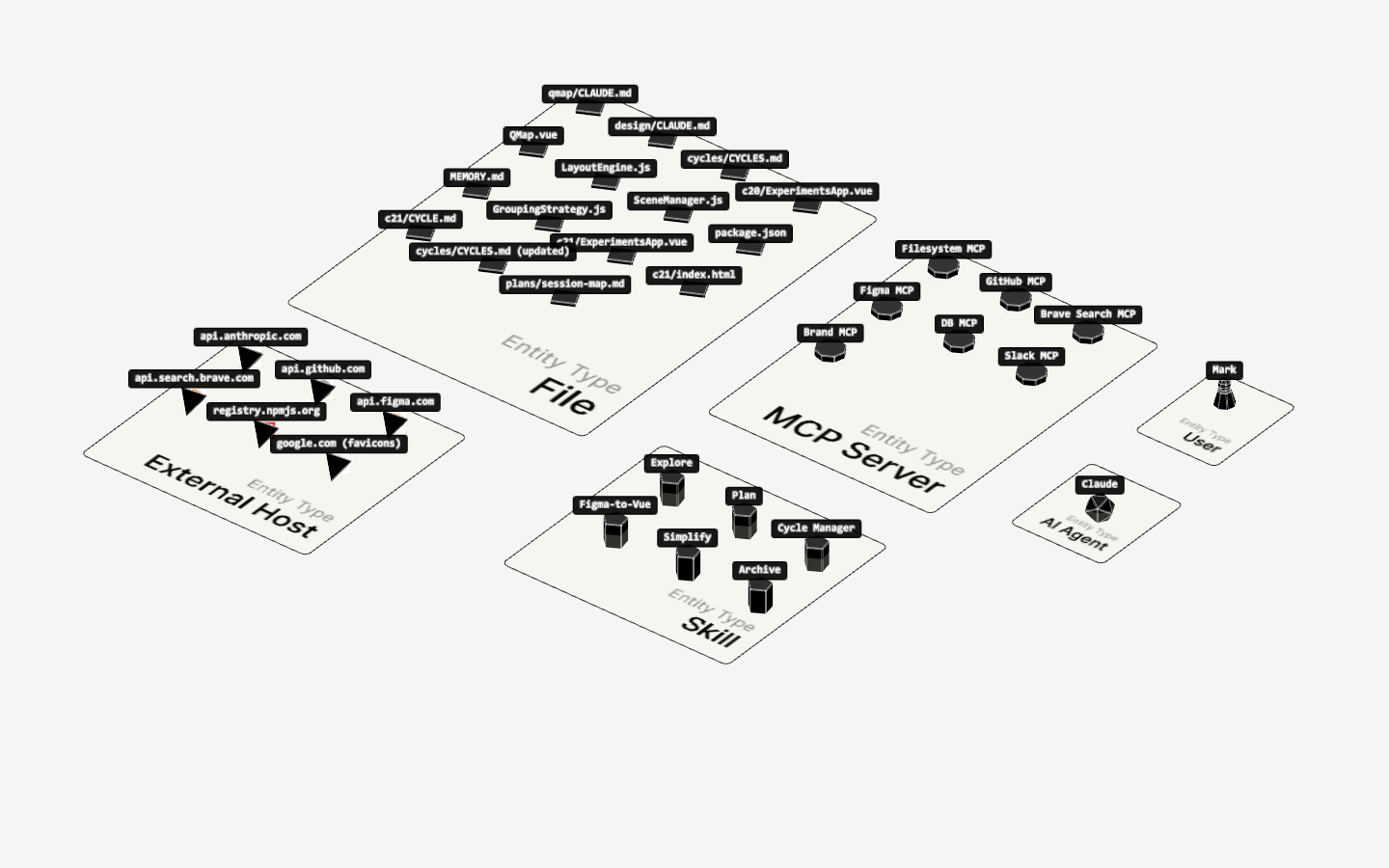
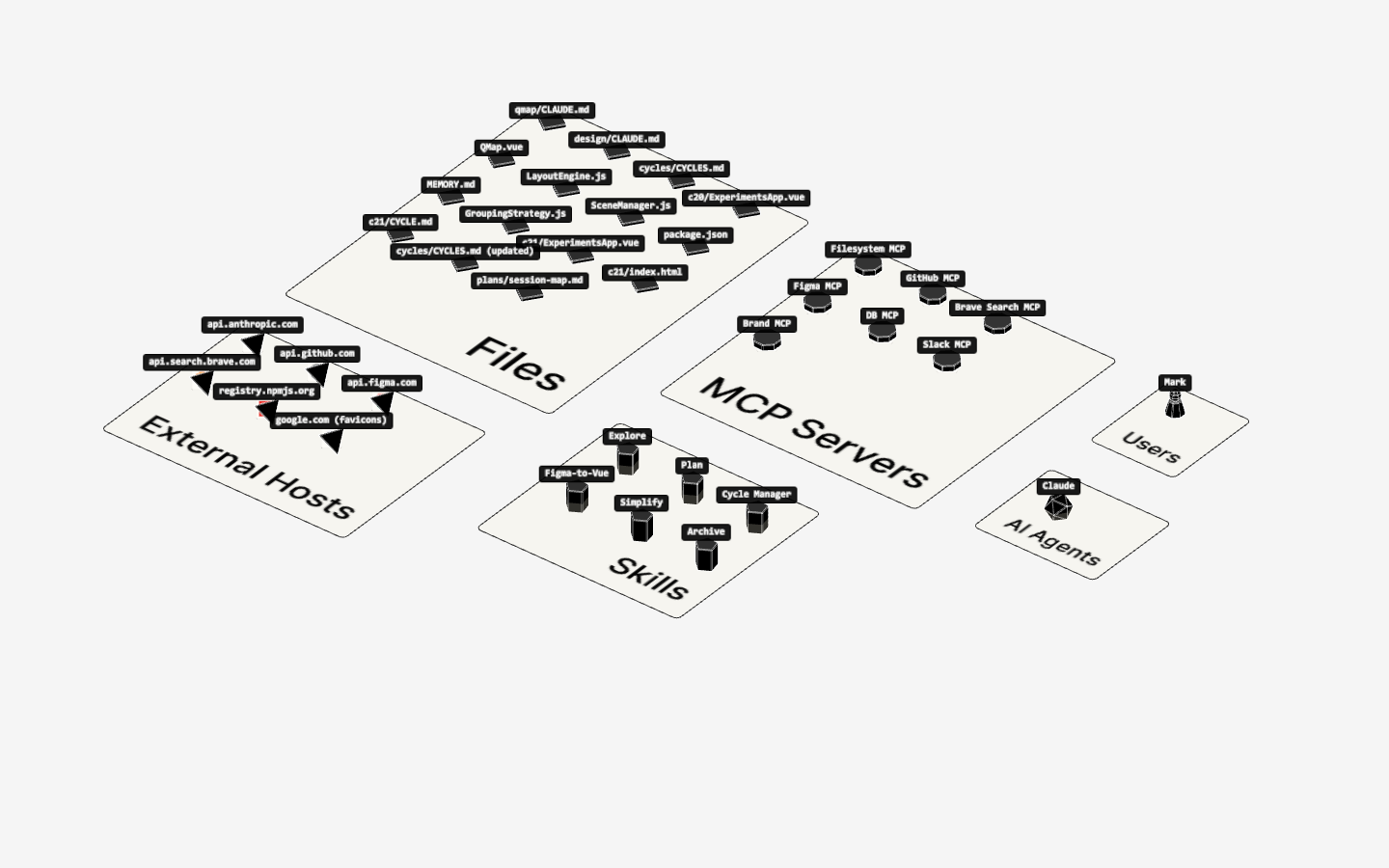
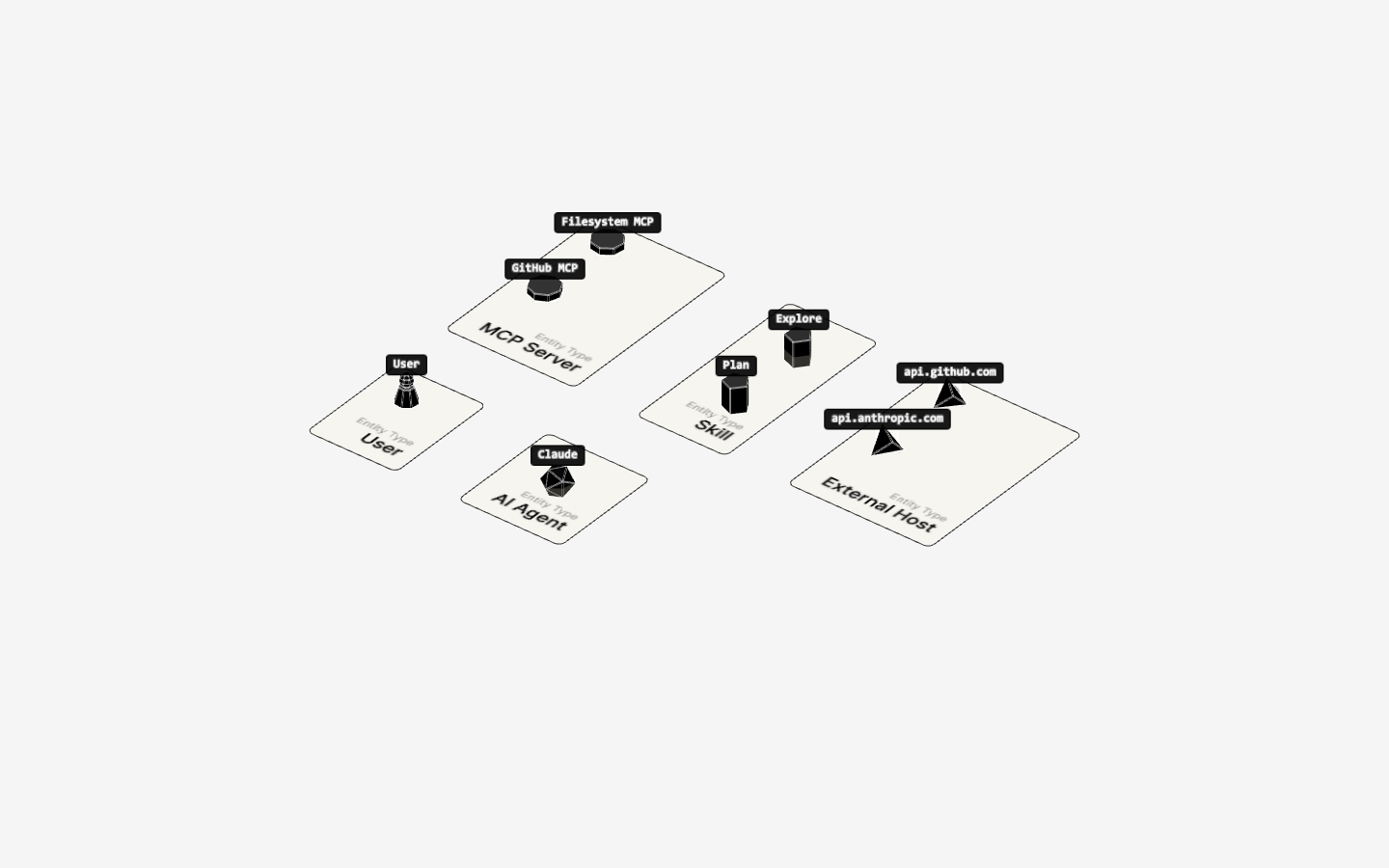
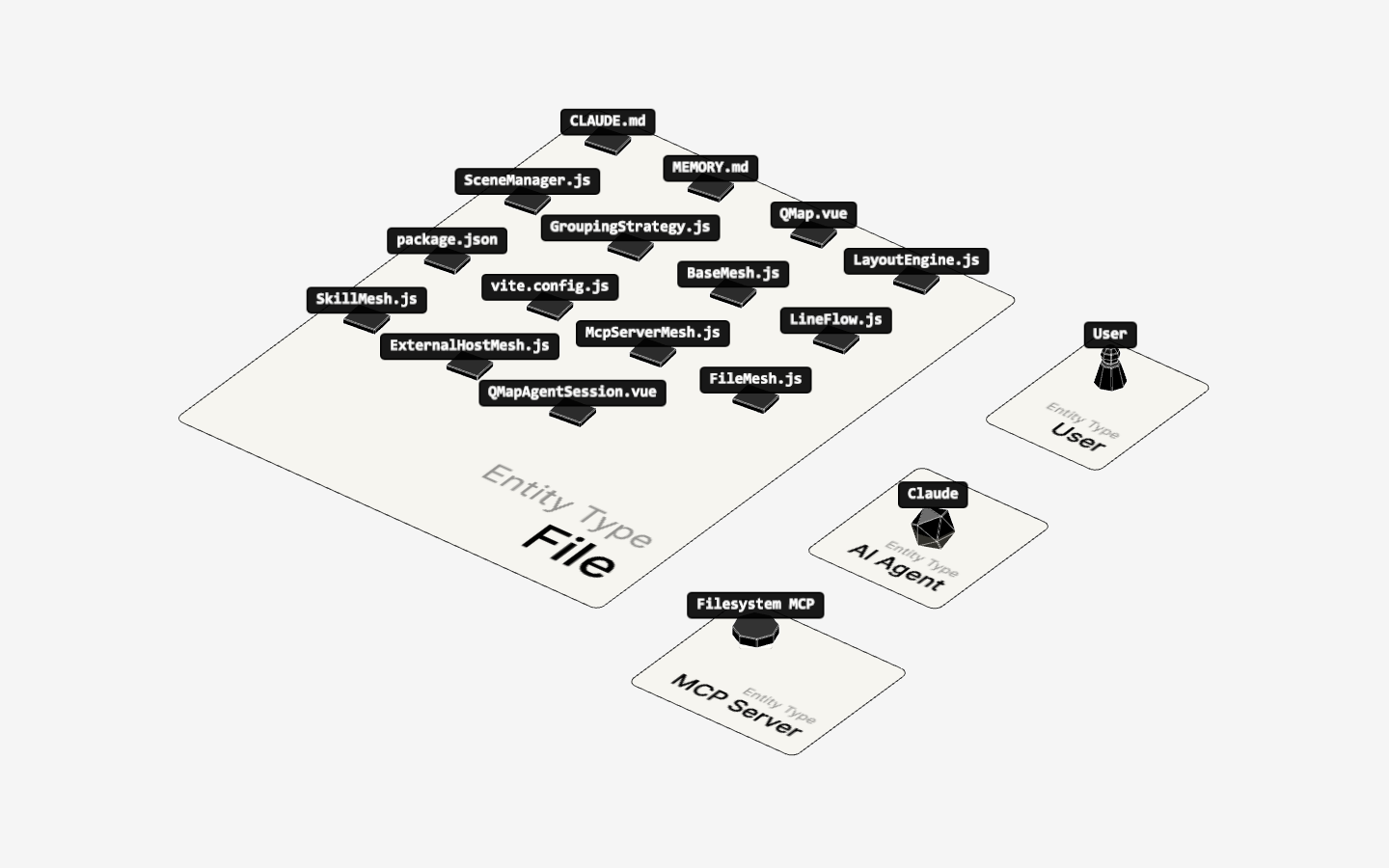
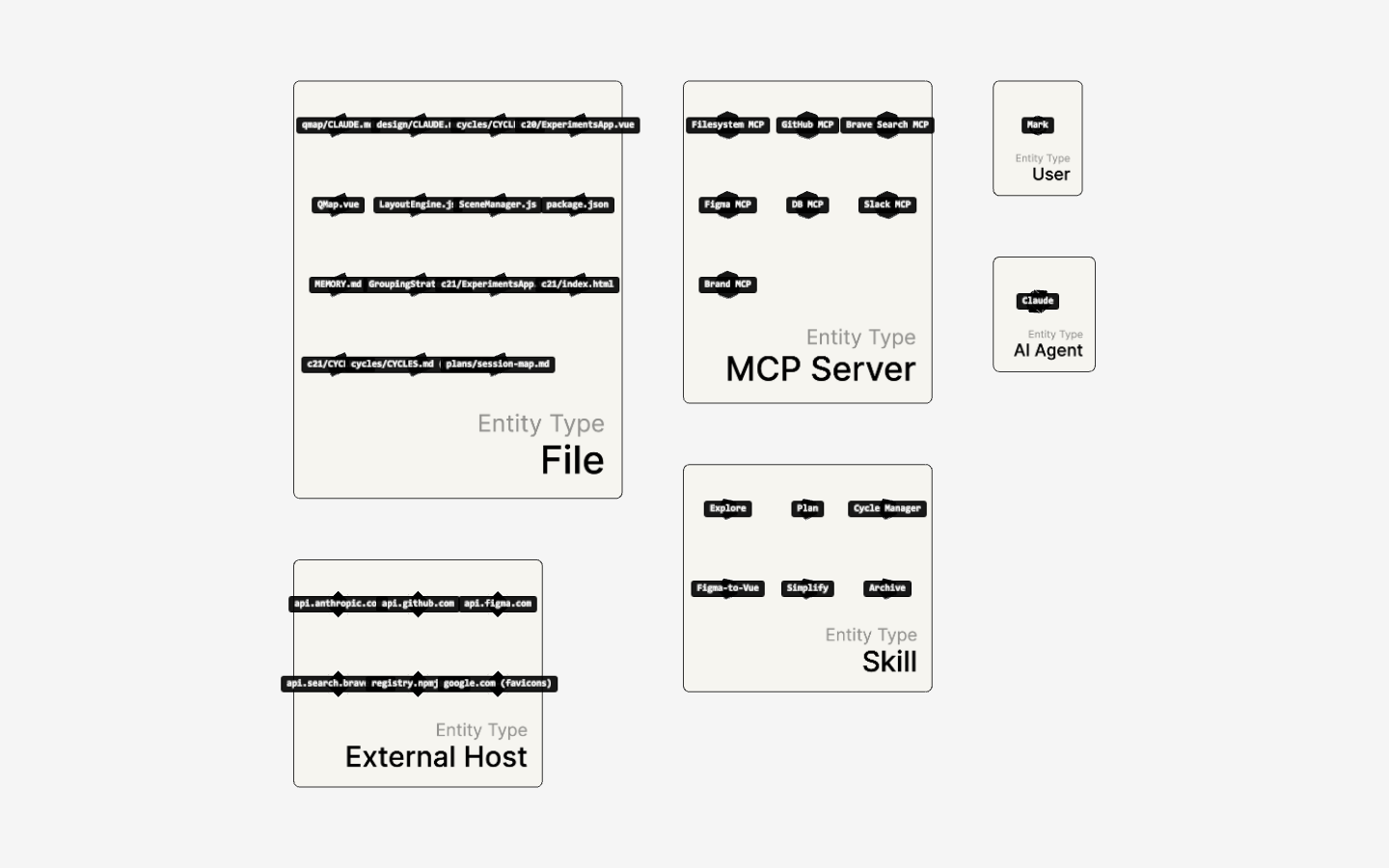
AI agent monitoring produces rich session data — every MCP server called, every file read or written, every external host contacted, every skill spun up. This data is currently expressed as tables. qmap's grouping system can make the structural shape of a session immediately legible: entity-type rugs (MCP Servers, Files, Skills, External Hosts) surrounding a central agent actor, with flows weighted by call volume.
Companion to c33 (design) which built 2D session graphs in qflow/PixiJS. This explores the 3D isometric angle.
Objective
One runnable experiment (ExperimentsApp.vue) that:
- Maps a large synthetic AI session to qmap's actor/dataflow schema
- Uses
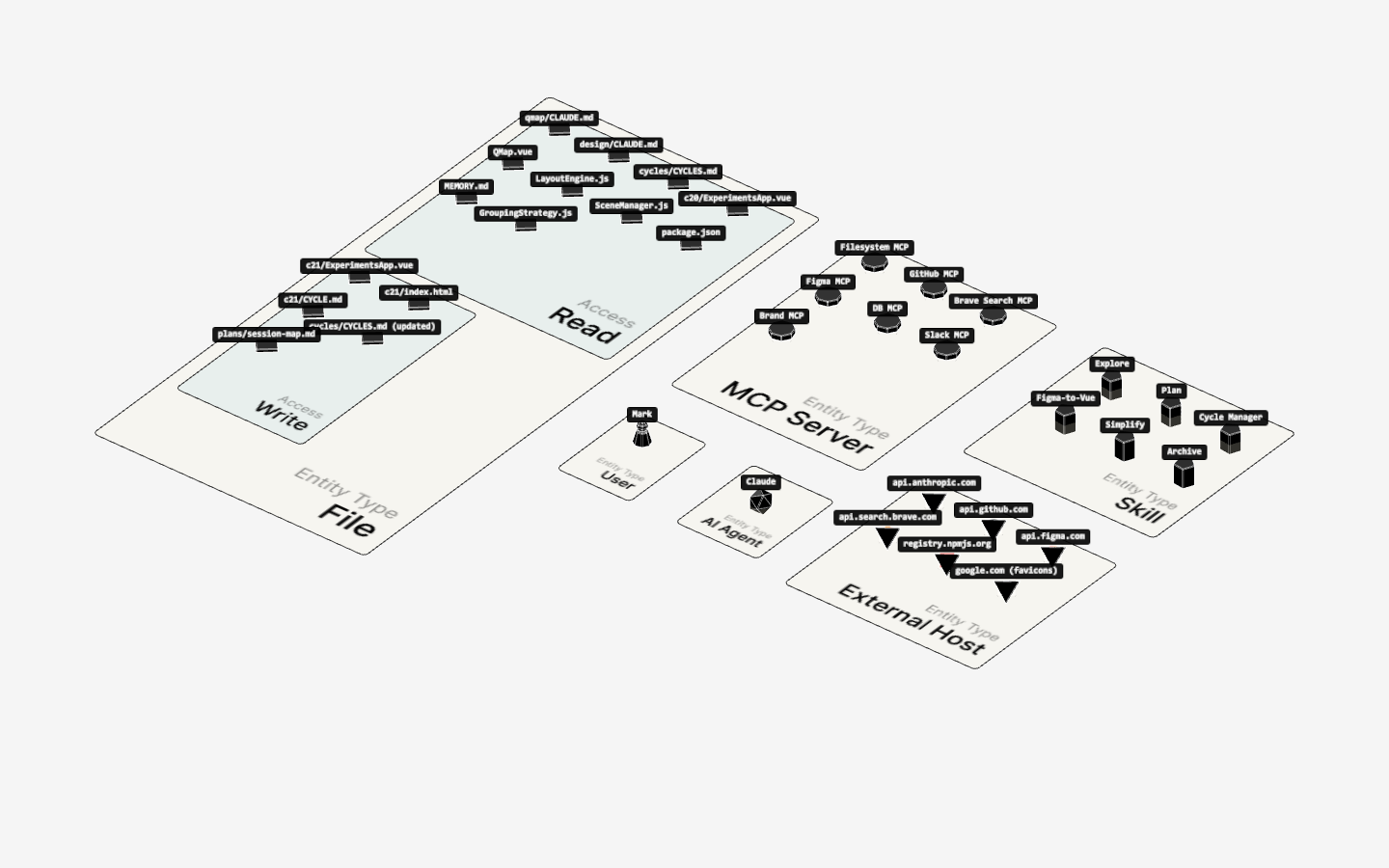
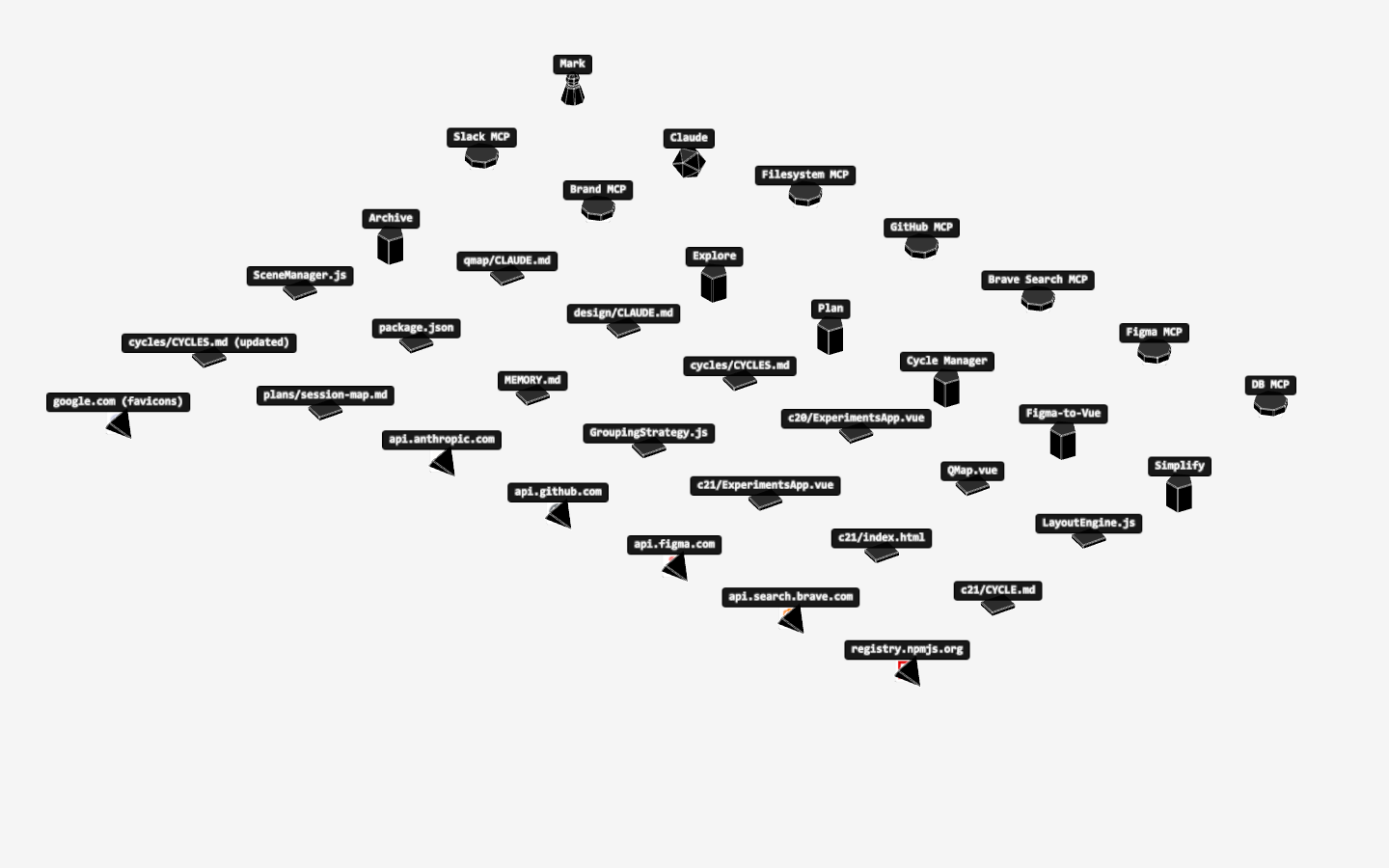
entityTypetag +level1grouping to organize actors into category rugs - Wires a DevConfigurator control to switch between entity-type, flat, and actor-type grouping modes
- Stress-tests the layout with a rich dataset (~35 actors, ~50 flows)
Scope
dev/experiments/c21.ai-session-map/ExperimentsApp.vue— runnable experiment (copied from c20, then rewritten)cycles/c21.ai-session-map/— this cycle metadata
Key Changes
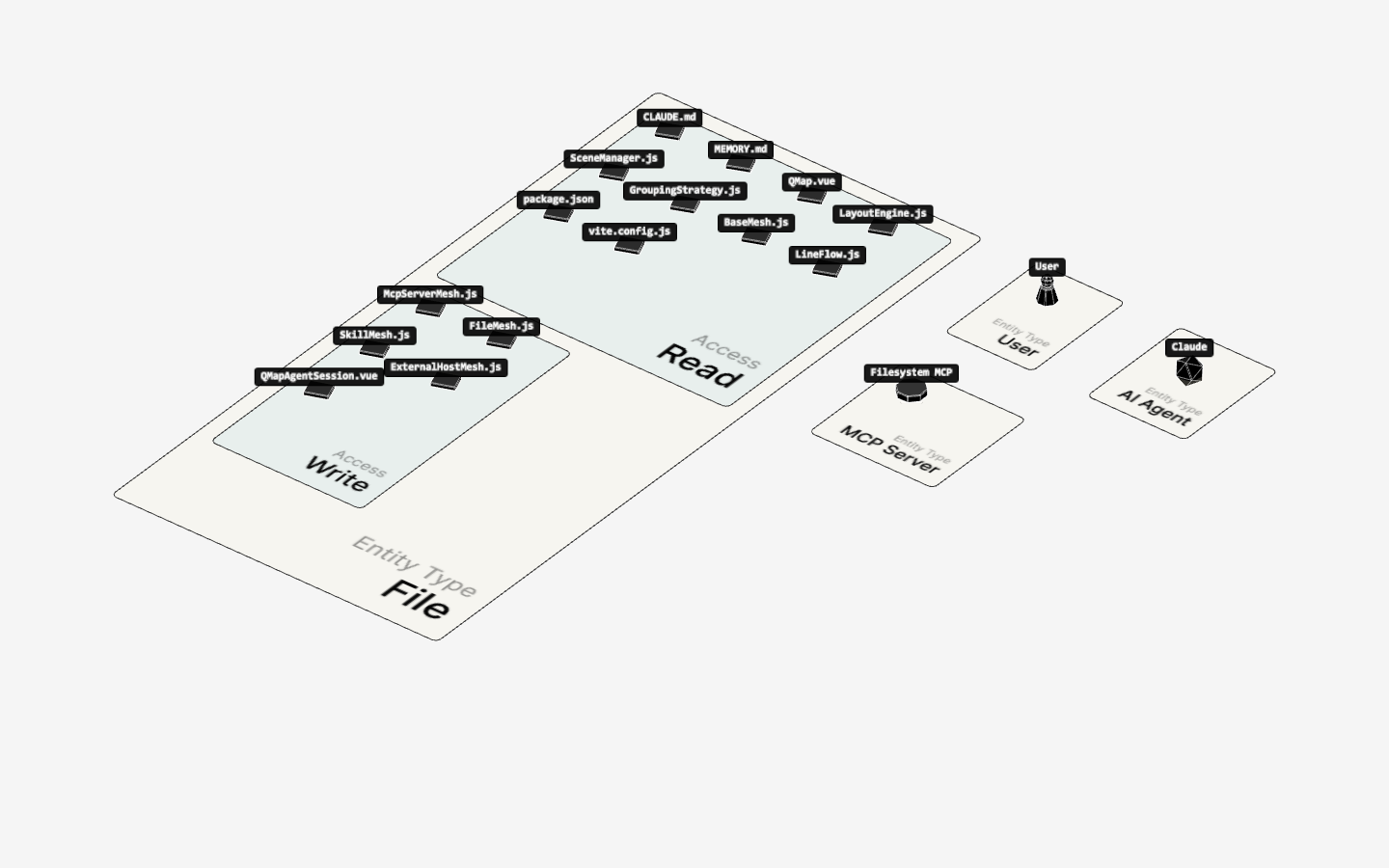
dev/experiments/c21.ai-session-map/ExperimentsApp.vue— Large synthetic session dataset (42 actors, 42 flows). Actors tagged withentityType(User, AI Agent, MCP Server, Skill, File, External Host). Four grouping modes wired to a header button bar: Entity Type (level1: entityType), File Access (level1: entityType, level2: access), Actor Type (viacomputeGrouping(..., 'group')), and Flat. DevConfigurator overlay added for live visual tuning.cycles/c21.ai-session-map/— Cycle metadata (this file + initial-prompt.md)
Session 2 — 2026-04-03
Architectural refactor: flow objects now own their visual config.
src/flows/LineFlow.js — Added applyConfig(config). Accepts flat visual config, reconciles line properties via existing setters, and dynamically adds/removes ArrowIndicator/PulseIndicator (always dispose + recreate). Re-applies current flow state after indicator recreation so colors stay consistent. Removed indicator creation from constructor — applyConfig is now the only path.
src/flows/index.js — Removed arrows/pulse from createFlow; indicators come exclusively through applyConfig.
src/components/QMap.vue — Added flowConfig computed as single source of truth for all flow visual config. Replaced individual prop getters and ~40 lines of per-property flow watchers. QMap now has no knowledge of how flows render.
useActorSelection + useHighlightedDataflows — Accept flowConfig ref. On flow creation: immediate applyConfig call + watch(flowConfig, config => flow.applyConfig(config)). Stop functions managed alongside flow disposal.
src/flows/ArrowIndicator.js — Direction-aware cone orientation: tangent negated when _flowDirection < 0 so tip always points in the direction of travel. Sliding mode trail offset also flips direction so the trail always sits behind the lead cone.
Visual record
9 captures — heroes, page slices, and full-page renders. Click to view.