Dataflow Arrows
Directional arrow indicators on dataflow lines
New in this cycle: Composable flow decorators — ArrowIndicator and PulseIndicator
Why
Dashed-line flows show direction via dash offset, but the cue is subtle and can be ambiguous — especially when flows cross or at certain camera angles. Directional arrows make flow direction immediately obvious. This cycle compared rendering approaches to find the best balance of clarity, performance, and fit with the existing line style.
Objective
Prototype arrow strategies on a bezier flow curve in a standalone Three.js harness, then productionize the winners as opt-in decorators on LineFlow with full config-schema tuning.
Key Changes
- 2026-04-16 — Landed in the
c18-c22batch commit (work recorded as starting 2026-03-30):- Four experimental strategies in
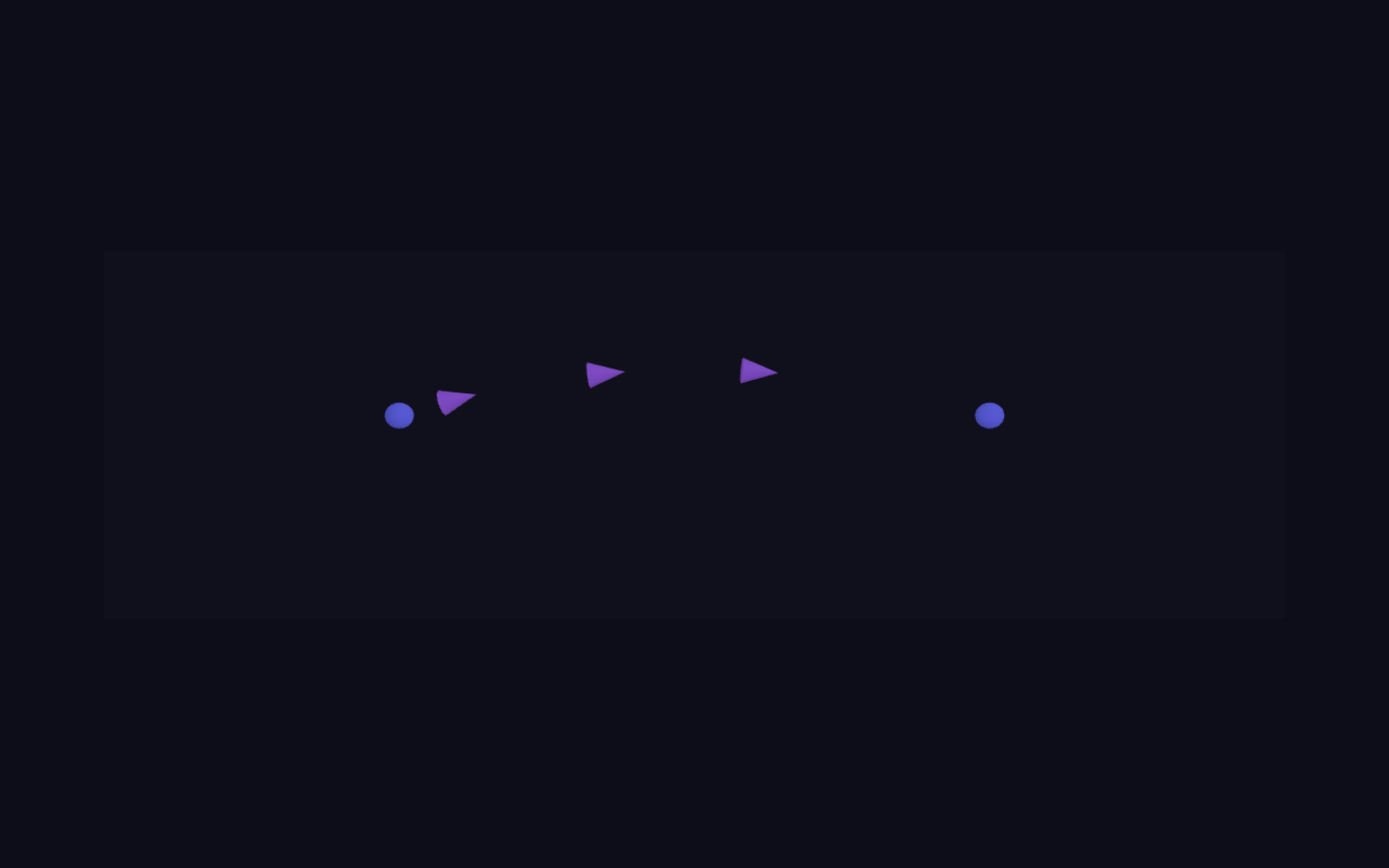
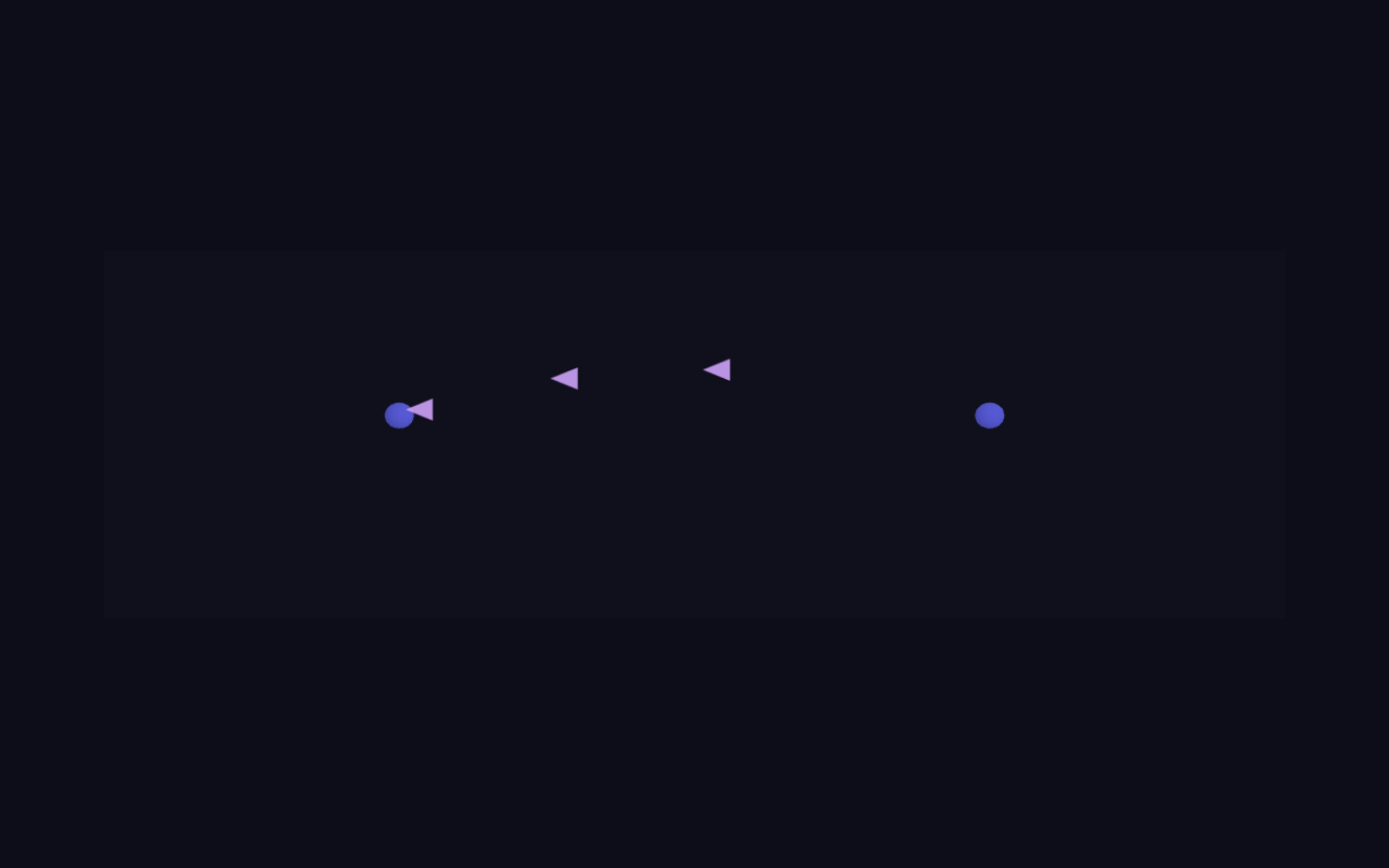
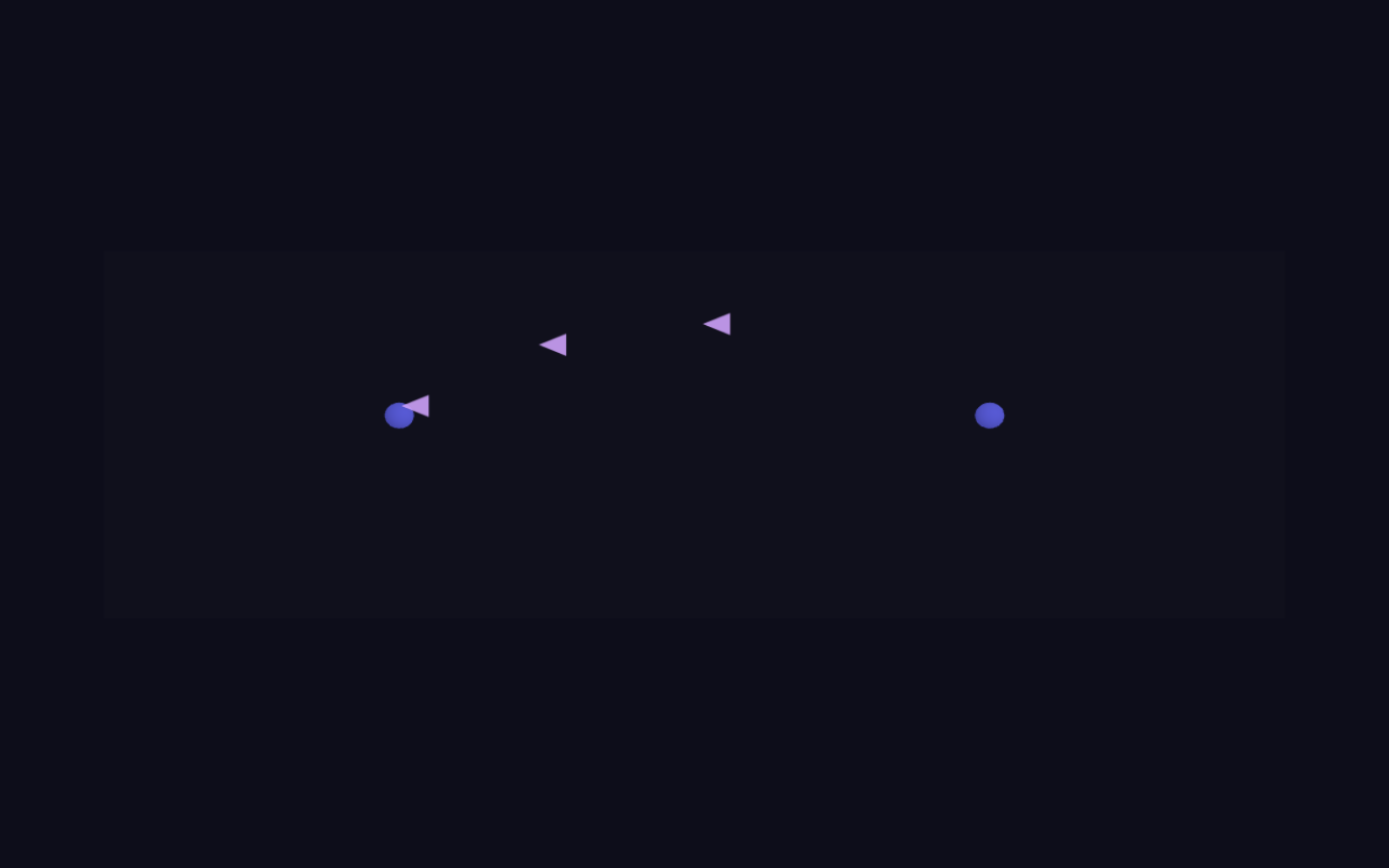
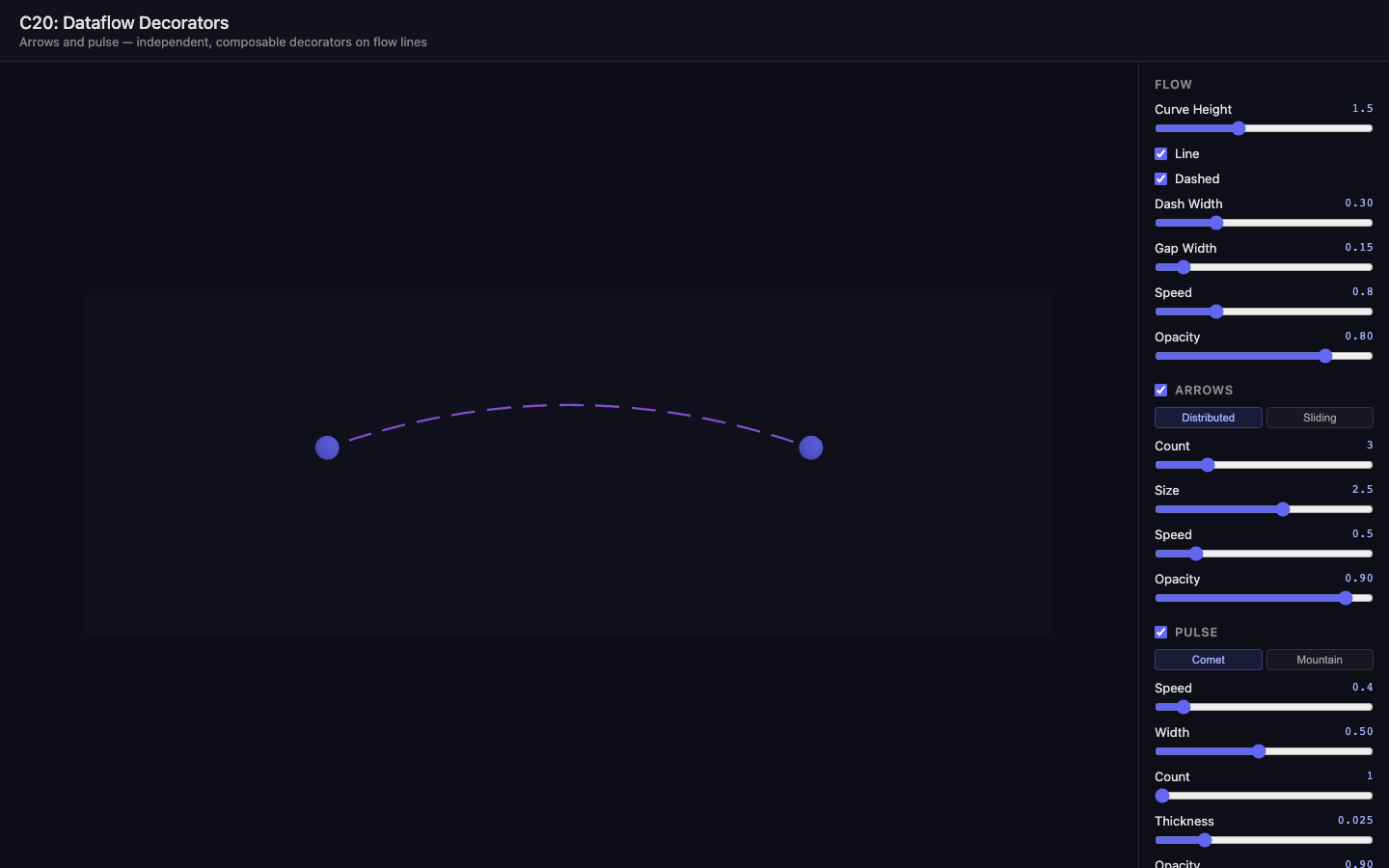
dev/experiments/c20.dataflow-arrows/strategies/: ConeArrows (one draw call per cone), InstancedConeArrows (single draw call — performance winner), SpriteArrows (camera-facing, always readable), SlidingArrow (single cone with comet trail — promoted to ArrowIndicator sliding mode) src/flows/ArrowIndicator.js— cone-mesh directional arrows as a decorator on LineFlow;distributedandslidingmodes; tangent-aligned via quaternion rotationsrc/flows/PulseIndicator.js— gradient pulse sweep via TubeGeometry + custom ShaderMaterial (fract(uPulse - vT)moving band, multi-pulse support)- LineFlow integration — both decorators opt-in, wired into update/rebuild/setState/dispose; arrow color syncs with flow state; live setters for speed/opacity
- Config schema expansion in
qmapConfigSchema.js— full line/arrow/pulse control set, plus thevisibleWhenfield so the Configurator hides sub-controls when a parent toggle is off - QMap props (
showArrows,showPulse,showLine, line dash/opacity settings) with live watchers and a re-apply pattern for highlighted dataflows
- Four experimental strategies in
Outcome
Two production-ready decorators (ArrowIndicator + PulseIndicator) integrated into LineFlow and absorbed into the dataflow config schema, tunable via DevConfigurator. The decorator lifecycle (attach, rebuild, update, dispose) proved easy to extend. c21 consolidated this further: LineFlow gained applyConfig() and became fully self-managing, with indicators created exclusively through it and QMap's per-property flow watchers removed.
Visual record
10 captures — heroes, page slices, and full-page renders. Click to view.