View Contexts
View context abstraction + policy violation view
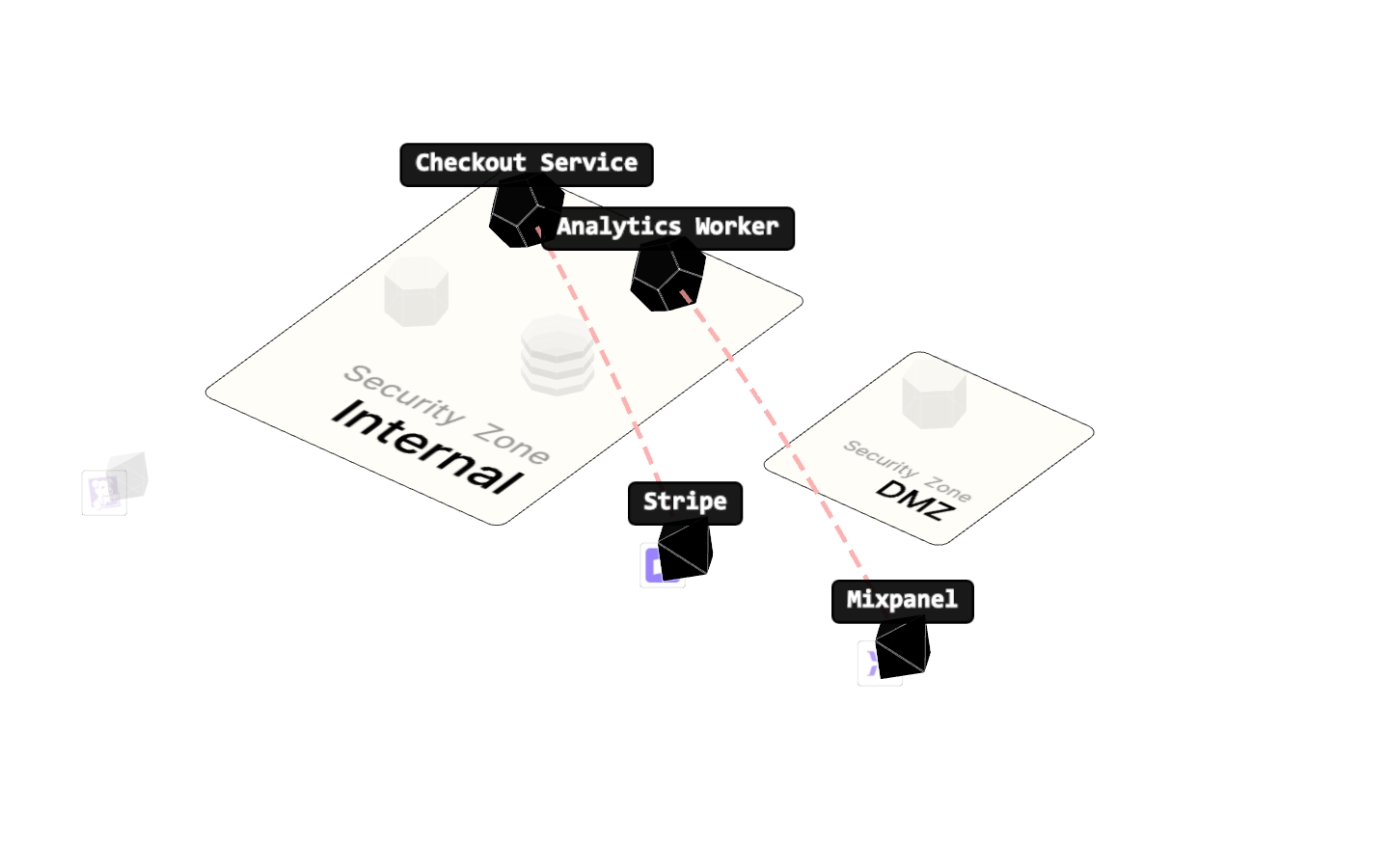
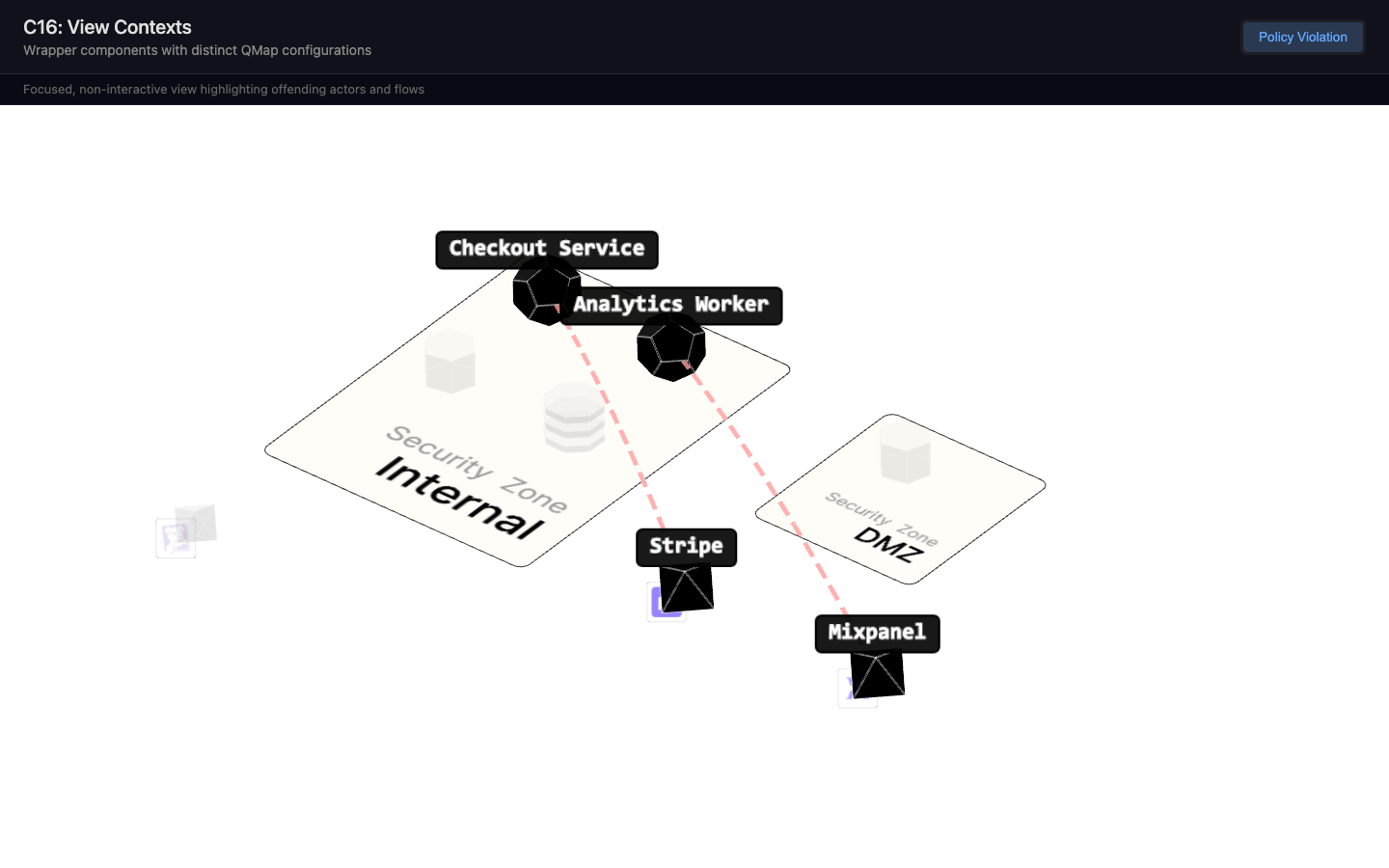
New in this cycle: View contexts — wrapper components that pre-configure QMap (QMapPolicyViolation)
Why
QMap is a production component (c15) with a props-driven API: <QMap :actors :dataflows :groupBy />. But different consumers need fundamentally different configurations — a policy violation page needs a focused, non-interactive view highlighting specific actors, while a dashboard needs the full interactive map.
This cycle explores the right "view context" abstraction and implements the first real view: policy violation.
What Was Built
Config Object Pattern (validated)
createViewContext(overrides) returns a plain object with two parts:
qmapProps— props passed directly to<QMap>(width, height, selectable, etc.)behavior— wrapper-level config (highlights, cameraPreset, interactive, groupBy)
Policy Violation View (functional)
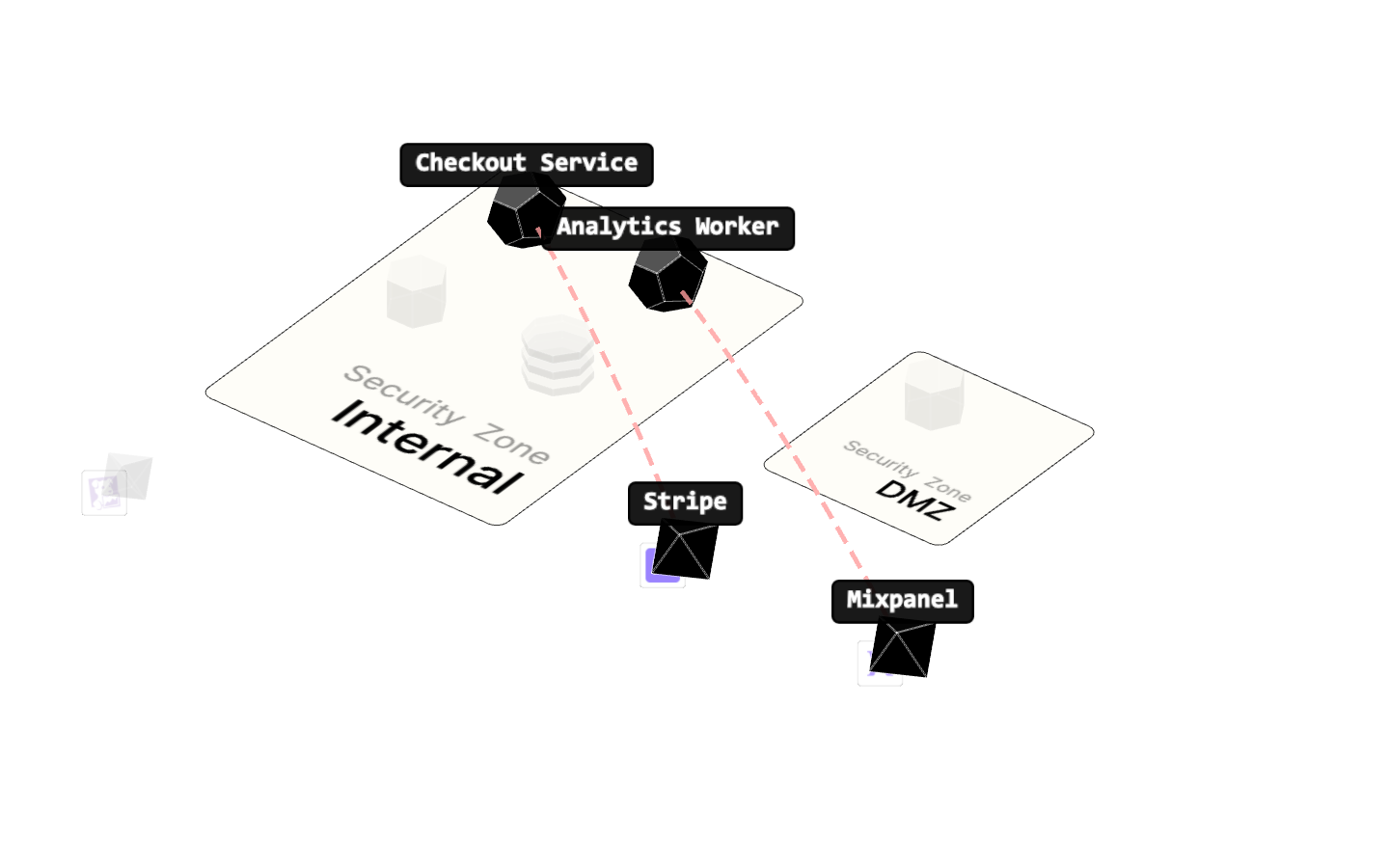
New QMap prop: highlightedDataflows — an array of dataflow objects with a semantic status field (e.g., "violation", "healthy", "warning"). QMap renders these flows immediately on load (no click required), maps the status to visual treatment (color, thickness), and highlights the involved actors while dimming the rest.
The wrapper says what the dataflow represents, QMap decides how to render it.
Flow Status → Visual Mapping
Defined in src/flows/BaseFlow.js:
healthy— green (0x34bc6c), normal thicknessviolation— red (0xff4444), 1.3x thicknesswarning— amber (0xf59e0b), 1.2x thicknessdefault— purple (0x9c5cf2), normal thickness
Key Changes
src/flows/BaseFlow.js—FLOW_STATUSESmap,statusconstructor option,getProtocolColor()returns status color when setsrc/flows/index.js—createFlow()passes throughstatus/protocol/volumefrom flowDatasrc/composables/useHighlightedDataflows.js— New composable: creates flows, highlights involved actors, dims others, focuses camerasrc/components/QMap.vue— NewhighlightedDataflowsprop, wires composable, skips click-to-select when highlights activeQMapPolicyViolation.vue— BuildshighlightedDataflowsfrom violation payload withstatus: 'violation', removed brokenapplyHighlightsToScene()hack
Expression Props (explored, parked)
Built infrastructure for schema-driven visual tuning: DevExpressionControls auto-generates UI from a { kind, val, props } schema, useExpressionWiring connects changes to live scene objects. Parked — the QMapExpressionLab component was removed during cleanup; the supporting composable (useExpressionWiring.js) and schema (expressionProps.js) remain in shared/ for future use.
Files
Experiment: dev/experiments/c16.view-contexts/
components/QMapPolicyViolation.vue— Non-interactive violation wrappershared/views/policyViolation.js— Builds view context + highlighted dataflowsshared/data/policyViolationData.js— Sample violation payload (8 actors, 6 dataflows, 2 violations)shared/viewContext.js—createViewContext(),HIGHLIGHT_STYLES,applyHighlights()shared/expressionProps.js— Expression schema (parked)shared/composables/useExpressionWiring.js— Expression wiring (parked)
Visual record
3 captures — heroes, page slices, and full-page renders. Click to view.
Artifacts
- initial-prompt.md
- thread: violation-view — prompt
- PLAN.md
- controls.md
- initial-prompt.md