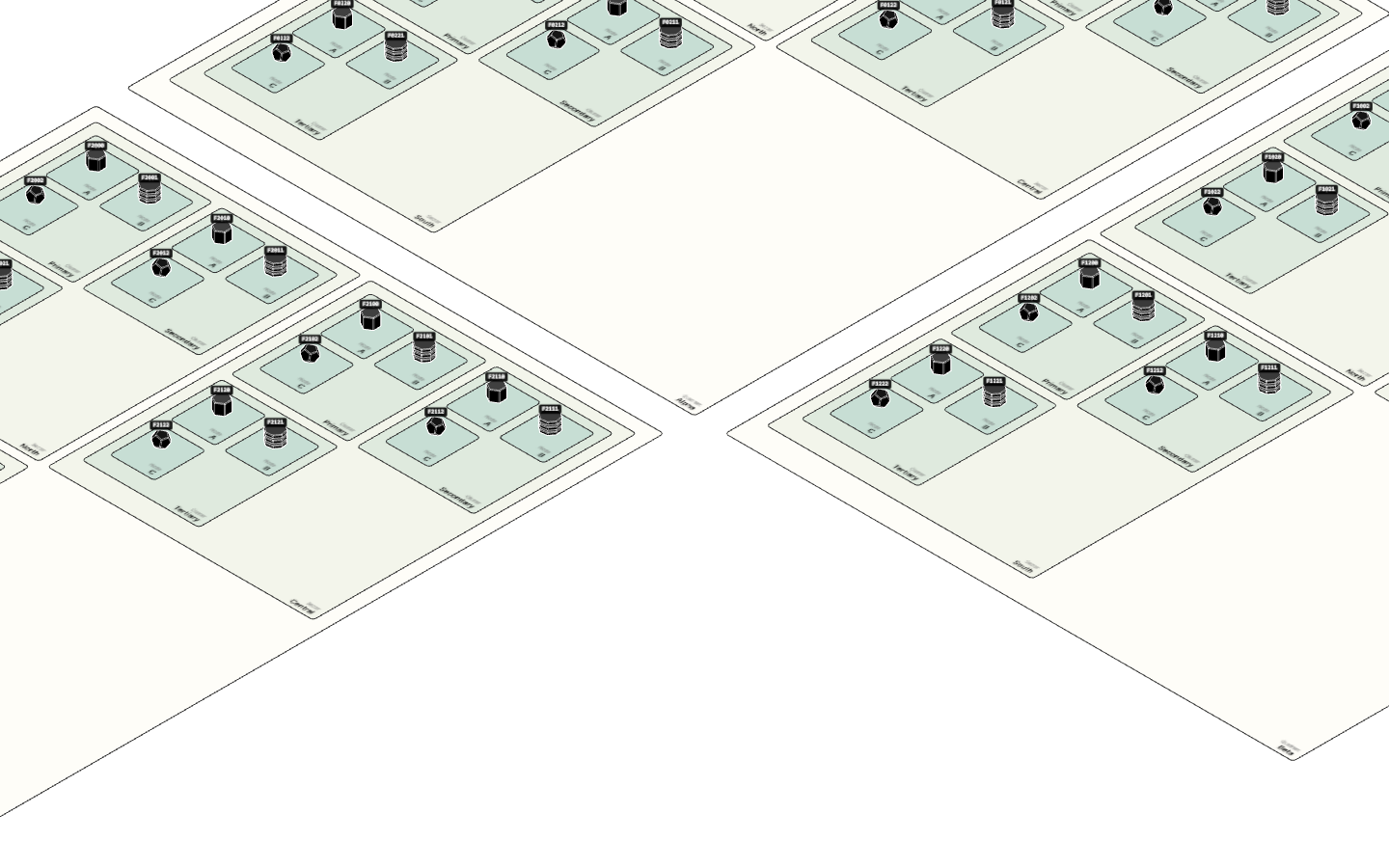
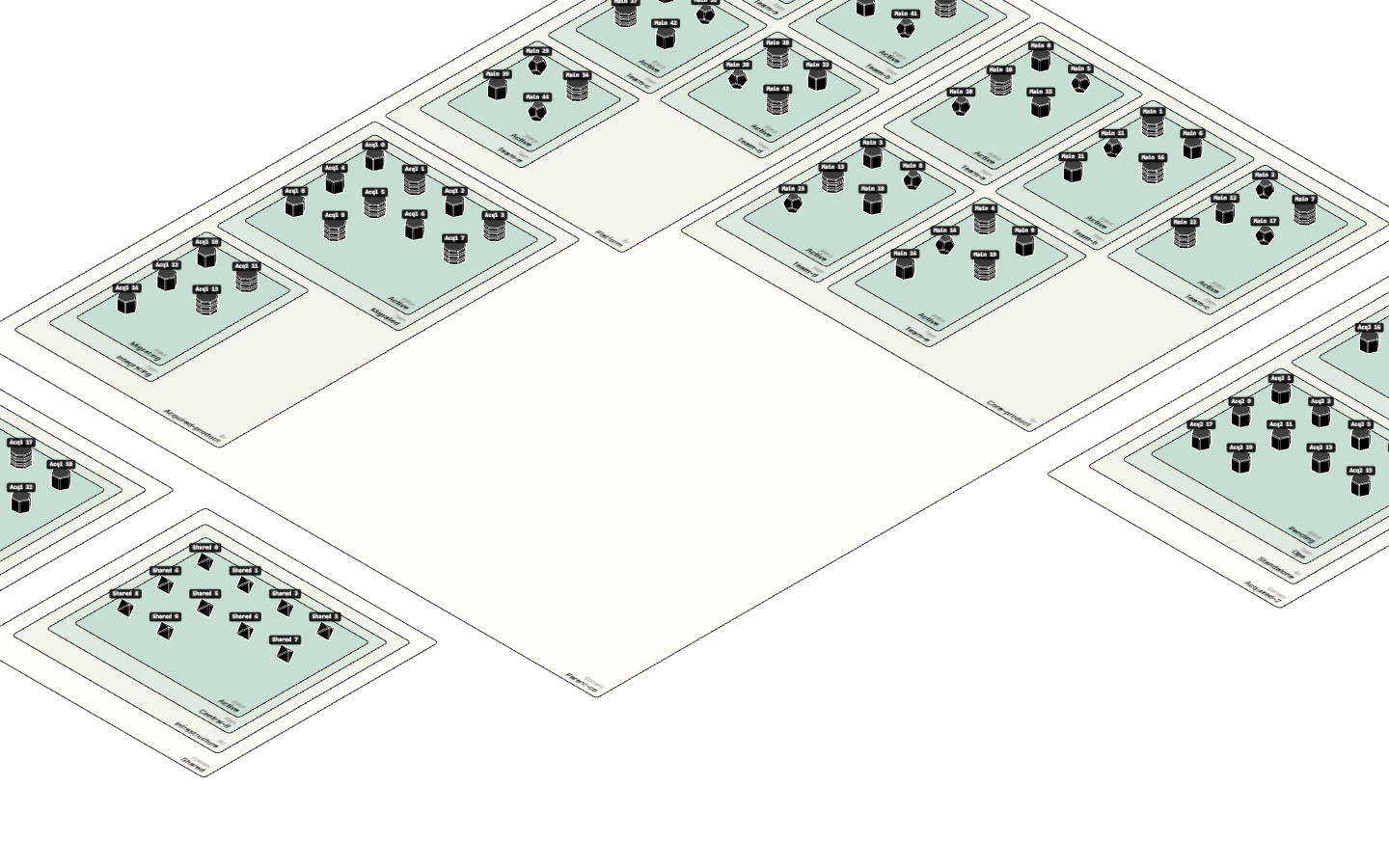
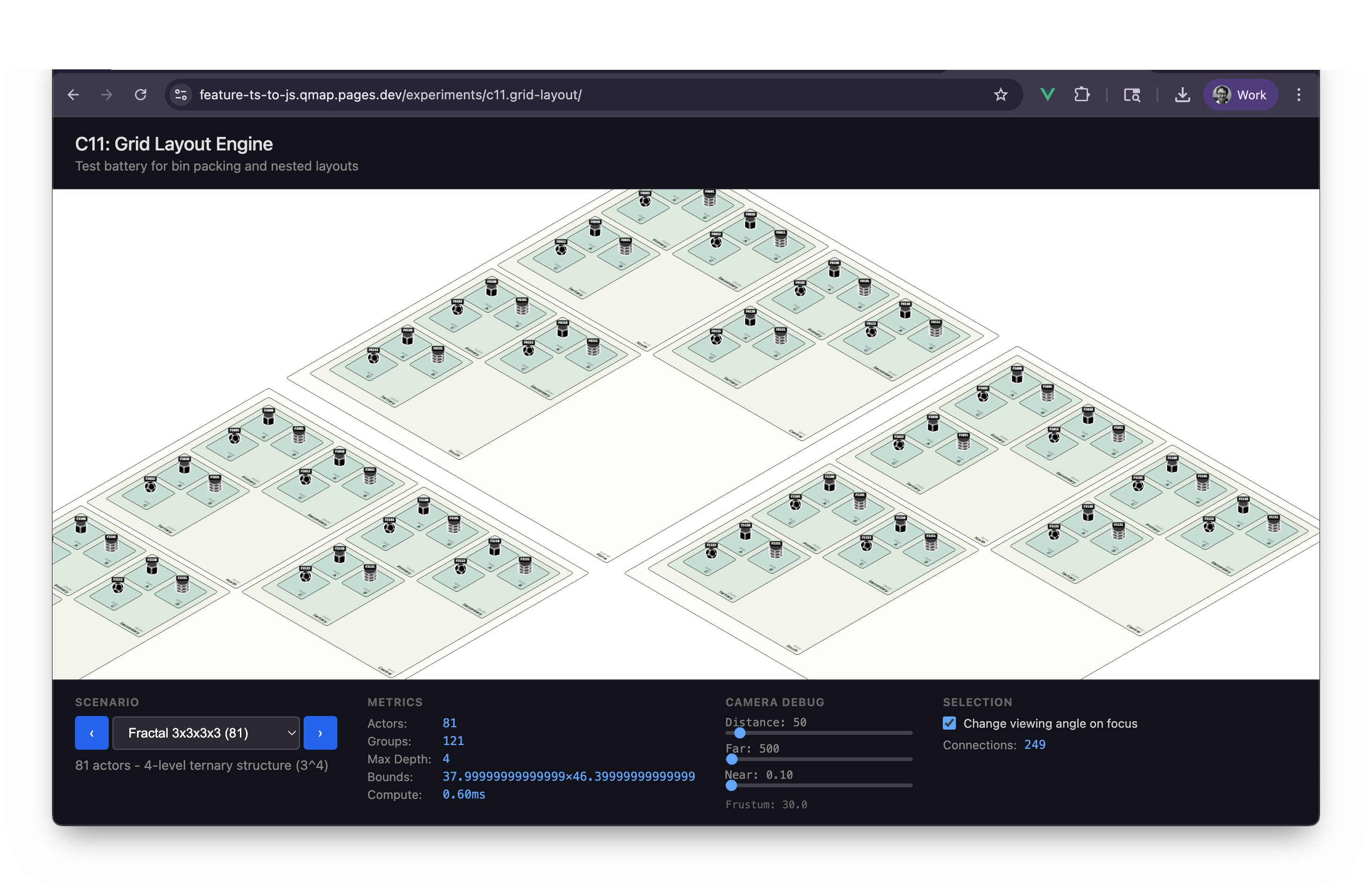
Grid Layout Engine
New in this cycle: Virtual-grid layout engine — recursive bin packing decoupled from rendering
Why This Cycle Exists
Previous layout engines (c5-c10) evolved organically, mixing concerns:
- Layout math (positions, bounds)
- Three.js coordinate conversion
- Collision resolution
- Label width estimation
This created tight coupling and made the code hard to reason about.
C11 takes it back to basics: build a clean, pure layout engine that:
- Works in virtual grid units (not pixels or Three.js coordinates)
- Supports recursive nesting (groups of groups)
- Calculates size inside-out (deepest items first)
- Has a clear separation from the rendering layer
Architecture
layout/
├── LayoutItem.js      # Base class: id, width, height, x, y, children
├── ActorItem.js       # Leaf node (1x1 grid unit)
├── GroupItem.js       # Container with bin packing
└── LayoutEngine.js    # Tree builder + computation

view/
└── ViewOrchestrator.js  # Grid → Three.js translation
Key Design Decisions
- Uniform actor sizes: All actors are 1x1 grid units (simplifies bin packing)
- Groups of groups: Multi-level nesting supported
- Shelf bin packing: Children arranged in rows, sorted by height
- Grid scale: 1 grid unit = 1.5 Three.js units (configurable)
Data Flow
actors + groupBy config
    ↓
LayoutEngine.buildTree()  → nested LayoutItems
    ↓
LayoutEngine.compute()    → inside-out size calculation
    ↓
flat positions in grid units
    ↓
ViewOrchestrator          → Three.js world coordinates
    ↓
positioned meshes & rugs
Test Battery
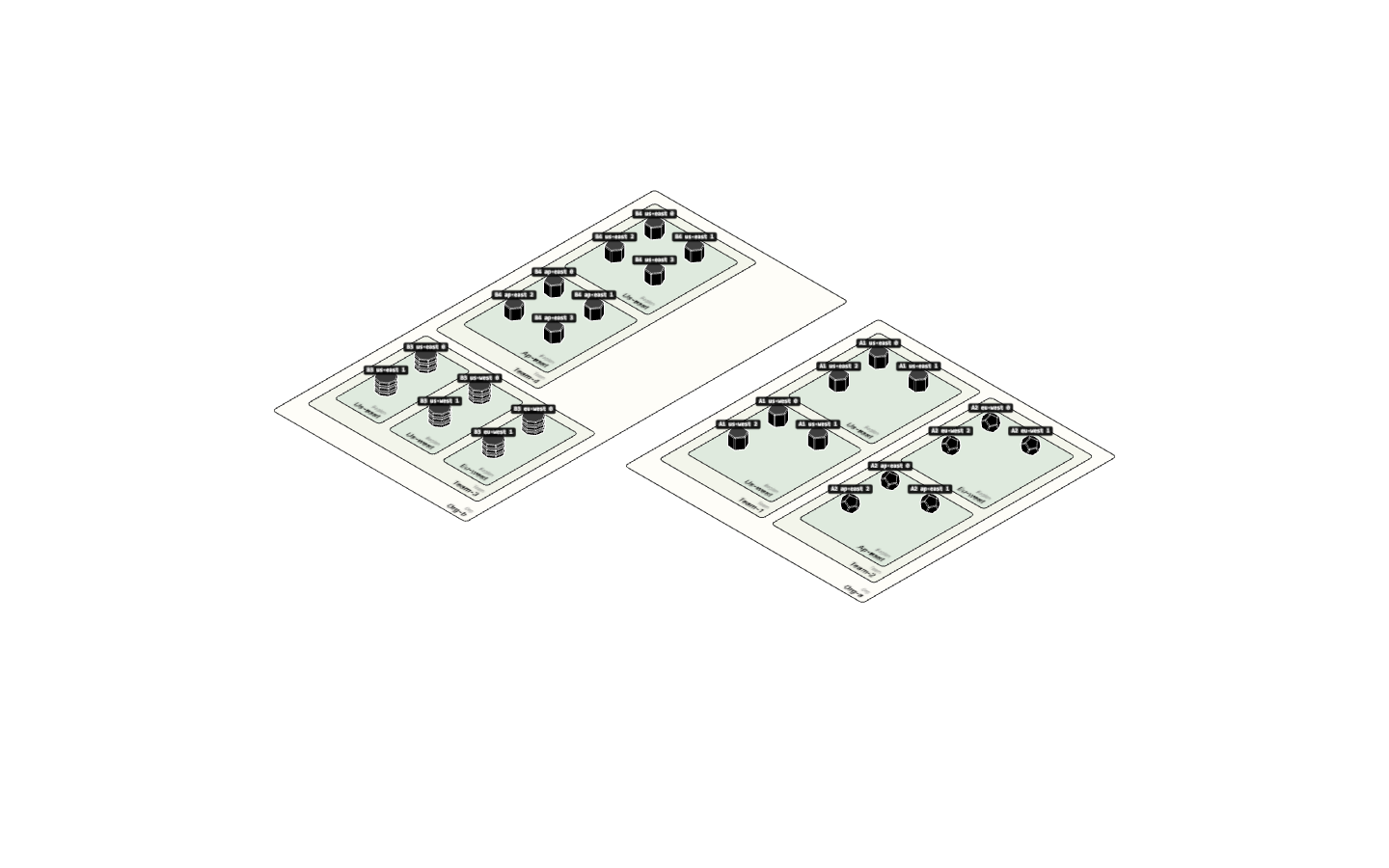
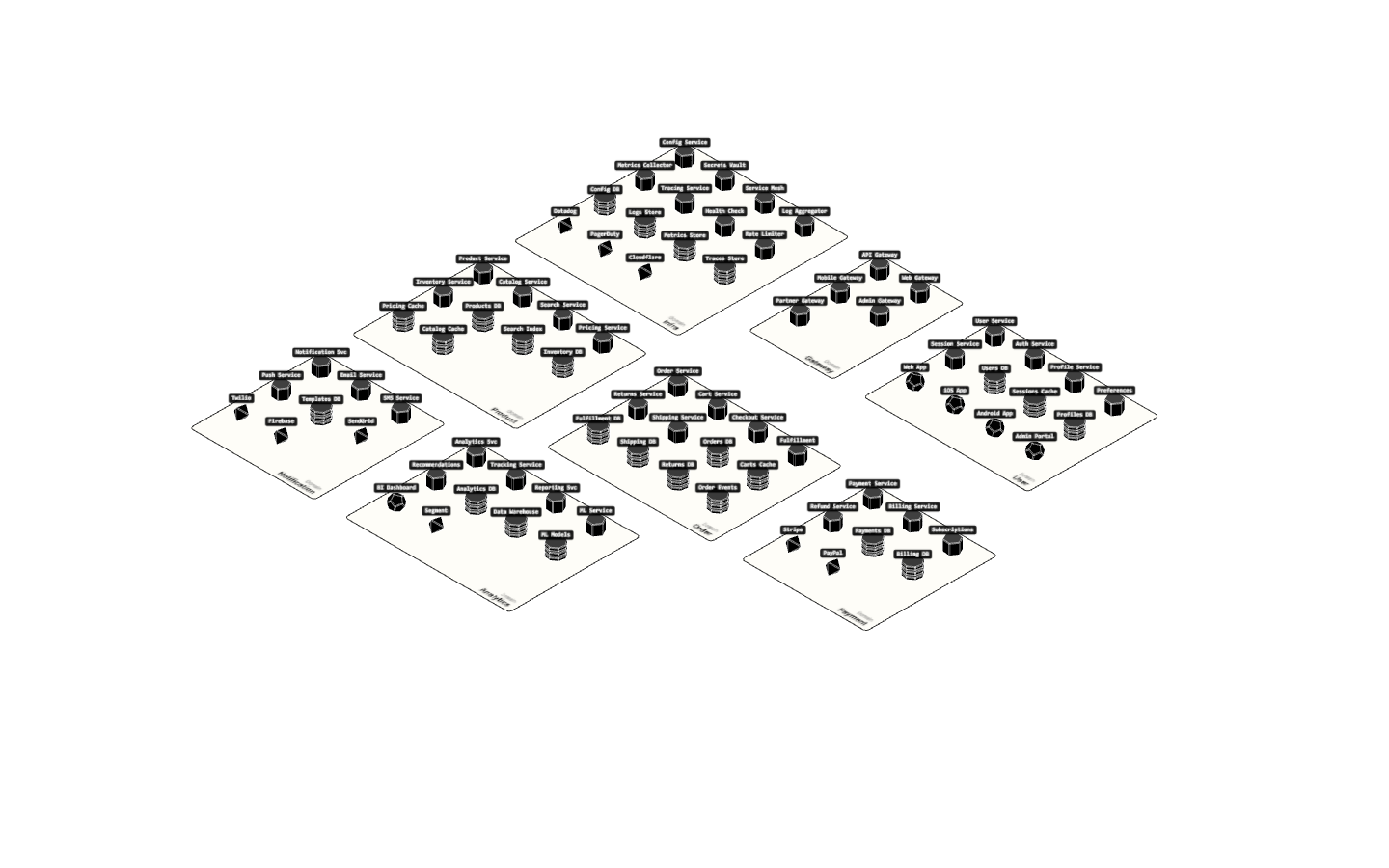
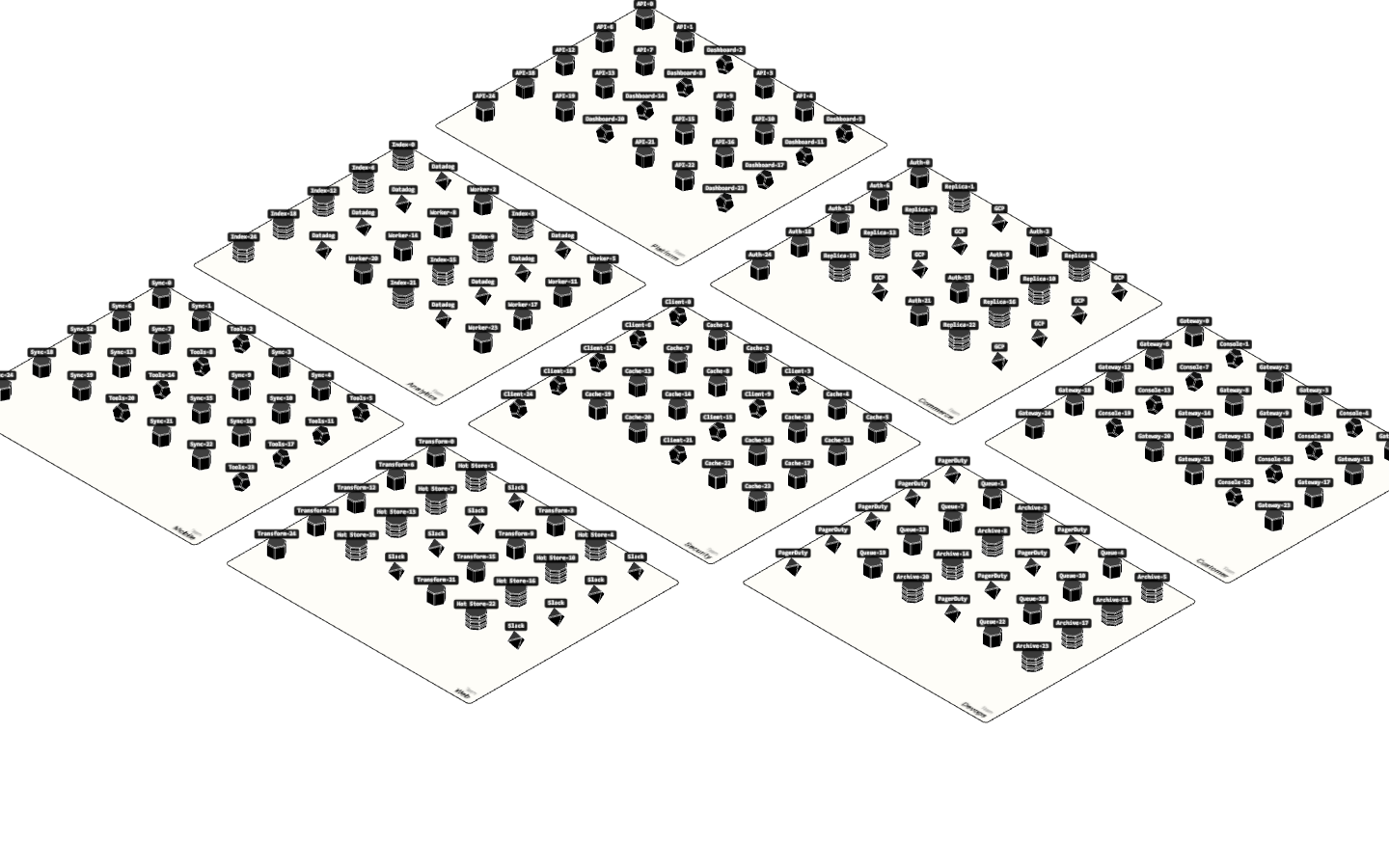
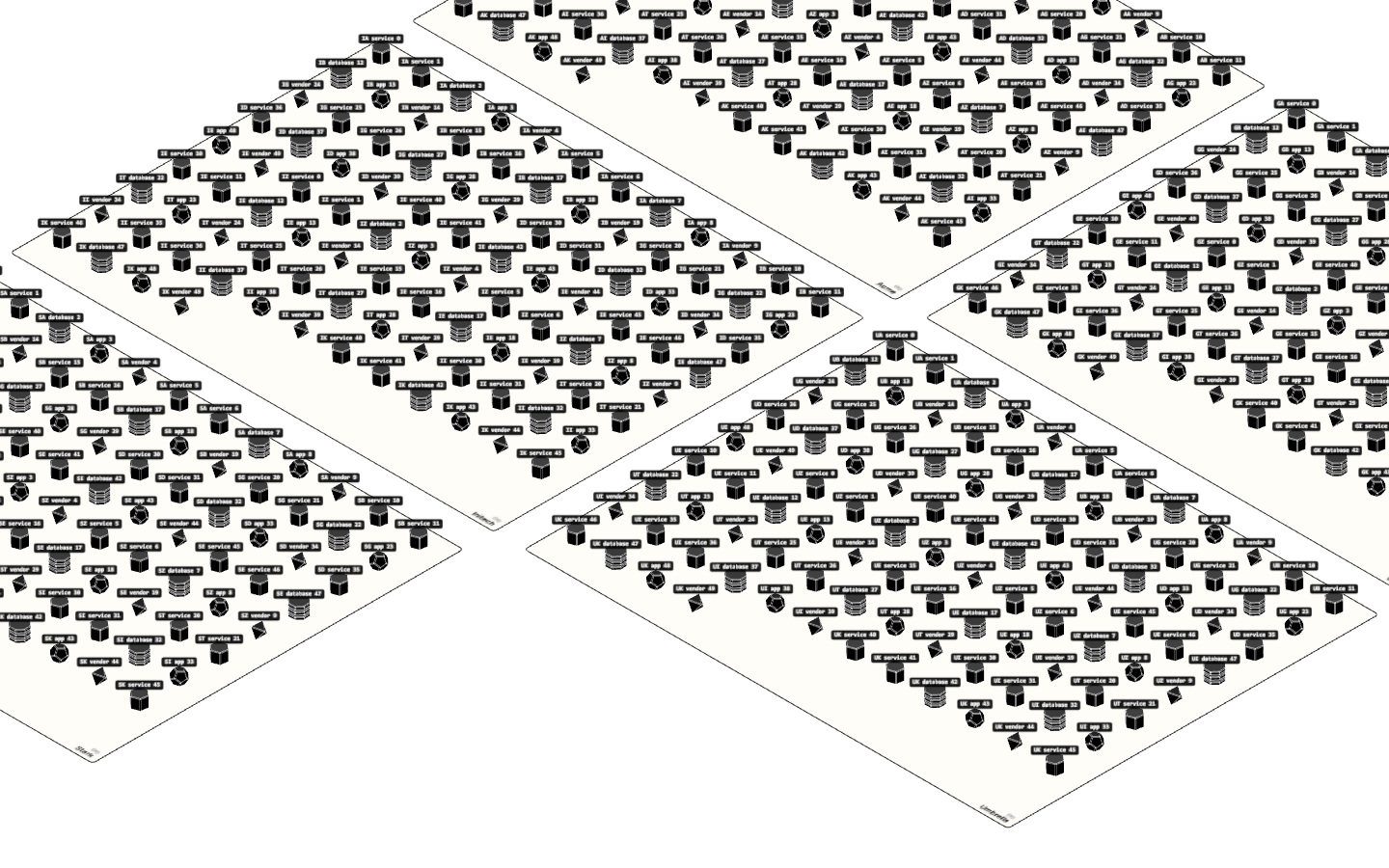
Seven scenarios for validating layout behavior at different scales:
| Scenario | Actors | Nesting | Purpose |
|---|---|---|---|
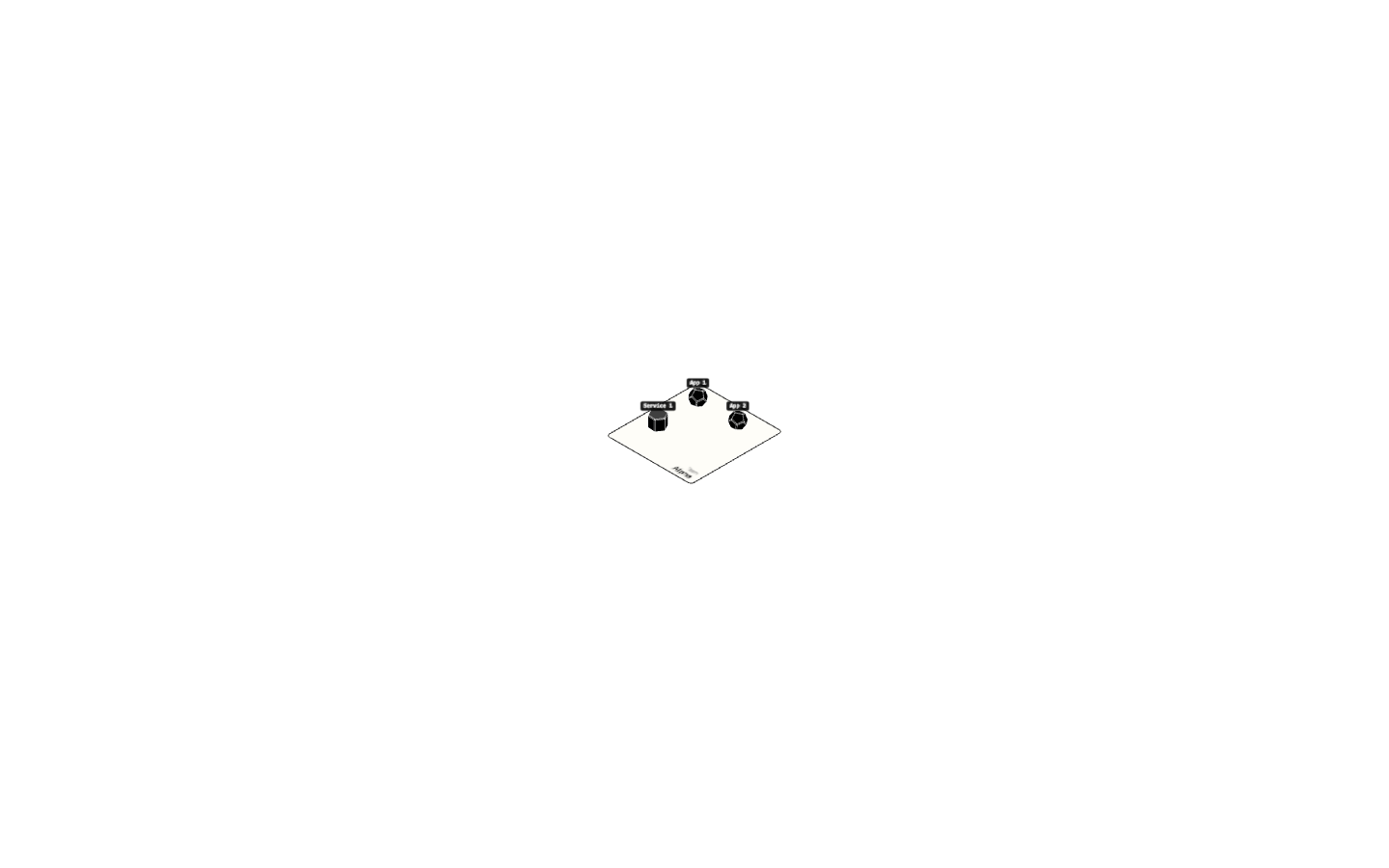
| Tiny | 3 | 1-level | Basic sanity check |
| Small | 13 | 1-level | Simple multi-group |
| Medium | 30 | 1-level | Moderate scale |
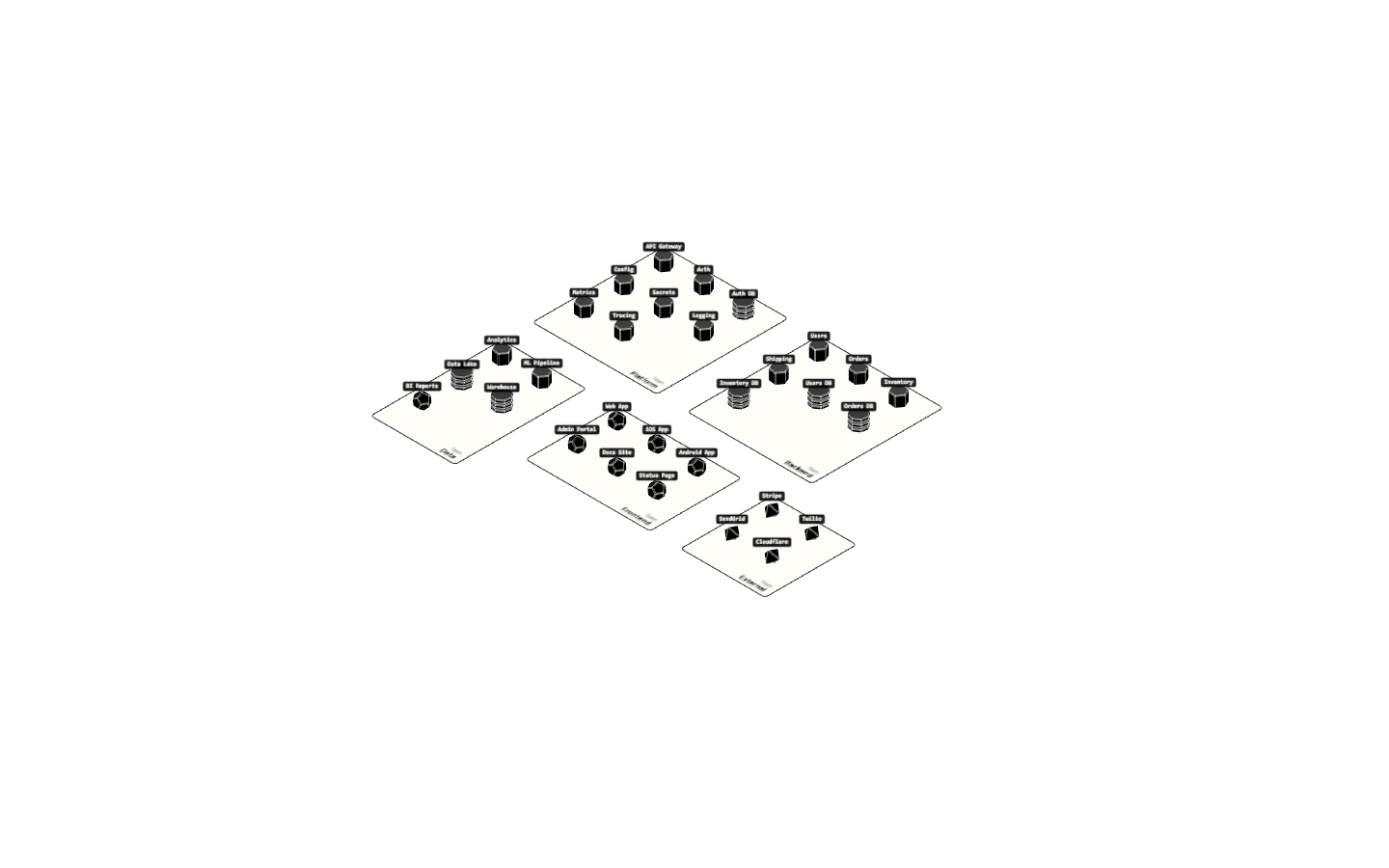
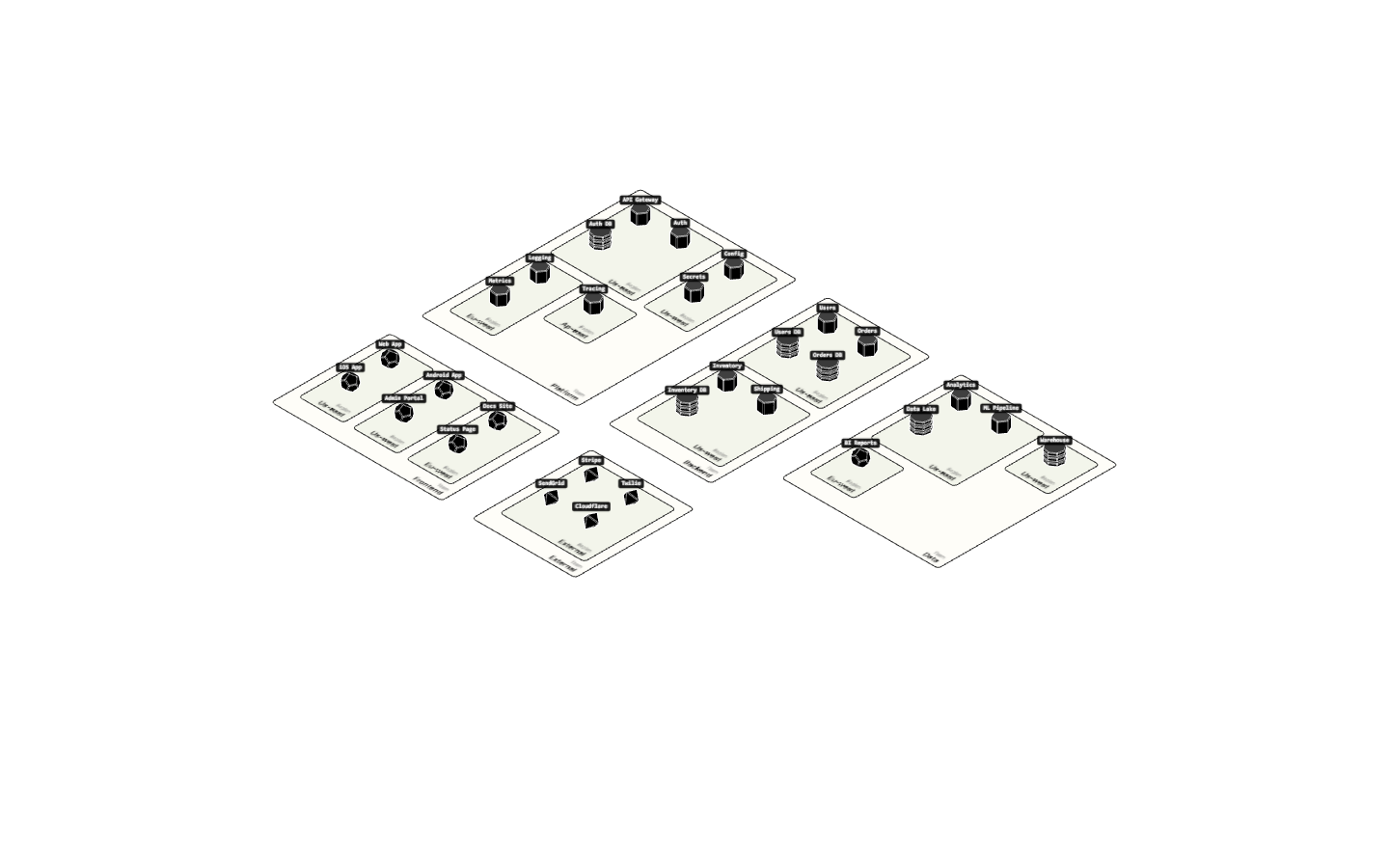
| Nested | 18 | 2-level | Groups within groups |
| Unbalanced | 25 | 1-level | Extreme size variance (1 vs 15 items) |
| Large | 100 | 1-level | Performance stress test |
| Deep Nested | 30 | 3-level | Deep hierarchy |
See shared/testScenarios.js for implementations.
Learnings
Three.js Object Removal Pattern
Problem: When switching scenarios, old actors remained visible even though actorMeshes was cleared.
Root cause: SceneManager wrapper methods (sceneManager.value.add/remove) don't always work consistently with Vue's reactivity system. Objects were being added but removal failed silently.
Solution: Use parent-based removal instead of trying to remove from a specific scene reference:
// Instead of this (unreliable):
sceneManager.value.remove(entity.group)

// Use this (reliable):
entity.group?.parent?.remove(entity.group)
This pattern works regardless of how the object was added, since it removes from whatever parent the object actually has.
SceneManager Access Pattern
When you need the actual Three.js scene:
function getThreeScene() {
  const sm = sceneManager.value
  return sm?.getScene?.() || sm?.scene || sm
}
This handles both the SceneManager wrapper and direct scene references.
Depth-Based Rug Coloring
Goal: Nested rugs should have different colors to visually distinguish hierarchy levels.
Implementation:
- Color scheme stored in
shared/colorScheme.jswithrugDepth.fills[]array getRugColorByDepth(depth, type)helper returns color by nesting level- GroupRug accepts
depth_levelparameter and applies colors in constructor
Key insight - Root offset: The root group has depth=0 but is never rendered (skipped in ViewOrchestrator). First visible groups have item.depth=1. Subtract 1 so visible rugs start at color index 0:
const depthLevel = Math.max(0, item.depth - 1)
Nested Rug Z-Fighting
Problem: Sibling rugs at the same nesting level showed parent's color instead of their own. Console logs showed correct depth/color values, but visuals didn't match.
Root cause: All rugs were positioned at the same Y height (0.01), causing z-fighting. Three.js couldn't determine which surface to render on top.
Solution: Stack deeper rugs slightly higher and use render order:
// In GroupRug._createPlane():
this.plane.position.y = 0.01 + this.depthLevel * 0.001;
this.plane.renderOrder = this.depthLevel;

// In GroupRug._createBorder():
const y = 0.02 + this.depthLevel * 0.001;
this.border.renderOrder = this.depthLevel + 10;
Child rugs now render properly on top of parent rugs.
What's Next
Once the core layout engine is proven:
- Apply this pattern retroactively to c9/c10
- Add morph animations between layouts
- Explore alternative packing strategies
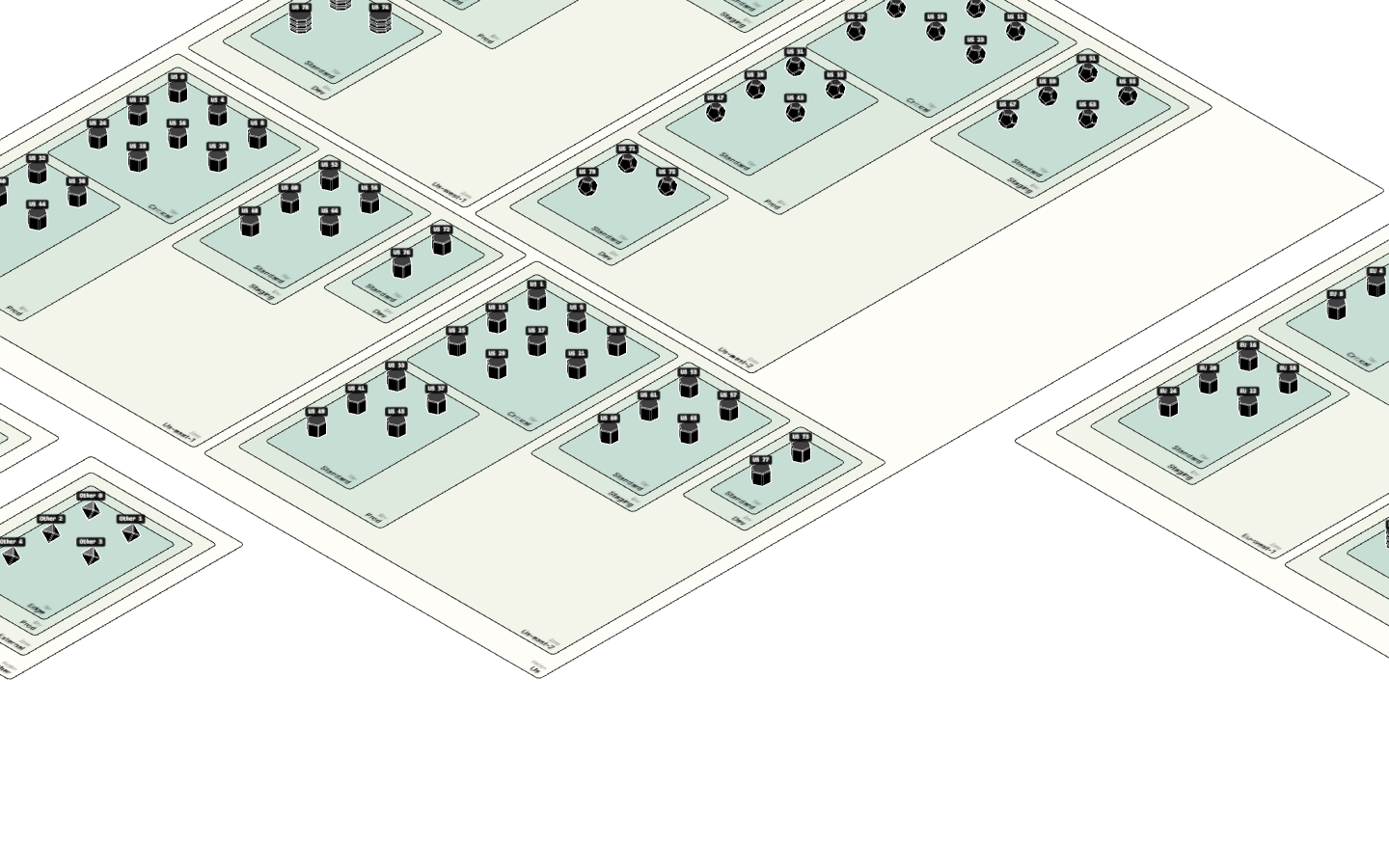
Visual record
11 captures — heroes, page slices, and full-page renders. Click to view.