Zoom Pan
Zoom controls, responsive canvas, and pulse alignment fix
New in this cycle: Scroll-to-zoom and click-drag panning on a responsive canvas
Why
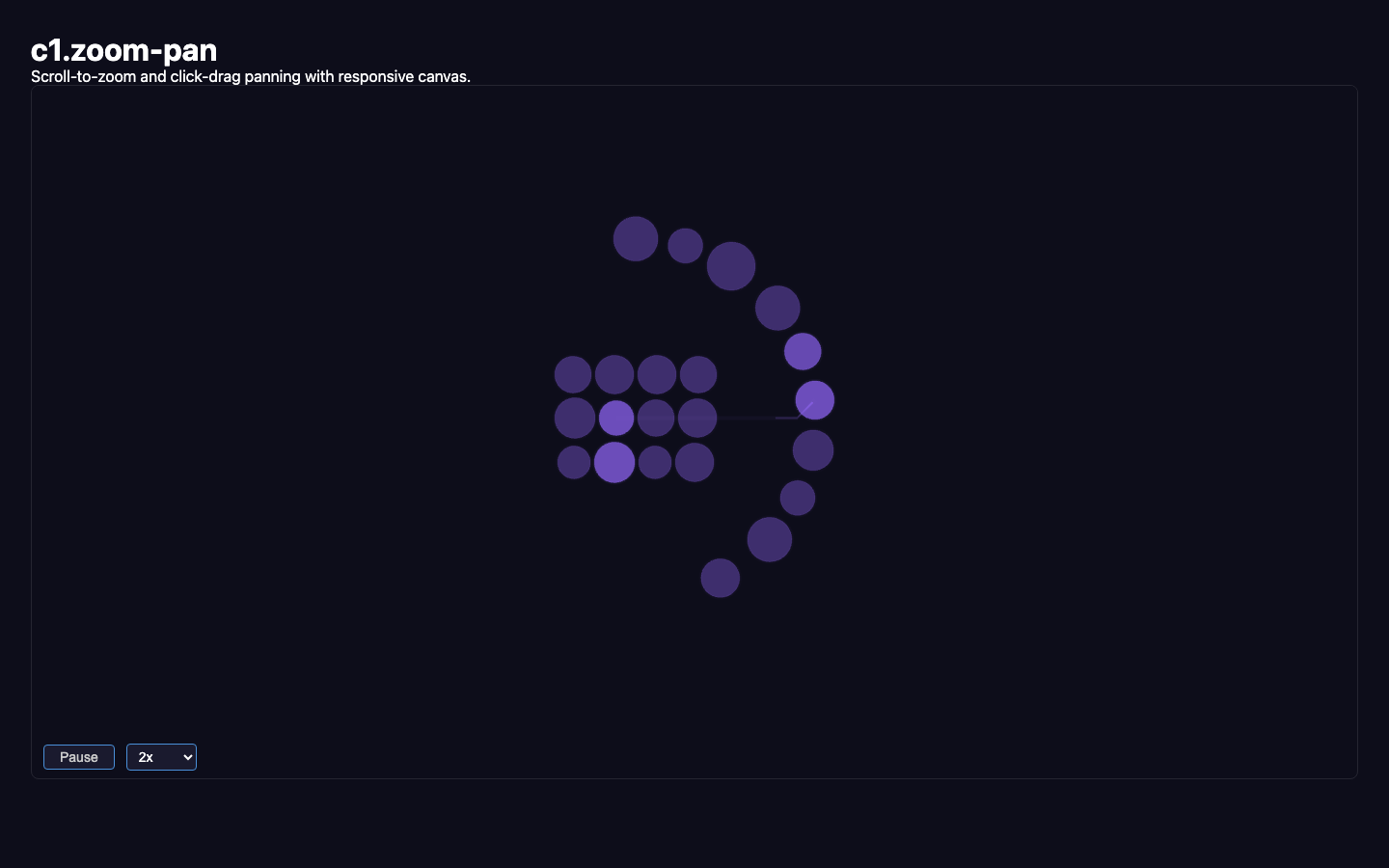
The visualization appeared zoomed in with no way to adjust the view. The canvas was hardcoded to 800x440px. This cycle adds scroll-to-zoom (toward cursor), click-drag panning, makes the canvas fill its container, and fixes pulse line alignment.
Objective
Add zoom/pan controls and make the canvas responsive.
Scope
dev/experiments/c1.zoom-pan/
Key Changes
- Added
enableZoom(canvas)— scroll-to-zoom centered on cursor - Added
enablePan(canvas)— click-drag with 4px dead-zone - Added
fitToContent()/resetView()— auto-scale and center content - Canvas reads container dimensions instead of hardcoded 800x440
holder.isRenderGroup = true— fixes PixiJS 8 transform propagation- Manual bounds computation from node positions
Outcome
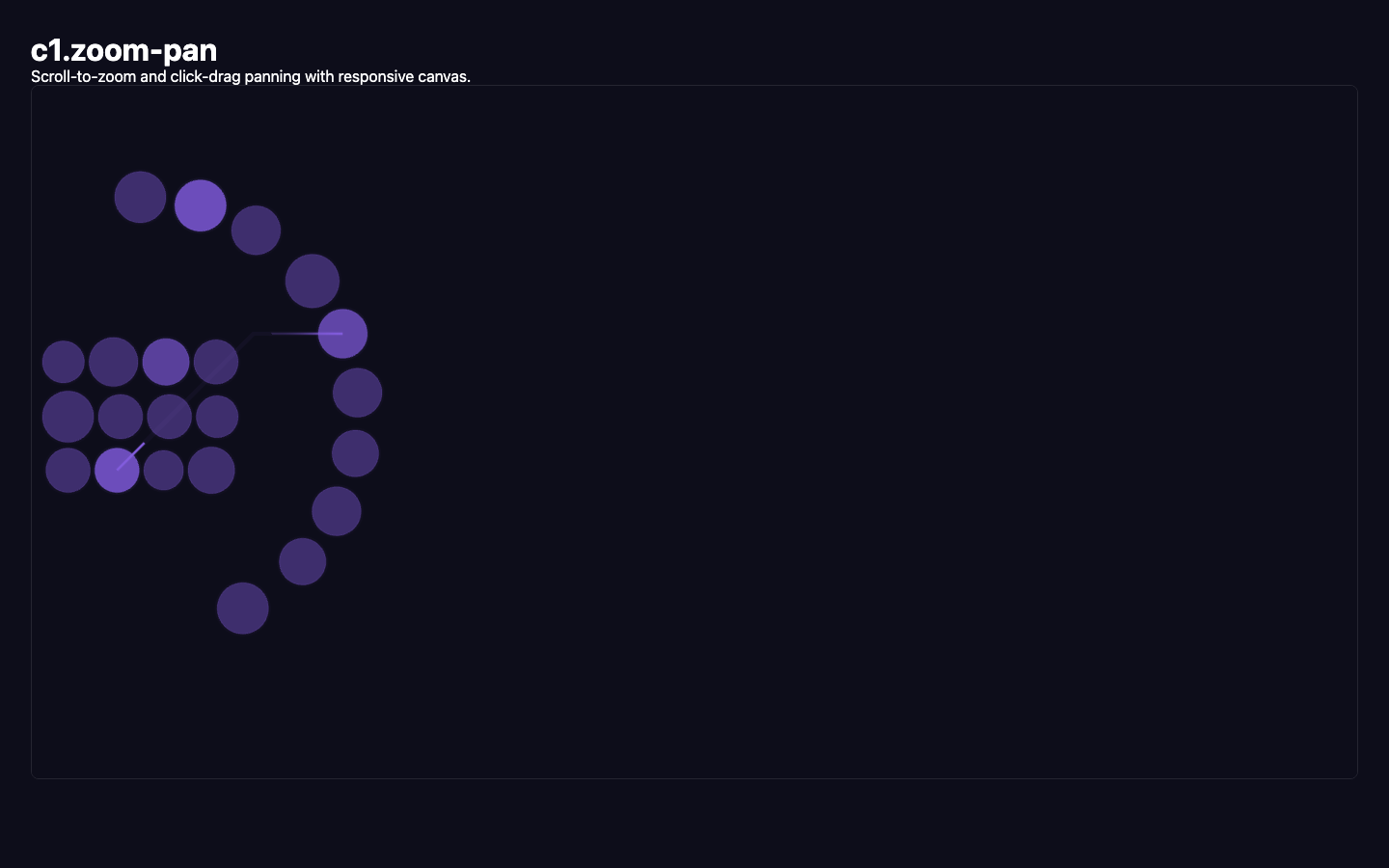
Zoom, pan, and fit-to-content all work. Key discovery: PixiJS 8's default render group on app.stage doesn't properly propagate transform updates to dynamically added children. Setting isRenderGroup = true on the zoom/pan container fixes it. Also discovered that getLocalBounds() on a scaled container can corrupt PixiJS 8's transform cache.
Visual record
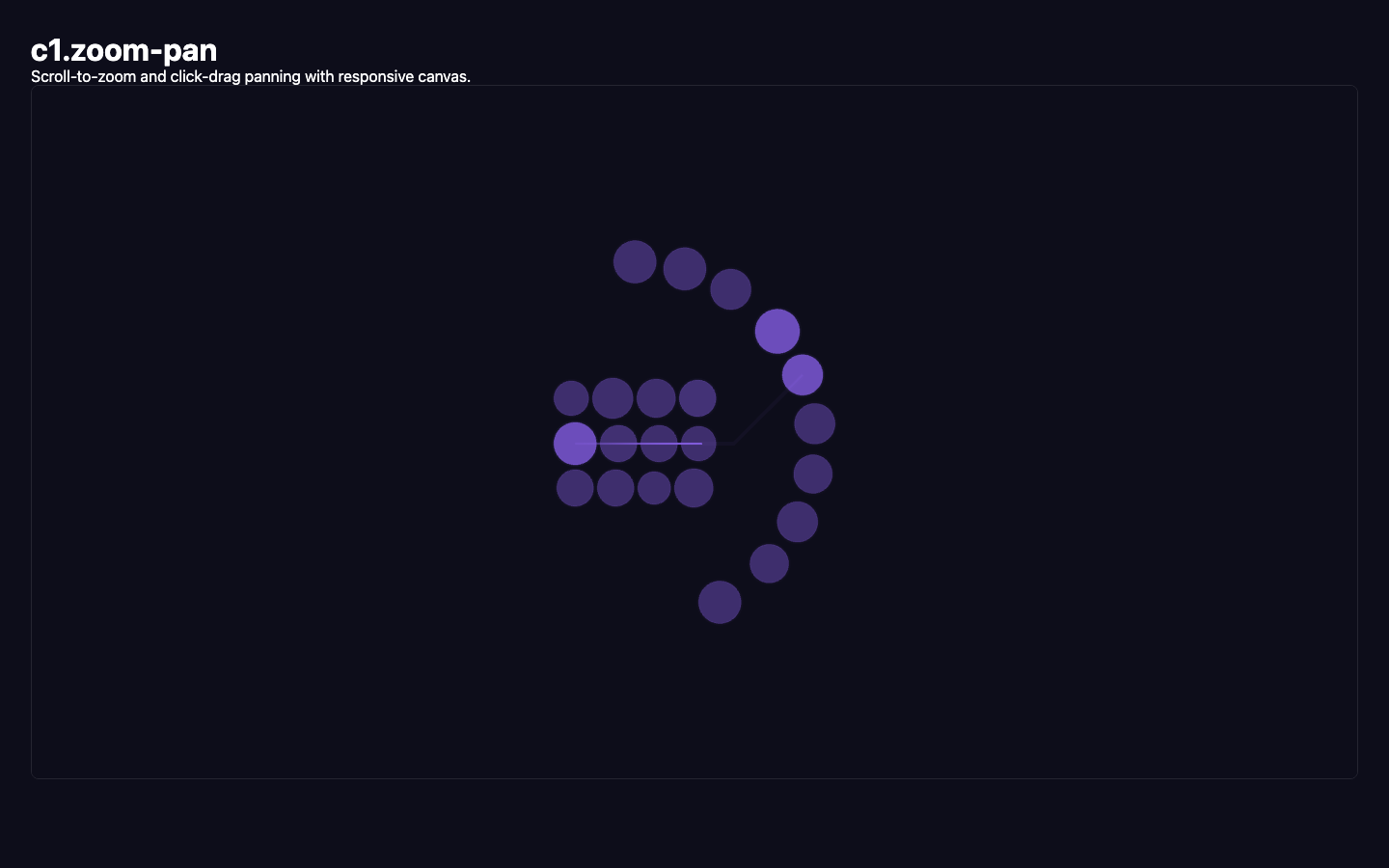
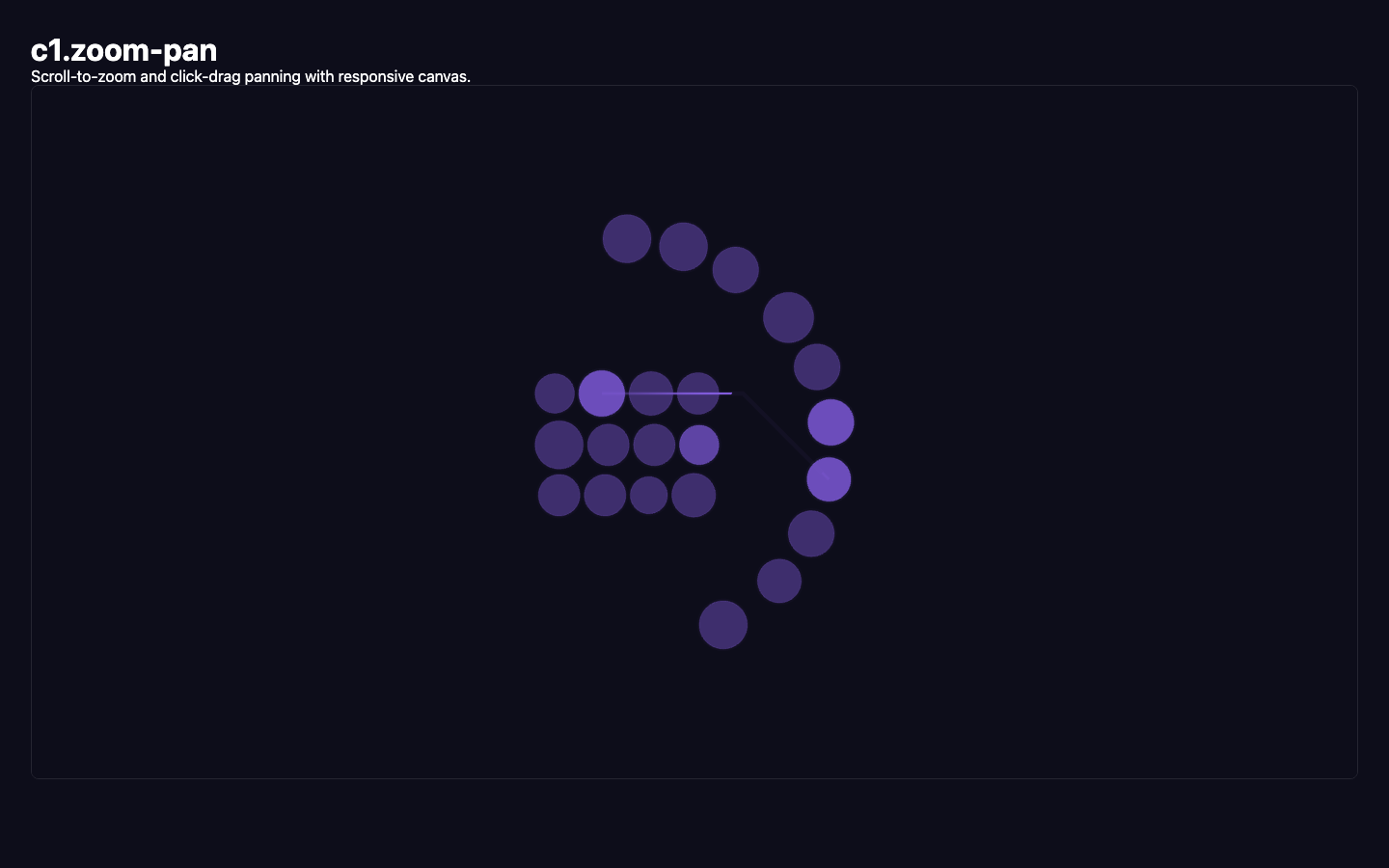
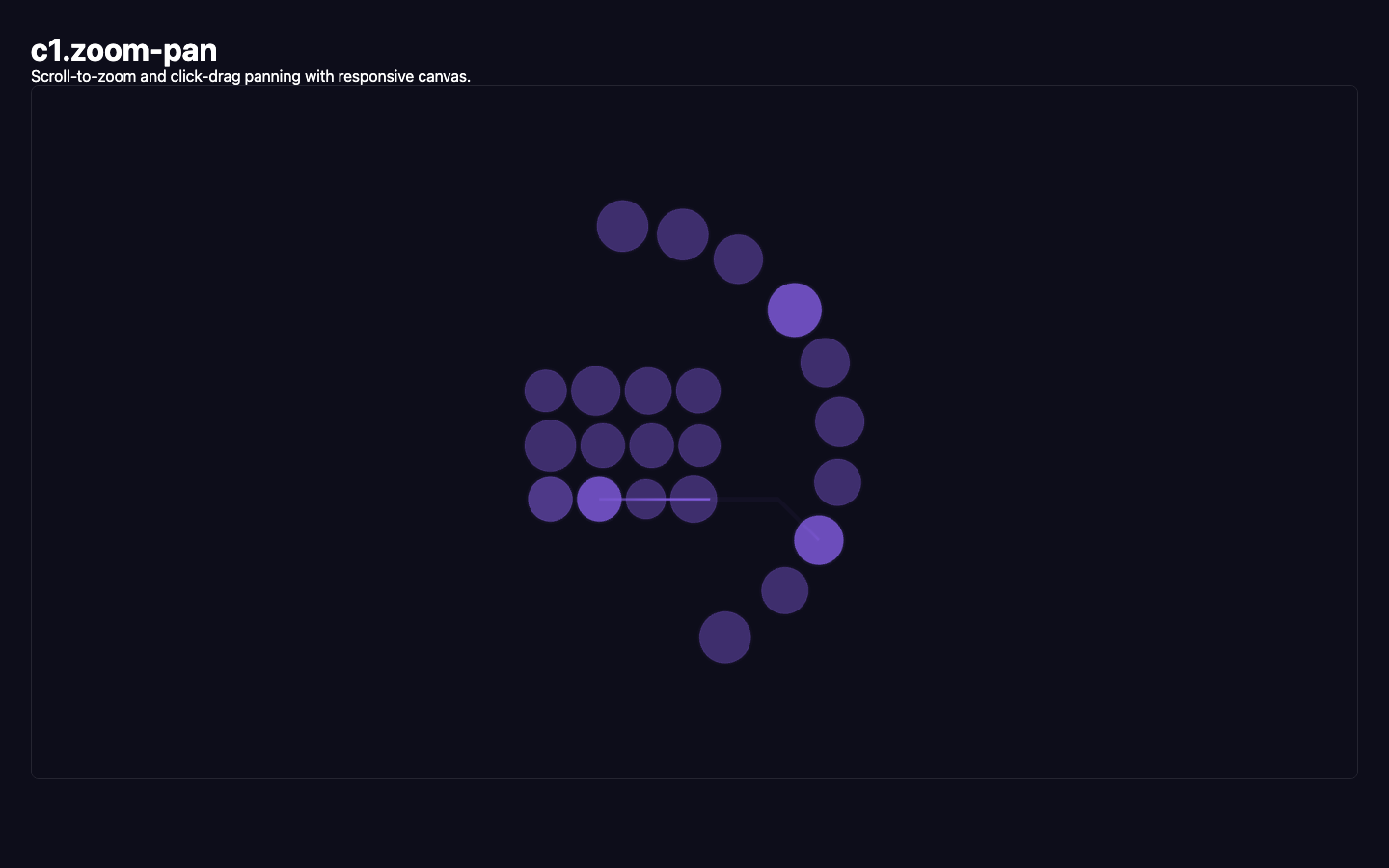
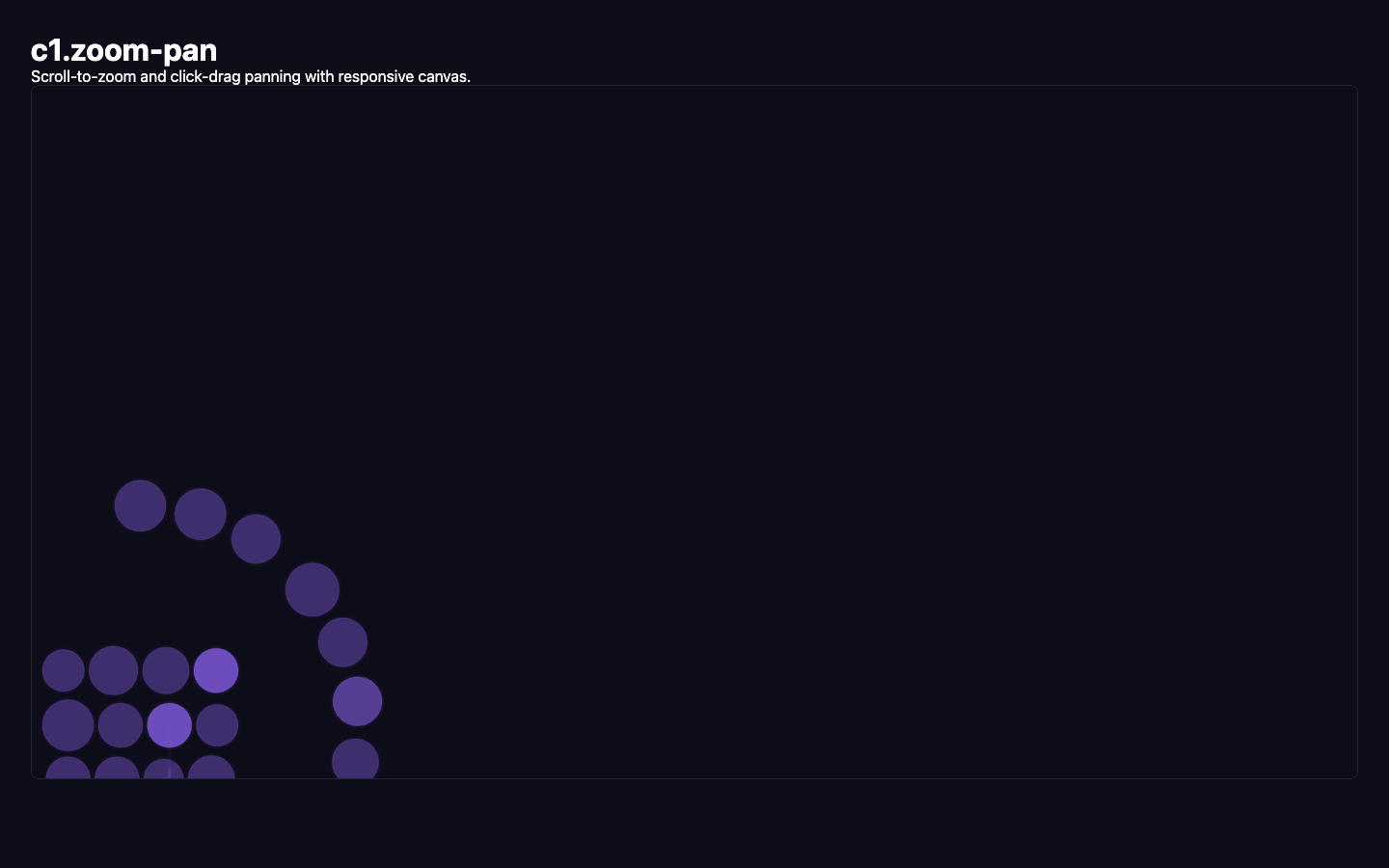
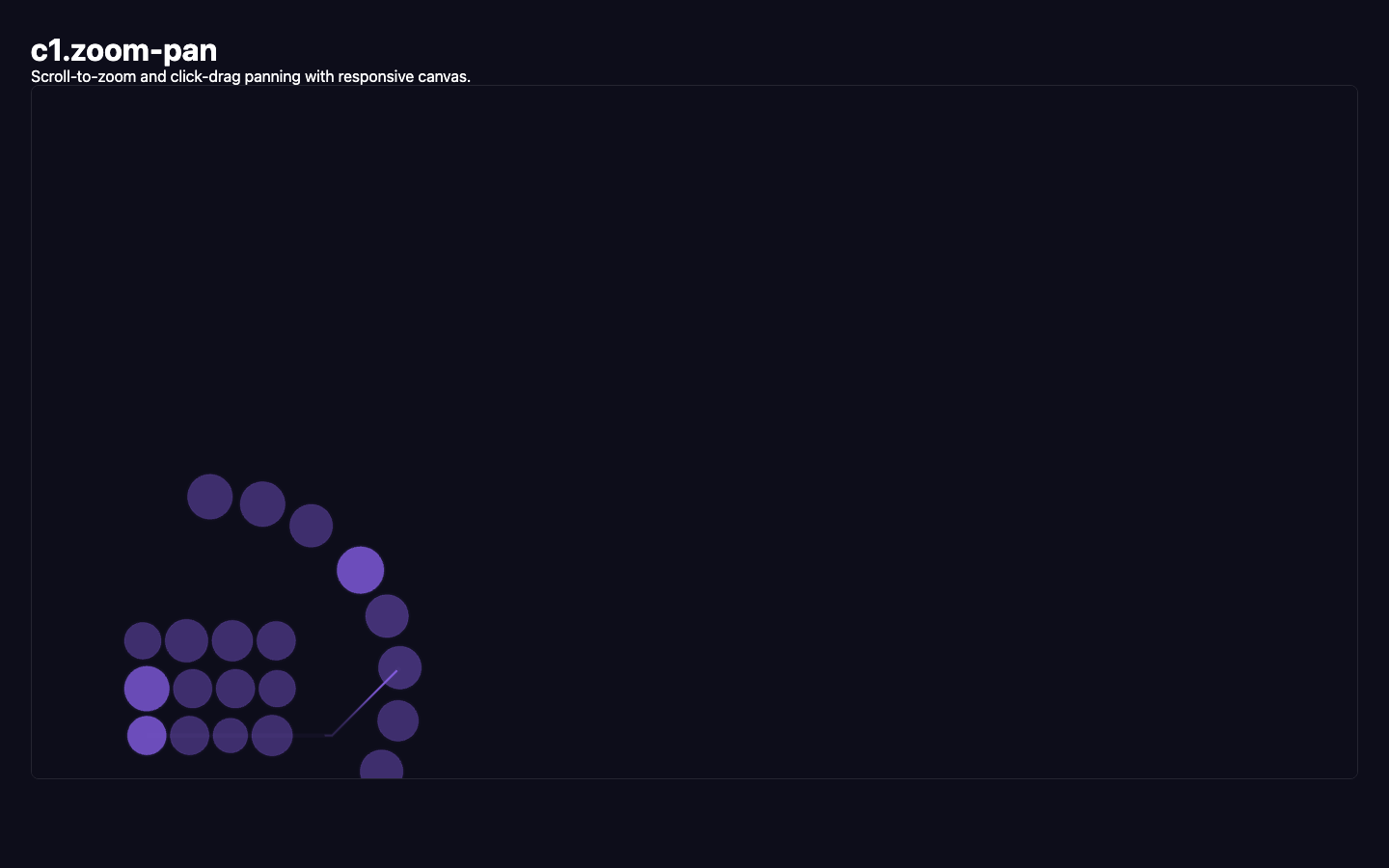
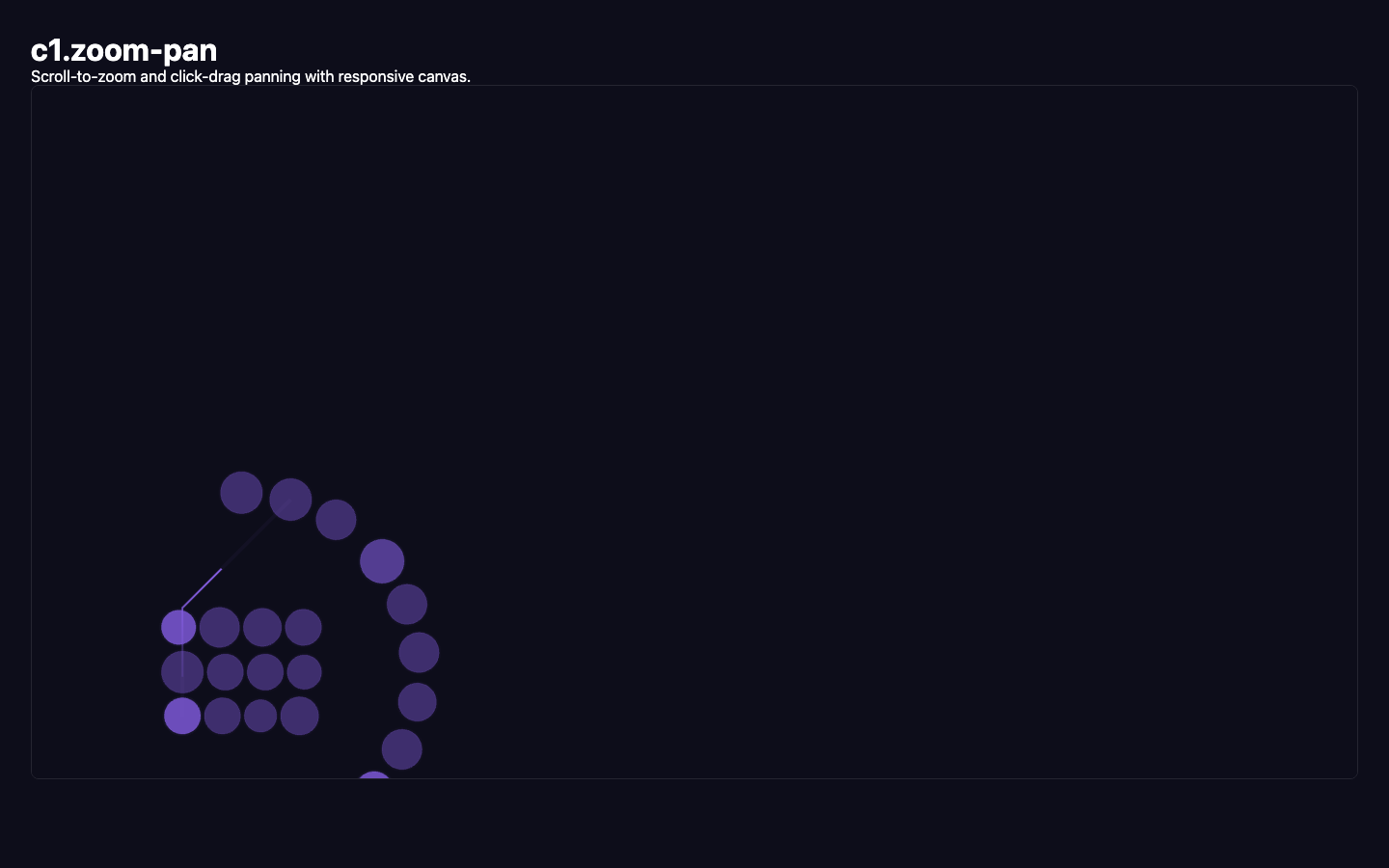
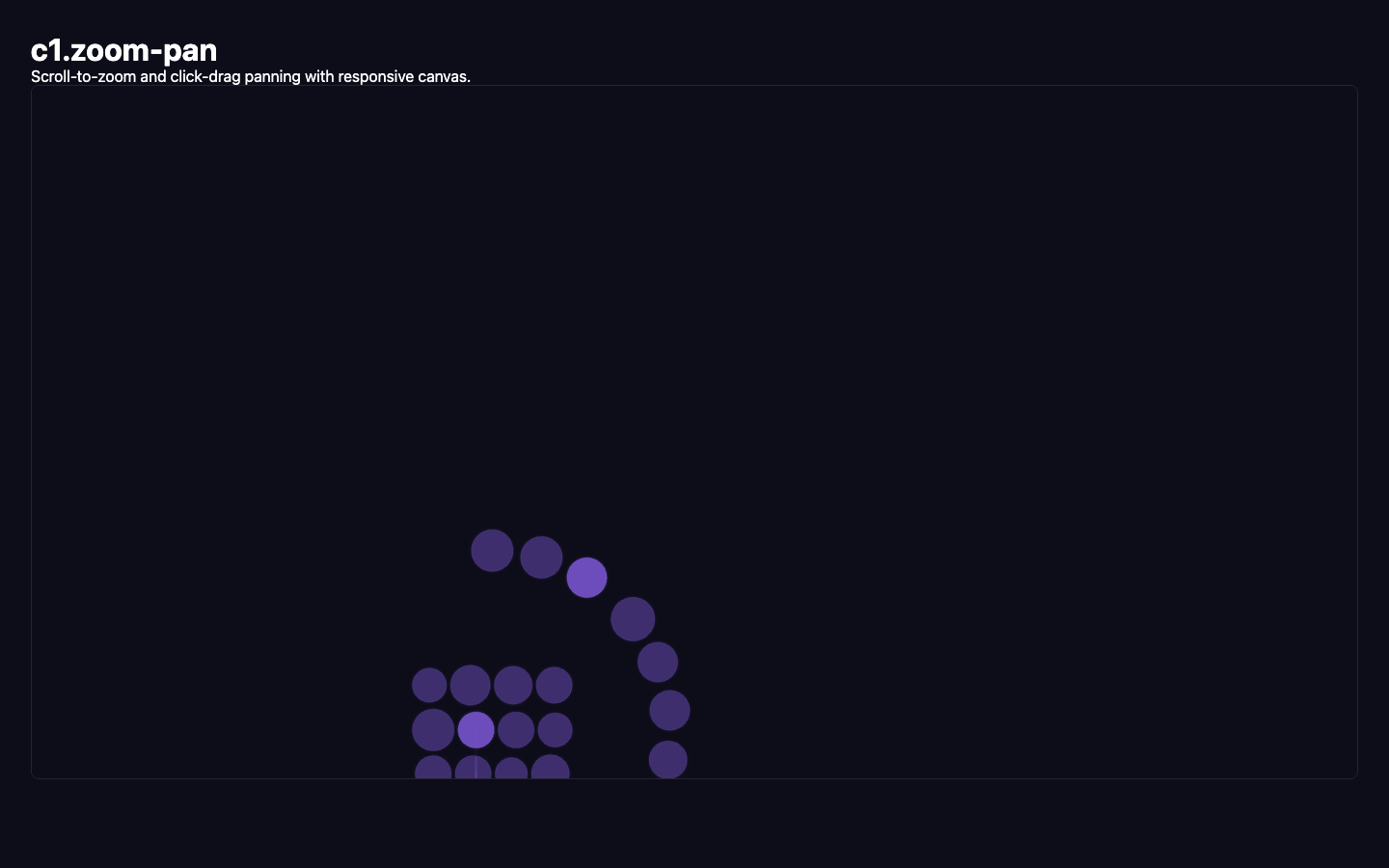
9 captures — heroes, page slices, and full-page renders. Click to view.