Data machine micro
1 moment · 1 captures · c109 · docs
Captured once so far — the timeline starts when this subject is shot again under the same subject id.
Click a capture to make it the after (B); shift-click for the before (A). Arrow keys step the pair.
/components/data-machine/data-machine-micro
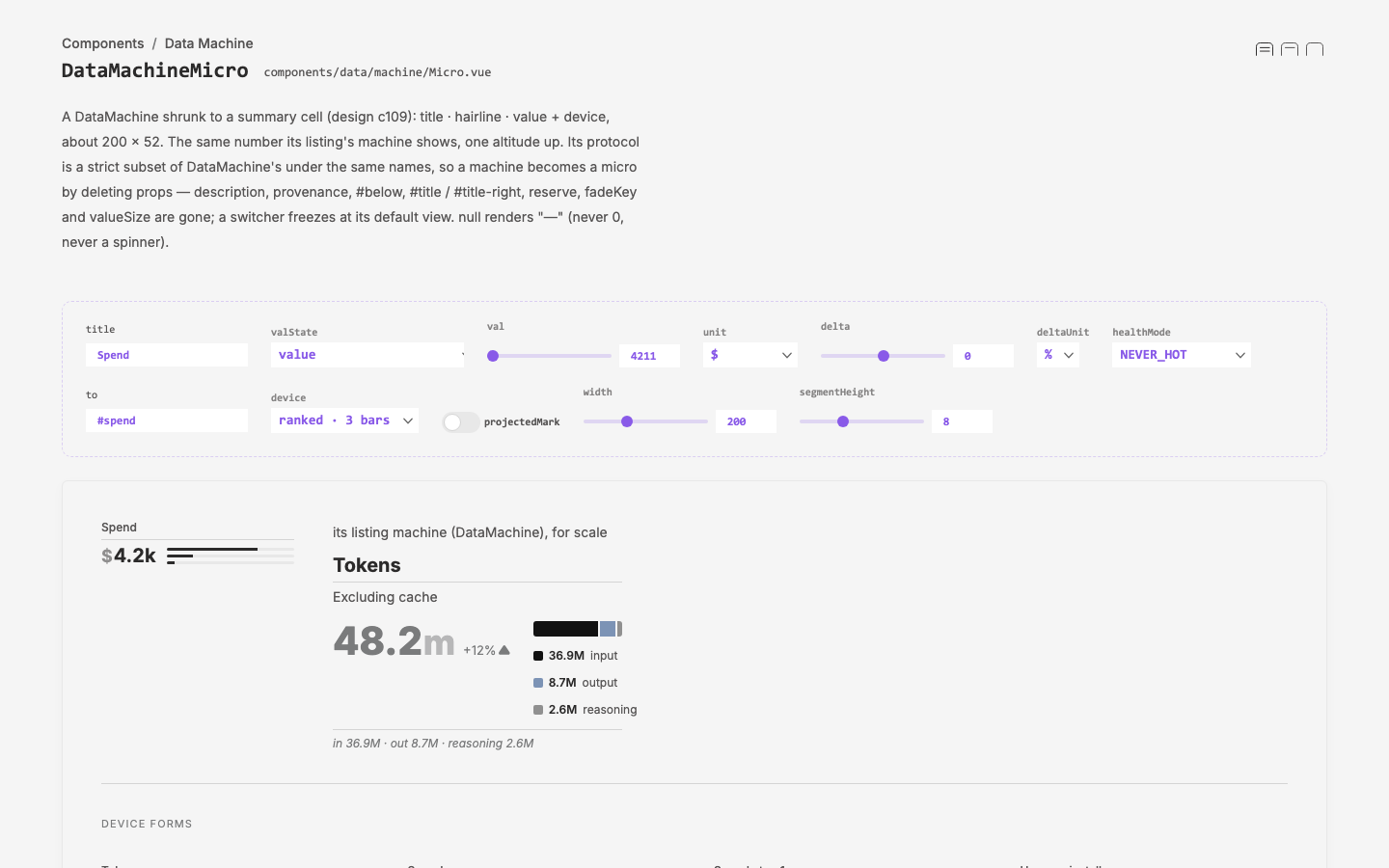
The DataMachineMicro demo: the interactive card on DevCanvas controls, every device form (segment bar, ranked as 3 bare bars or top-1 label · share, donut as segment or ring, spark, attention, projected mark), and the scenarios — loading, failed, empty (honest zeros), minimal, typical, overflow — plus micros aligned with full DataMachines in one DataMachineGroup
/components/data-machine/data-machine-micro
The DataMachineMicro demo: the interactive card on DevCanvas controls, every device form (segment bar, ranked as 3 bare bars or top-1 label · share, donut as segment or ring, spark, attention, projected mark), and the scenarios — loading, failed, empty (honest zeros), minimal, typical, overflow — plus micros aligned with full DataMachines in one DataMachineGroup