UxSvgPlate
components/ux/SvgPlate.vue
White backing plate for art drawn only for light backgrounds. Transparent in light mode; paints white under .dark (or a provideThemeMode dark context) so dark ink stays legible. Fills its container width; the art scales to fit.

Without vs with the plate
Bare <img> — dark ink disappears in dark mode
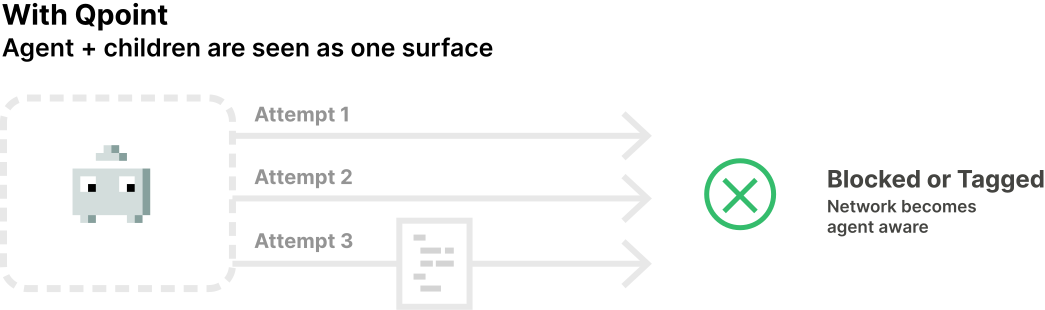
UxSvgPlate class="p-2 rounded-6"
Inset — your own Tailwind classes
(none)

p-1 rounded-4
p-2 rounded-6
p-4 rounded-8
Slot — inline svg (single-color ink, no class styles)
Illustrator exports belong in
src — their .cls-N styles leak across inlined siblings.Typical — the dynamic-sandbox set
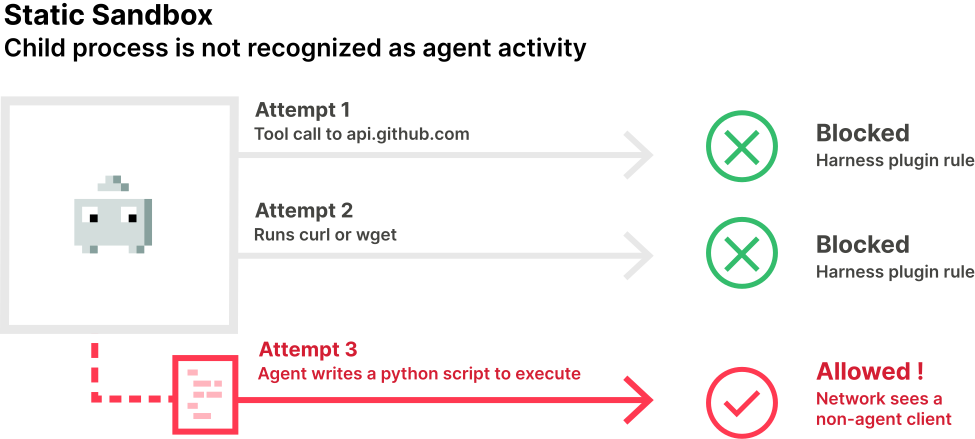
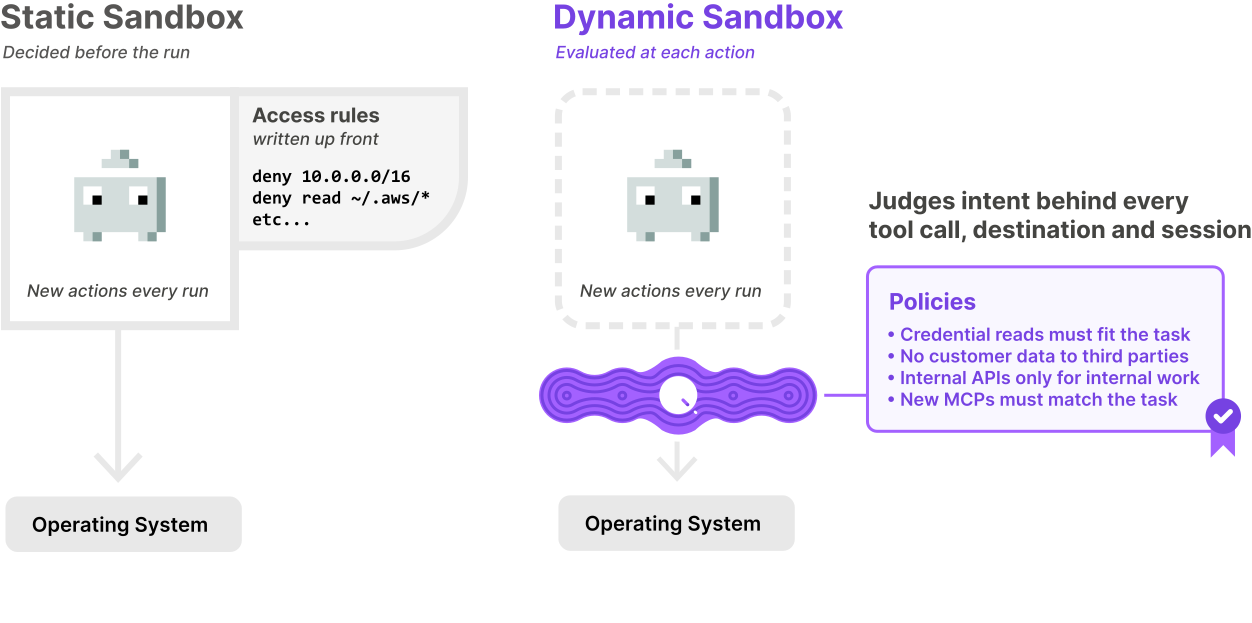
components/ux/SvgPlate.vue
Usage
<UxSvgPlate
src = "—"
alt = "—"
>
Content here
</UxSvgPlate>
Props
| Prop | Type | Default | Description |
|---|---|---|---|
| src | String | '' | Image URL; renders an <img> scaled to the plate width. Omit to wrap the default slot. |
| alt | String | '' | Alt text for the <img> (src mode). |
Slots
| Slot | Description |
|---|---|
| default | Art to plate when no src is given — an inline svg, UxIcon, or <img>. |