← Archive

Index — Every Listing, One Altitude Up

October 2, 2026SeedDashboardProductscreengrab

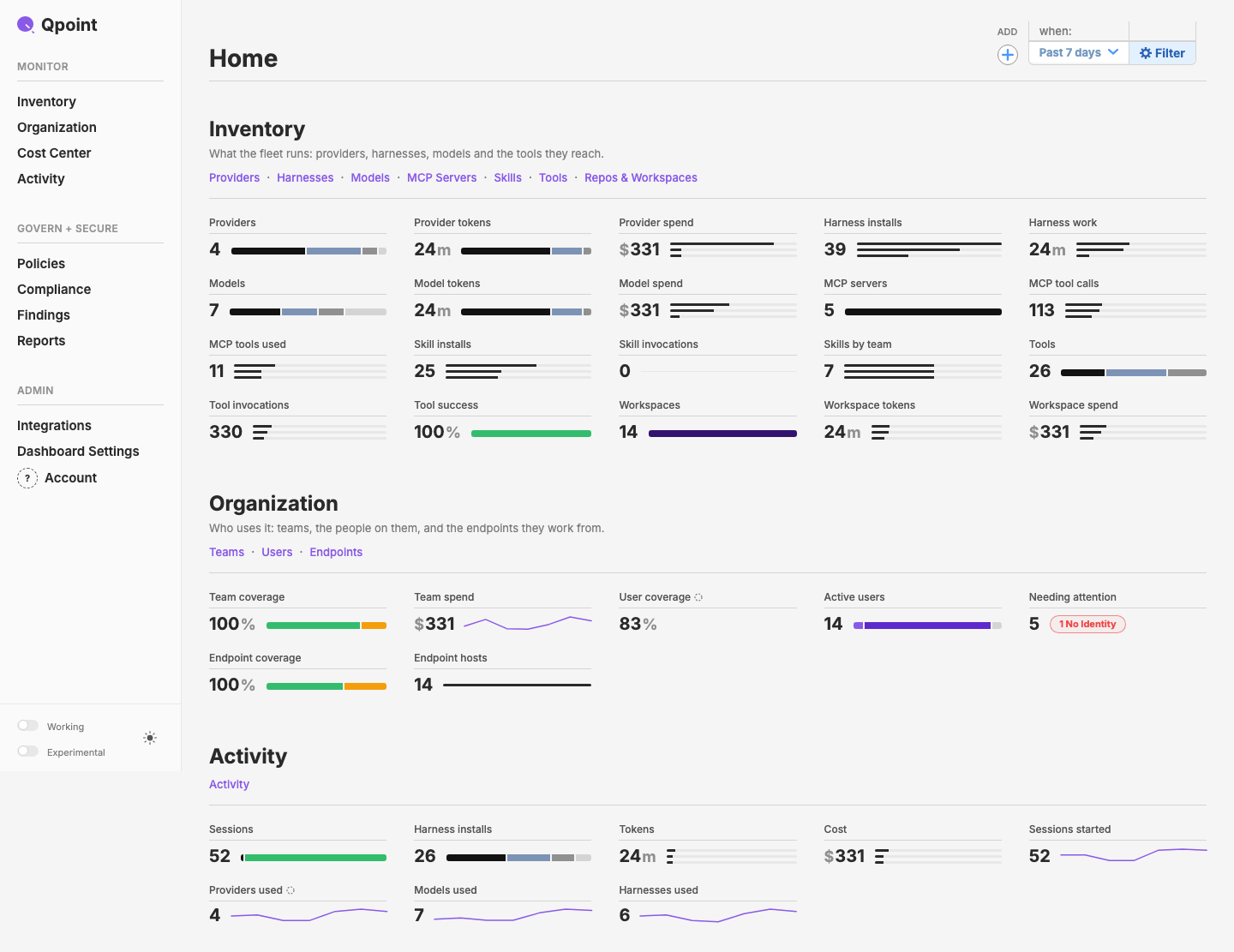
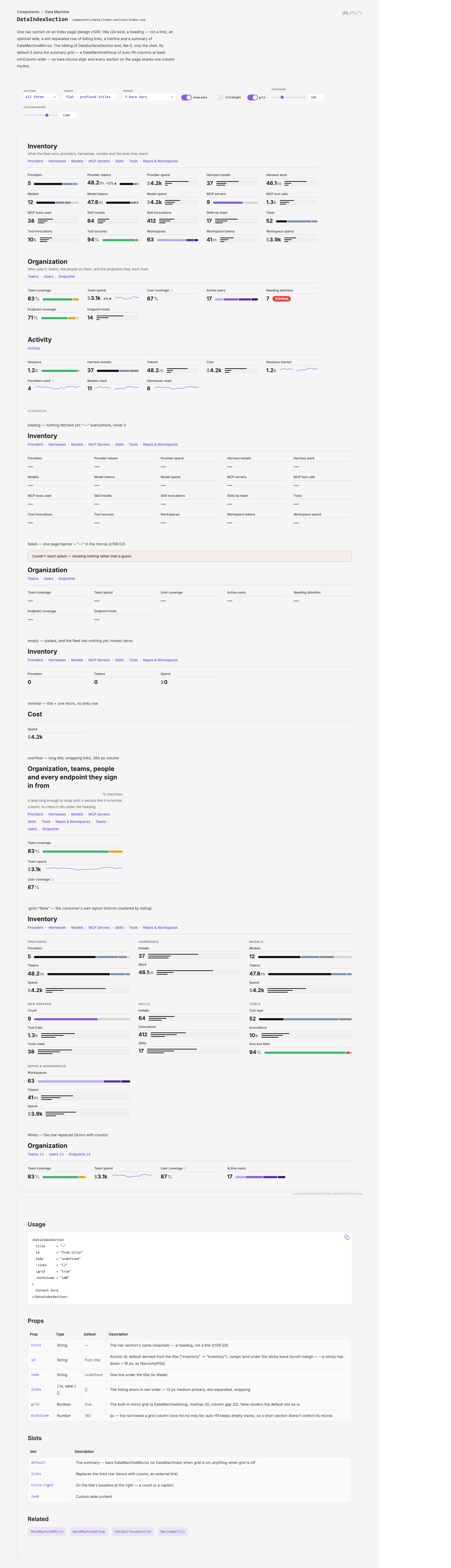
qdash's index page: Inventory, Organization and Activity sections, each a title, a lede, a row of listing links and a grid of small stat cards — a value, a hairline title and a tiny segment bar, three bare bars or a spark — 35 in all.

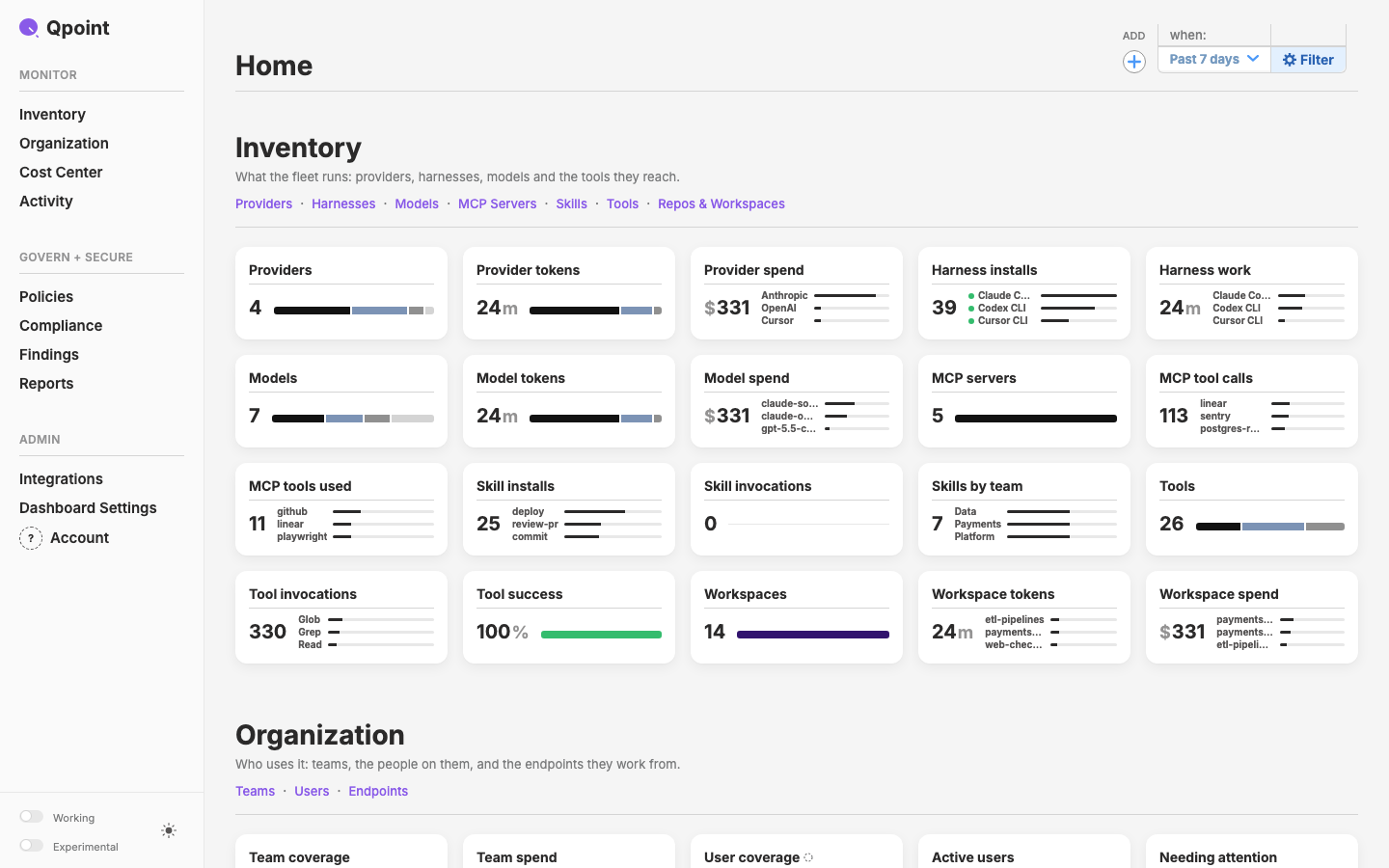
After close: the index on layer 0.9.29 — every micro a white card with rounded corners and a soft shadow, 14 px bold titles, 16 px gaps, 28 px section titles, roll downs labelled in 10 px bold.
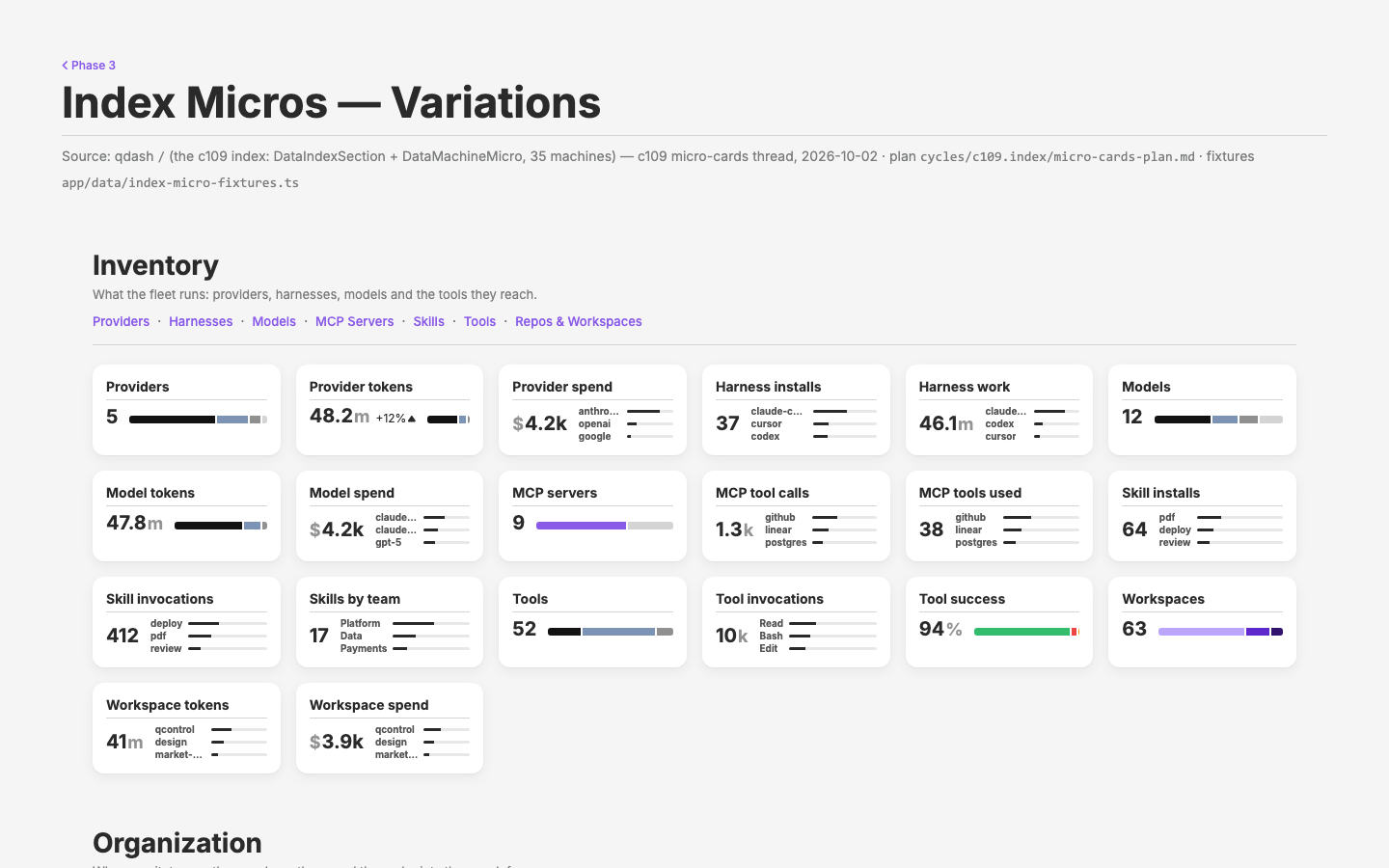
The variations page that settled it: presets A–E side by side — today, micro cards, micro cards with small data, a white section card, a section card with tiles.
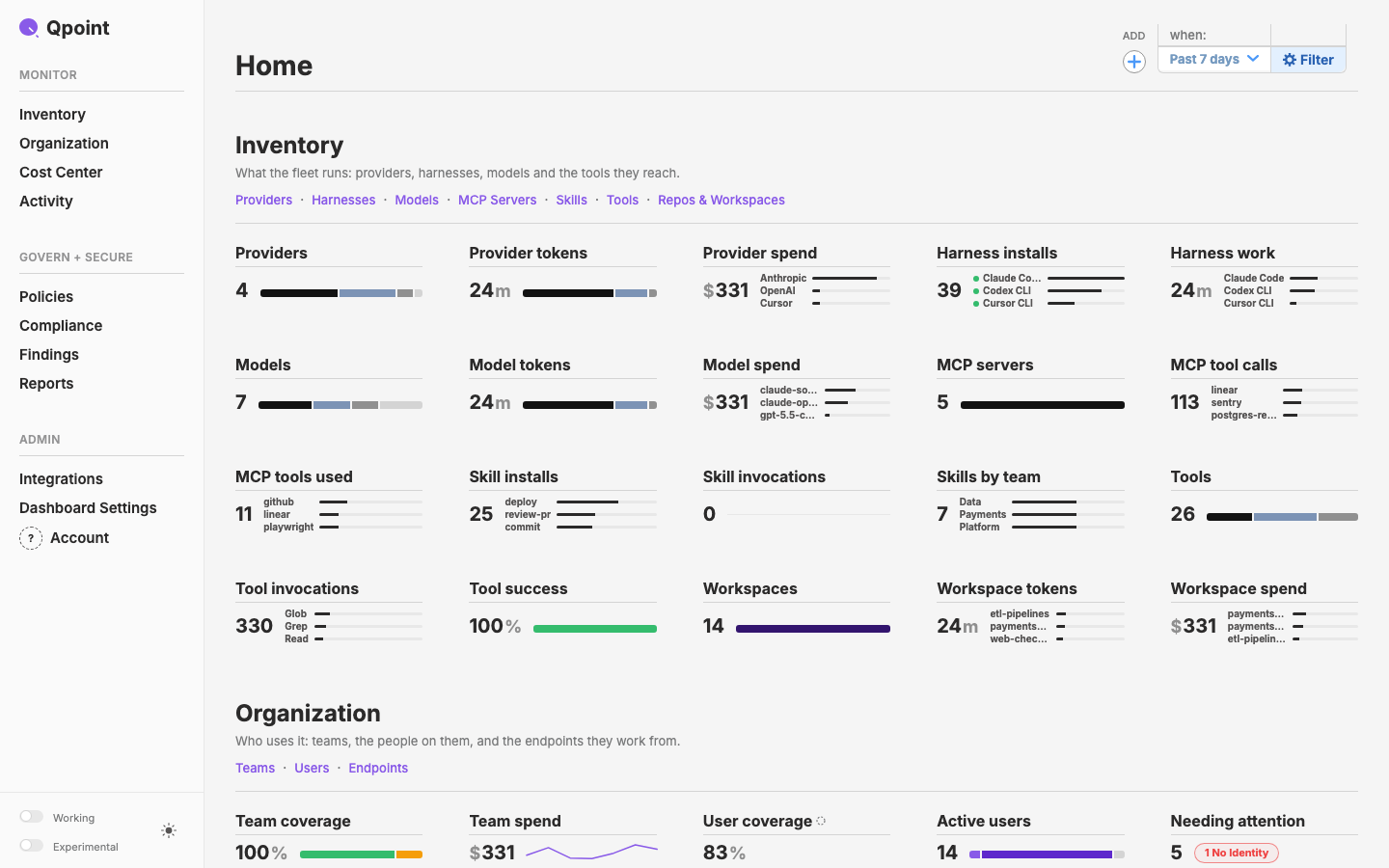
Between the two: the flat index with labelled roll downs, 16 px bold titles and 48 px gaps.
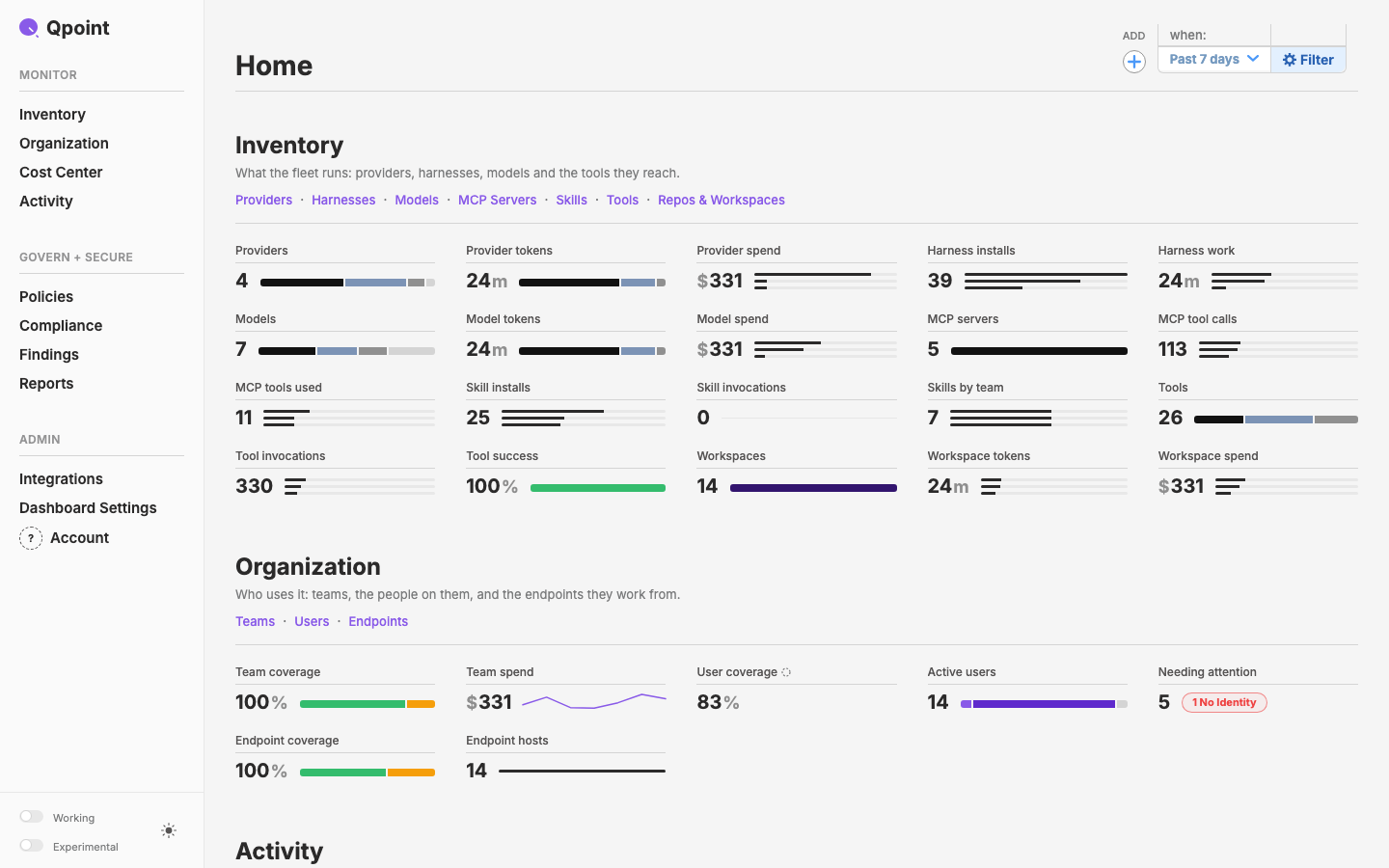
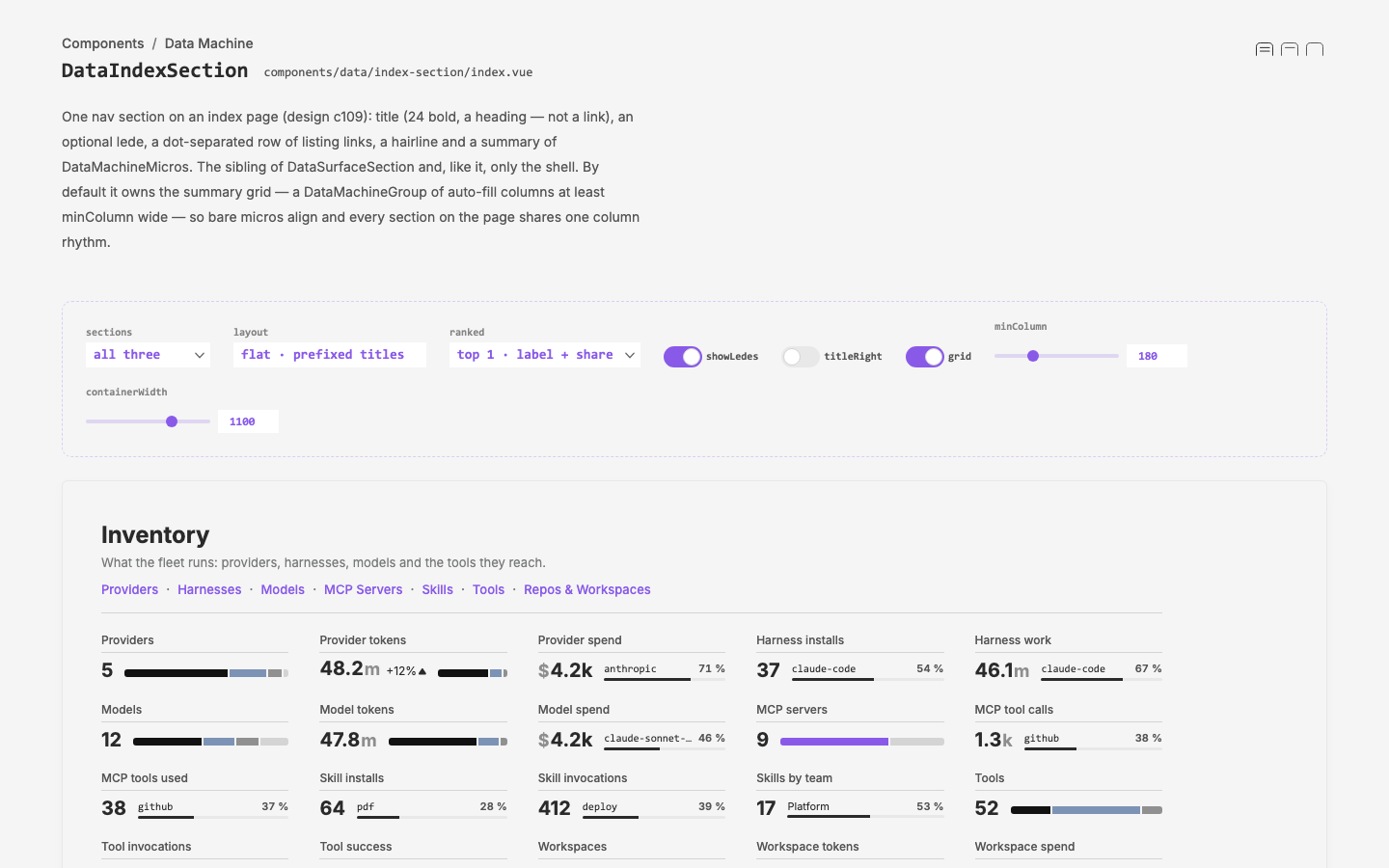
qdash / on the seed backend: Inventory's 20 micros in the flat grid with prefixed titles, Organization starting below.
The whole index: Inventory (20), Organization (7, with the projected ring on User coverage and a 1 No Identity attention mark) and Activity (8, its history graphs as sparks with the period total).
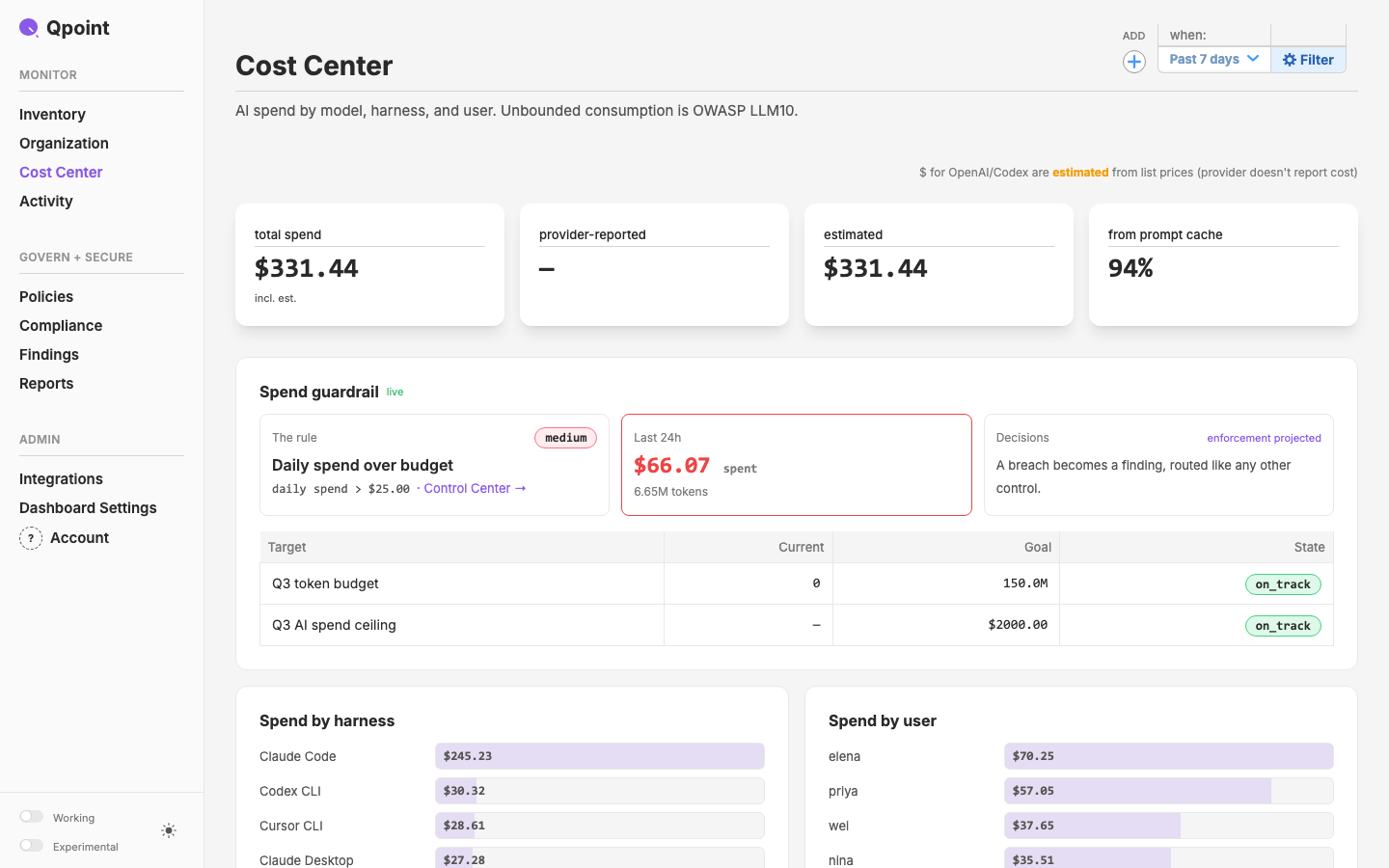
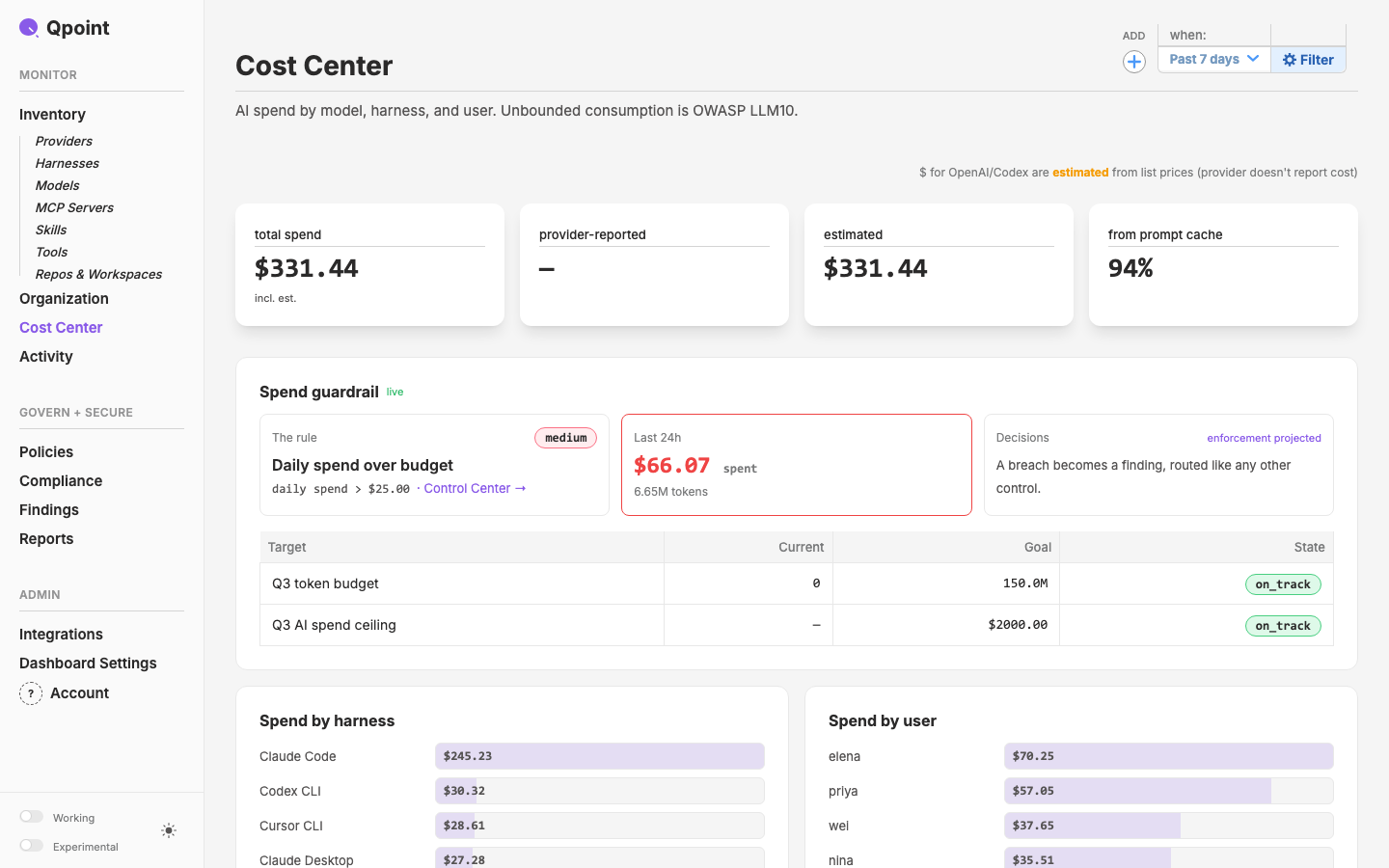
The rail on Cost Center: MONITOR starts at Inventory now that Overview has left; Inventory and Organization are disclosures, not links.
One click on Inventory opens its seven listings without leaving Cost Center; a second click closes them.
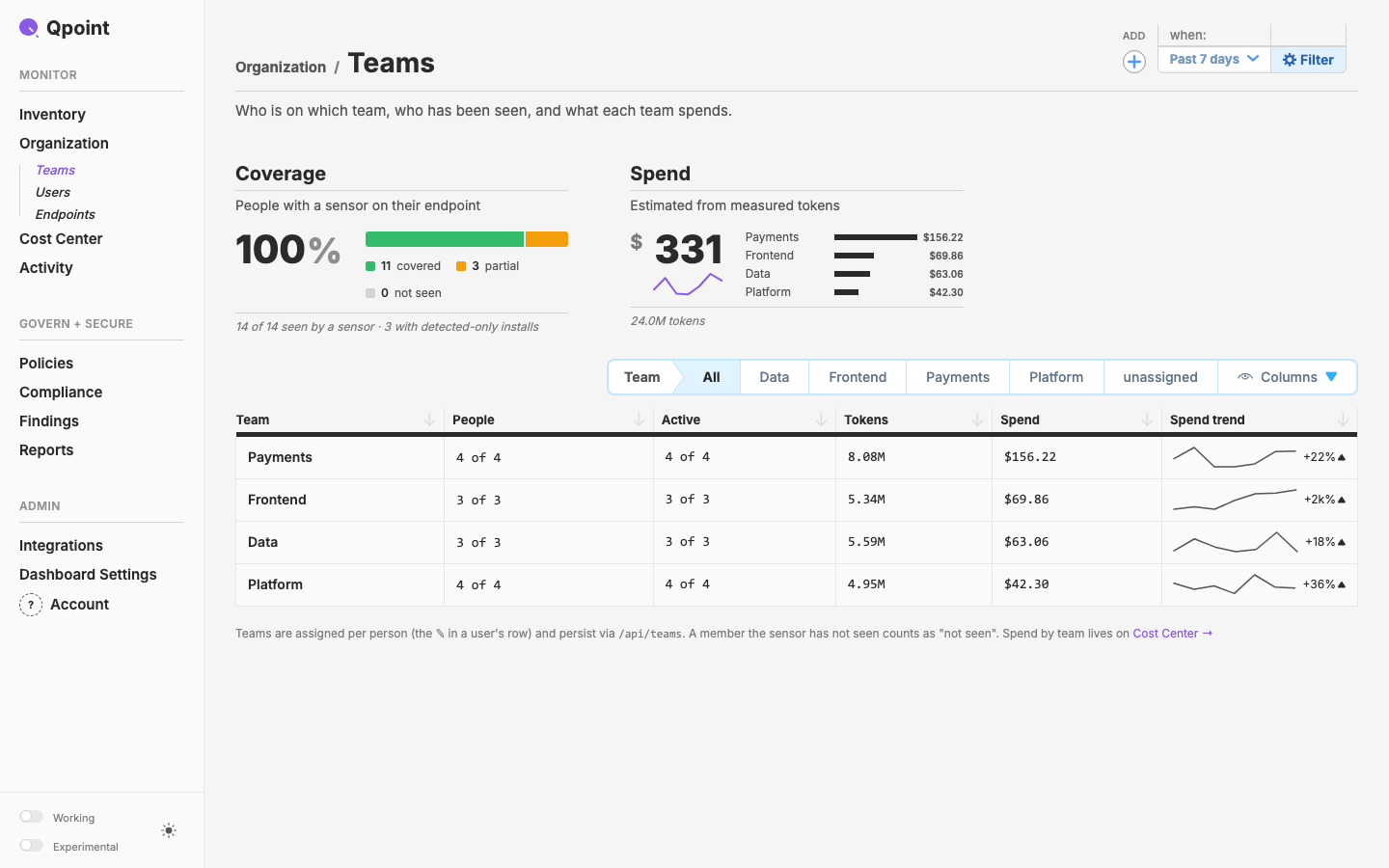
Teams: the Organization breadcrumb links the index's Organization section; Coverage 100 % and Spend $331 are the numbers the index's micros show.
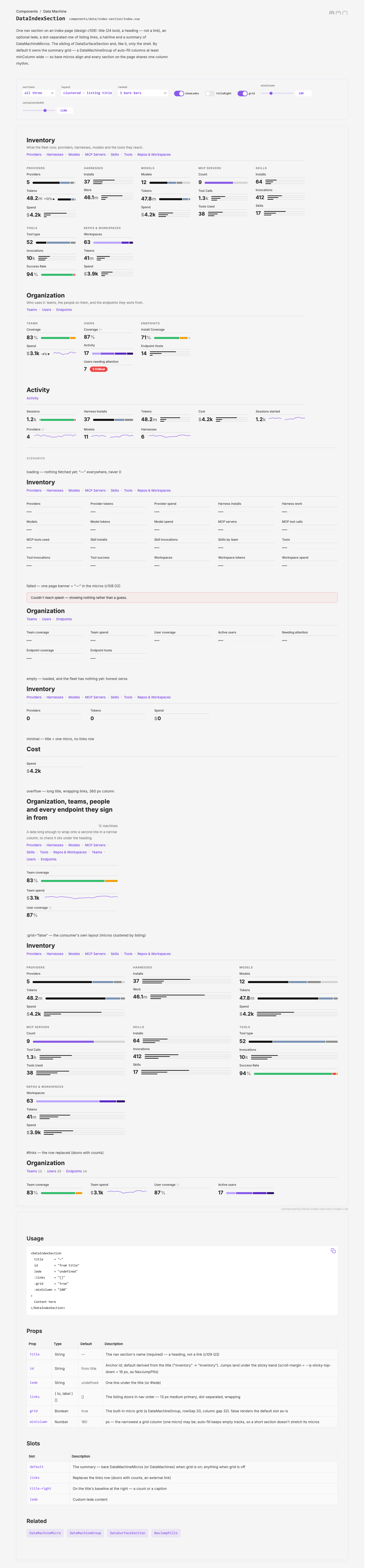
The DataIndexSection demo on fixtures: all 35 machines, flat with prefixed titles and 3 bare bars — the layout Mark picked.
The alternative tried side by side: micros clustered under their listing, titled as the listing titles them.
The ranked alternative passed over: the top row as label · share over a 3 px meter.
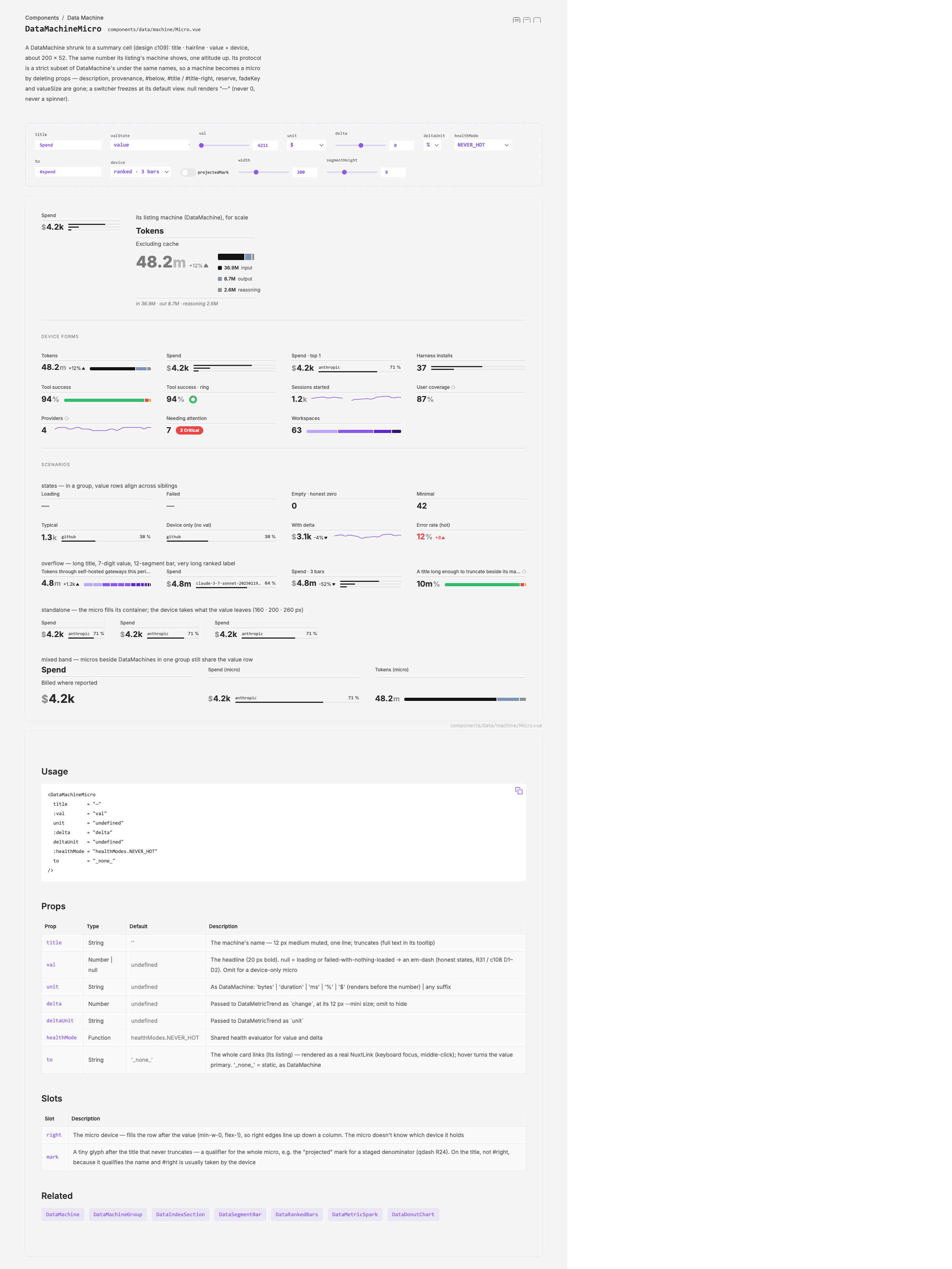
The DataMachineMicro demo: every device form and the six scenarios — loading, failed, empty, minimal, typical, overflow.
Project
Dashboard
Designer
Mark
Tool
Playwright capture
Type
screengrab
Tags
c109qcontrolindexdata-machinelayer

Qpoint Brand Style Guide